You just unboxed your shiny new iPhone 16 or 17. It’s gorgeous, the screen looks incredible, and the camera probably sees better than your own eyes. But then you grab your trusty pair of wired headphones the ones that have never let you down and you hit a wall. There is no headphone jack.
I know, I know. Apple killed the 3.5mm jack years ago, and we’re still grieving. But here you are, holding a device that costs as much as a used car, and you just want to listen to music without worrying about battery life or Bluetooth pairing issues.
The good news? You can absolutely still rock your wired cans. In fact, thanks to the switch to USB-C, the experience is actually better now than it ever was in the Lightning era. I’ve spent way too much time testing cables and dongles (my wallet hates me, FYI), so I’m going to walk you through exactly how to get your audiophile gear working with your new iPhone.
1. The USB-C Revolution: Why This Is Actually Good News
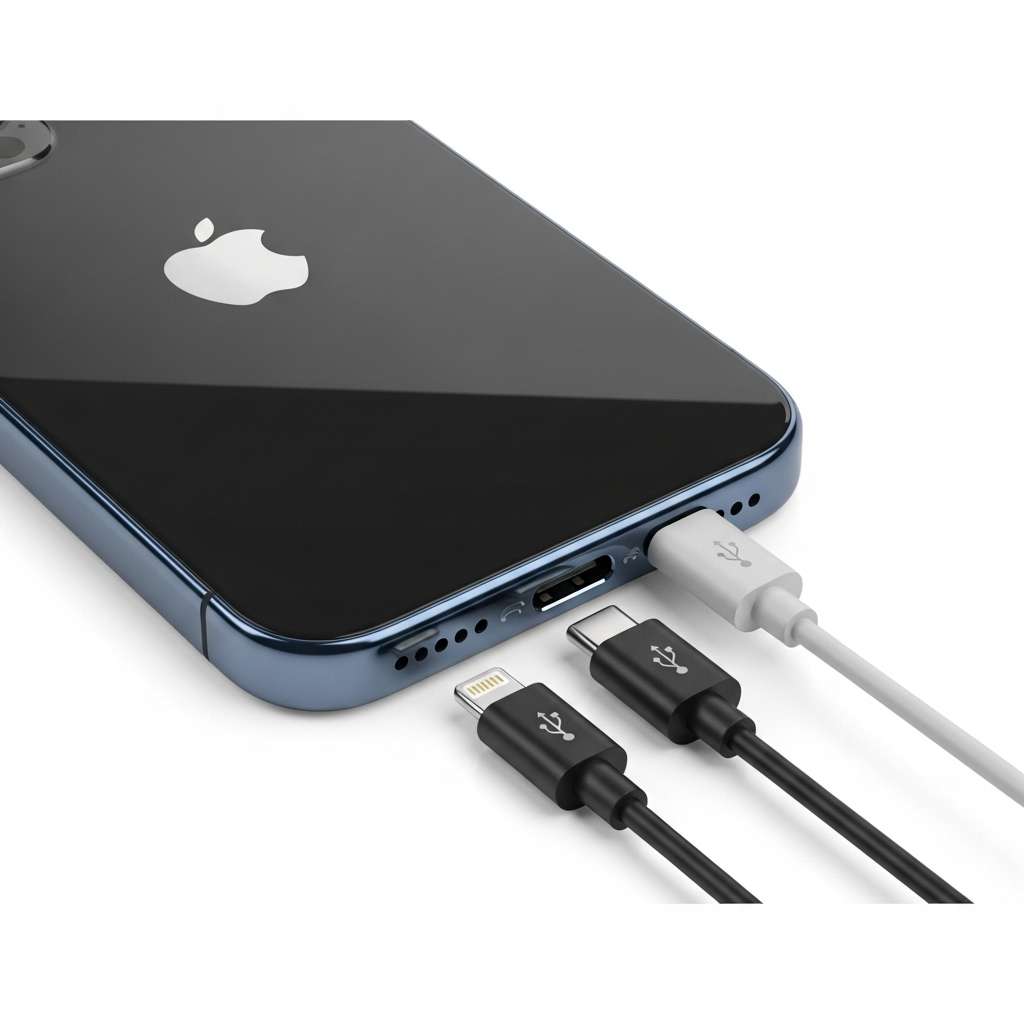
Let’s address the elephant in the room. The iPhone 15 finally dropped the Lightning port, and the iPhone 16 and 17 have fully embraced the USB-C standard. For years, I complained about Apple’s proprietary ports. Now, they finally listened.
Why does this matter for your headphones? Because USB-C is a universal standard. You no longer need accessories approved by Apple’s strict “MFi” program just to get sound out of your phone. You can use the same audio gear on your iPhone, your iPad, your MacBook, and even (dare I say it) an Android phone.
This shift opens up a massive market of audio accessories that just work. You plug them in, and the iPhone recognizes them as an audio output. It really is that simple. But, of course, you need the right hardware to bridge the gap between your phone and your headphones.
Option 1: The Simple Fix (The $9 Solution)
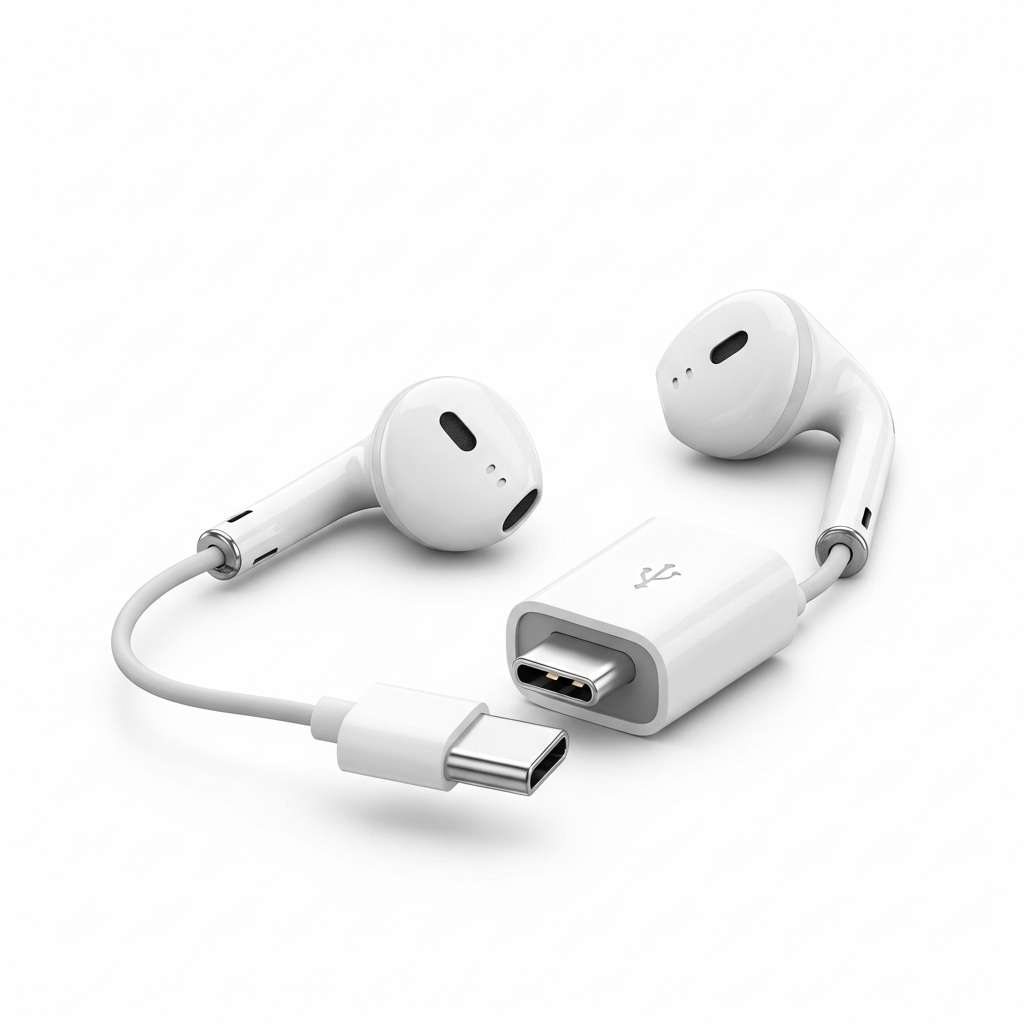
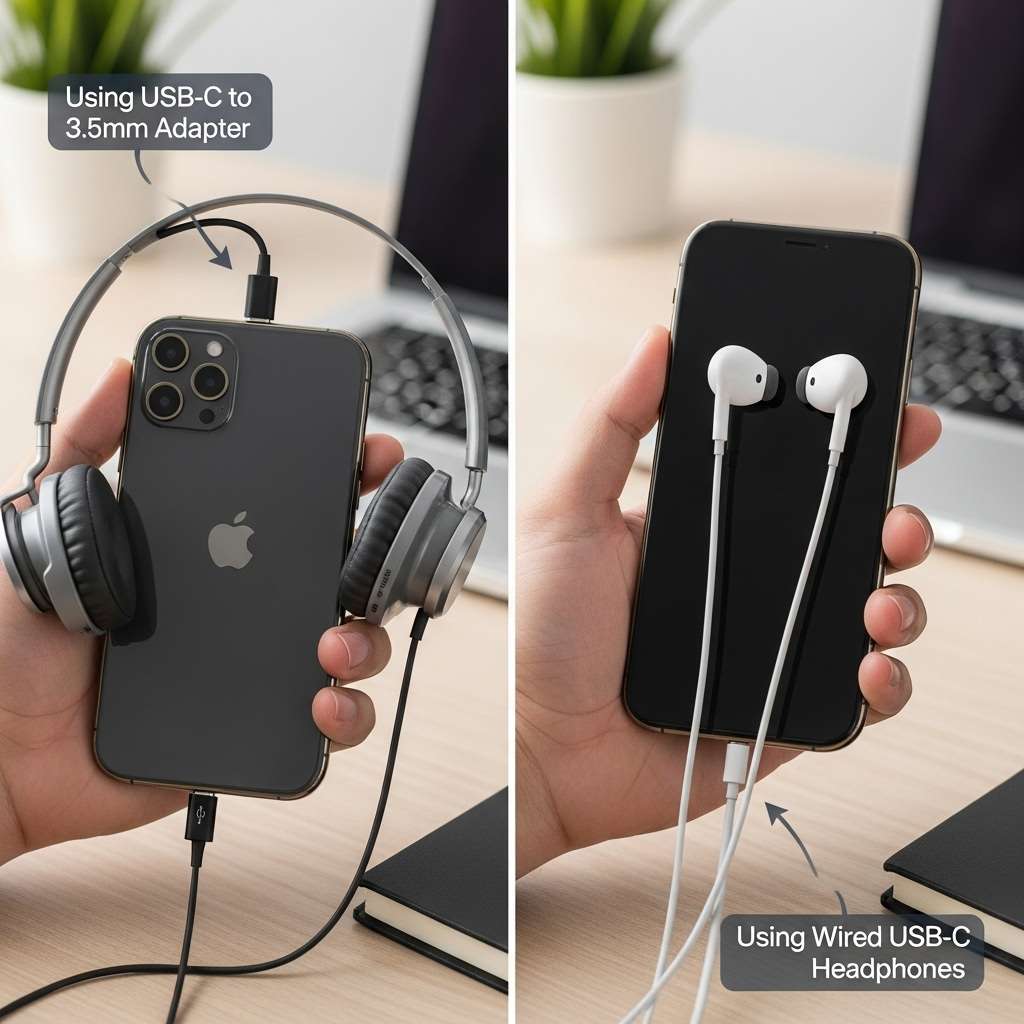
You probably just want to plug your headphones in and hit play. I respect that. The easiest, cheapest, and surprisingly effective way to do this is the Apple USB-C to 3.5mm Headphone Jack Adapter.
Why the official dongle works
Apple sells this little white dongle for about nine bucks. You might think a cheap piece of plastic would sound terrible, but you’d be wrong. Audio engineers have tested this tiny thing, and it measures shockingly well. It has a clean “noise floor” (no hissing) and drives most standard earbuds perfectly.
Here is how you use it:
- Plug the USB-C end into the bottom of your iPhone 16/17.
- Plug your 3.5mm headphone jack into the other end.
- Put your headphones on.
- Press play.
Who is this for?
This setup works perfectly for 95% of people. If you use standard earbuds, portable over-ear headphones (like the Sony MDR series or Audio-Technica M50x), or basically anything that doesn’t require a nuclear reactor to power, this adapter does the job.
I keep one in my backpack as a backup because Bluetooth batteries always die at the worst possible moment.
Option 2: The Audiophile Route (Portable DAC/Amps)
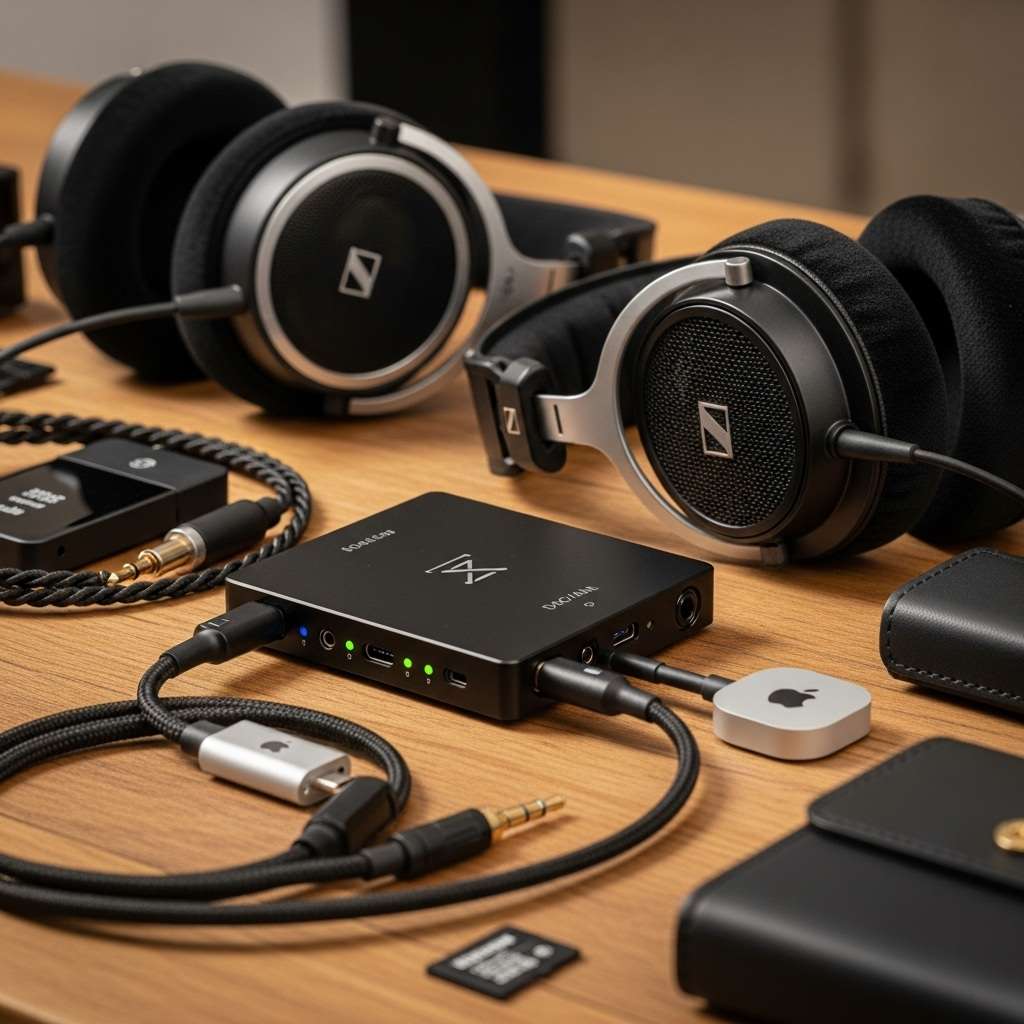
Okay, fellow audio nerds, this section is for you. Maybe you own a pair of high-impedance headphones, like the Sennheiser HD600s or some planar magnetics. If you plug those into the $9 Apple dongle, you will hear sound, but it will sound weak, thin, and sad.
You need more power. You need an external DAC (Digital-to-Analog Converter) and Amp.
What is a DAC/Amp dongle?
Your iPhone outputs digital data (zeros and ones). Your headphones need analog electrical signals to move the drivers. A DAC translates the data. While the iPhone has a tiny DAC inside, an external USB-C DAC does a much better job.
With the iPhone 16/17 switching to USB-C, you can now use the massive library of “dongle DACs” that the audiophile community loves.
My top recommendations
I have tested a dozen of these, and here are a few distinct tiers to consider:
- The Budget Kings: Look at the Fiio KA1 or the Moondrop Dawn. These are small, barely larger than the Apple adapter, but they pack significantly more power and support higher resolution audio files.
- The Mid-Range Heroes: The Questyle M12 or the iBasso DC04. These usually feature better build quality and specific chips that make the audio sound wider and more detailed.
- The “I Hate Money” Tier: The AudioQuest DragonFly Cobalt or the Luxury & Precision W2. Do you need these? Probably not. Do they sound incredible? Absolutely.
How to set it up
Using these is just as plug-and-play as the cheap adapter:
- Connect the DAC to your iPhone’s USB-C port.
- Connect your headphones to the DAC.
- Watch the little LED light on the DAC turn on (it usually changes color based on the audio quality).
- Enjoy audio that destroys AirPods Pro in terms of clarity.
Option 3: Native USB-C Headphones
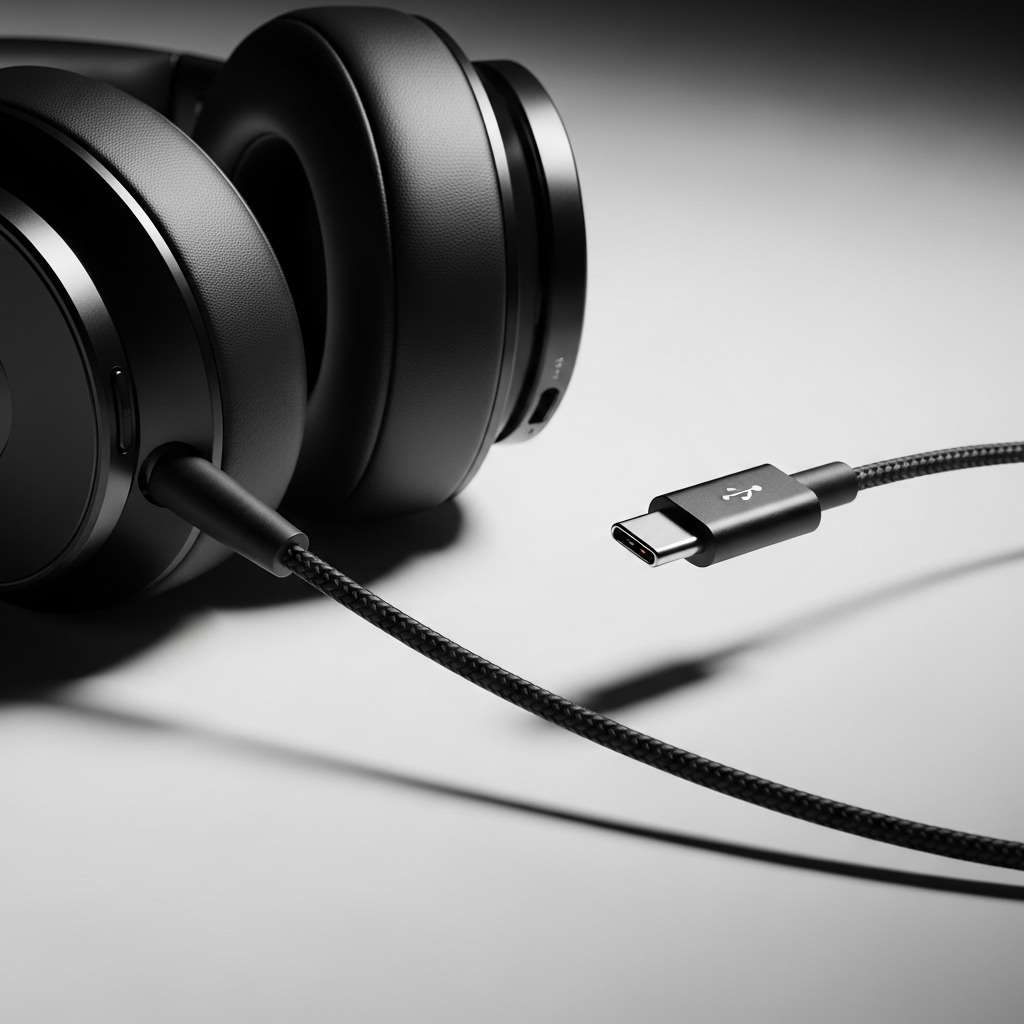
Maybe you hate dongles. I get it. A dongle adds length to your cable and creates another point of failure. If you want a clean look, you should buy headphones that terminate directly in USB-C.
The resurgence of EarPods
Believe it or not, Apple released a USB-C version of the classic wired EarPods. I bought a pair recently for calls, and honestly? They sound decent. The microphone is excellent—better than most Bluetooth headsets and they never need charging.
USB-C IEMs (In-Ear Monitors)
The audiophile market is also adapting fast. Many Chi-Fi (Chinese Hi-Fi) brands now offer cables with USB-C plugs right at the end. Brands like Moondrop (I love the “Chu II” DSP version) and Tanchjim sell fantastic sounding earbuds that plug straight into your iPhone 16/17.
Some of these even have built-in DSP (Digital Signal Processing) profiles. This means the cable itself tweaks the sound signature to make the music sound better. It’s like magic, but it’s just engineering.
2. Dealing with Legacy Lightning Headphones
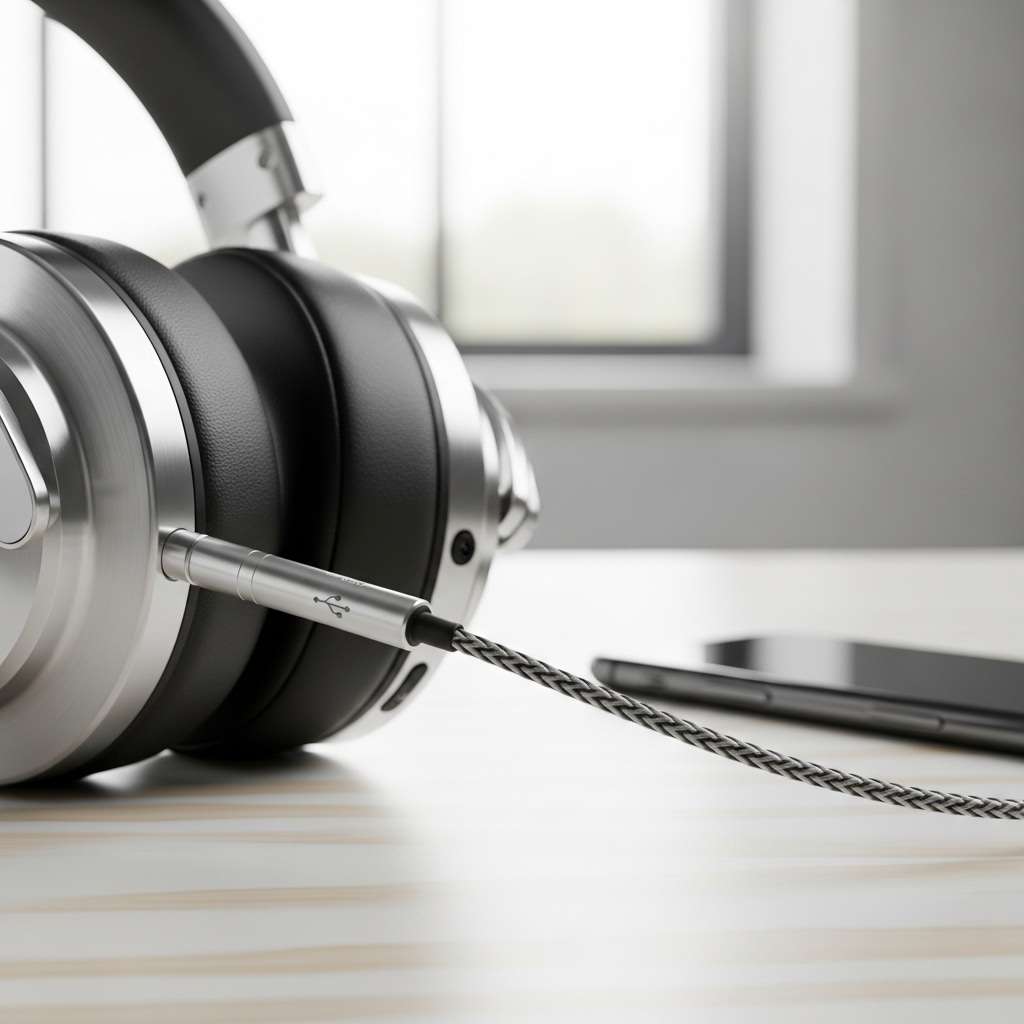
This is the tricky part. Let’s say you spent a fortune on a pair of headphones that have a Lightning connector (like the old Audeze Sine or the Beats UrBeats3). Now you have an iPhone with a USB-C port.
You are in a bit of a pickle. You cannot plug a Lightning connector into a USB-C port. Physics just won’t allow it.
The adapter nightmare
You need a specific adapter: a USB-C (male) to Lightning (female) audio adapter. Be very careful here. Many adapters on Amazon only support charging and do not support audio. You must read the description closely.
- The Anker Solution: Anker makes a USB-C to Lightning Audio Adapter that works well. It preserves the microphone function and the remote controls on your Lightning headphones.
- The Apple Solution: Apple sells a USB-C to Lightning Adapter, mostly designed for charging the Apple Pencil, but it supports audio too. It is overpriced, IMO, but it works reliably.
Honestly? Unless you absolutely love those Lightning headphones, I suggest selling them and moving to a standard 3.5mm or USB-C set. The dongle-chaining life is miserable.
3. Optimizing Your iPhone for Wired Audio
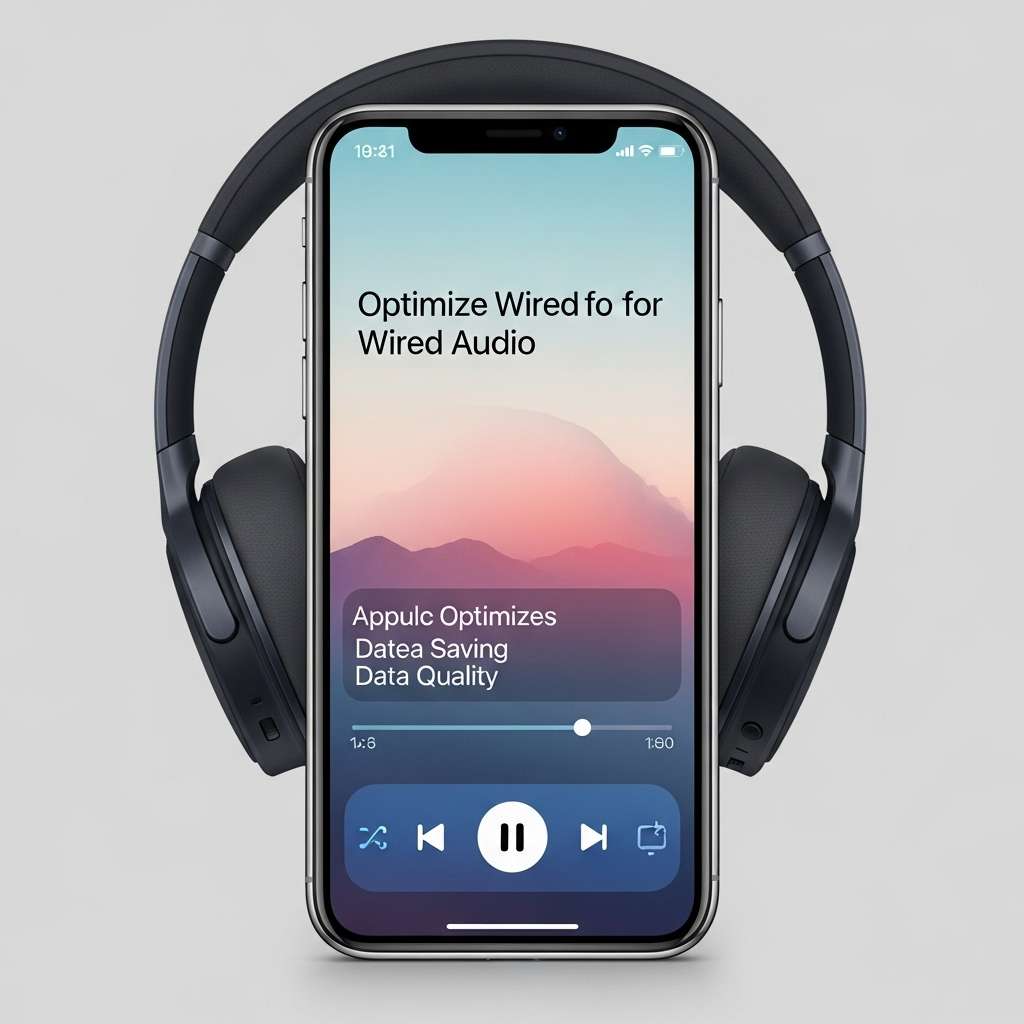
You have the gear. Now you need to fix the software. By default, Apple Music optimizes for data saving, not quality. If you are using wired headphones, you want the full experience.
Enabling Lossless Audio
Bluetooth compresses audio. Wired connections do not have to. To get the most out of your wired setup, follow these steps:
- Open the Settings app on your iPhone.
- Scroll down and tap on Music.
- Tap on Audio Quality.
- Toggle Lossless Audio to ON.
- Change “Cellular Streaming” and “Wi-Fi Streaming” to Hi-Res Lossless (ALAC up to 24-bit/192 kHz).
Warning: Hi-Res files are huge. A 3-minute song can be 150MB. If you have a 128GB iPhone, keep an eye on your storage. But the detail you get? Totally worth it. You hear breaths, guitar string squeaks, and subtle bass textures that Bluetooth simply erases.
A note on volume safety
Wired headphones, especially with external DACs, can get loud. Much louder than AirPods.
- Check your Headphone Safety settings.
- Go to Settings > Sound & Haptics > Headphone Safety.
- Make sure “Reduce Loud Sounds” is configured correctly so you don’t blow your eardrums out when you accidentally crank the volume on a powerful amp.
4. Why Bother with Wires in 2026?
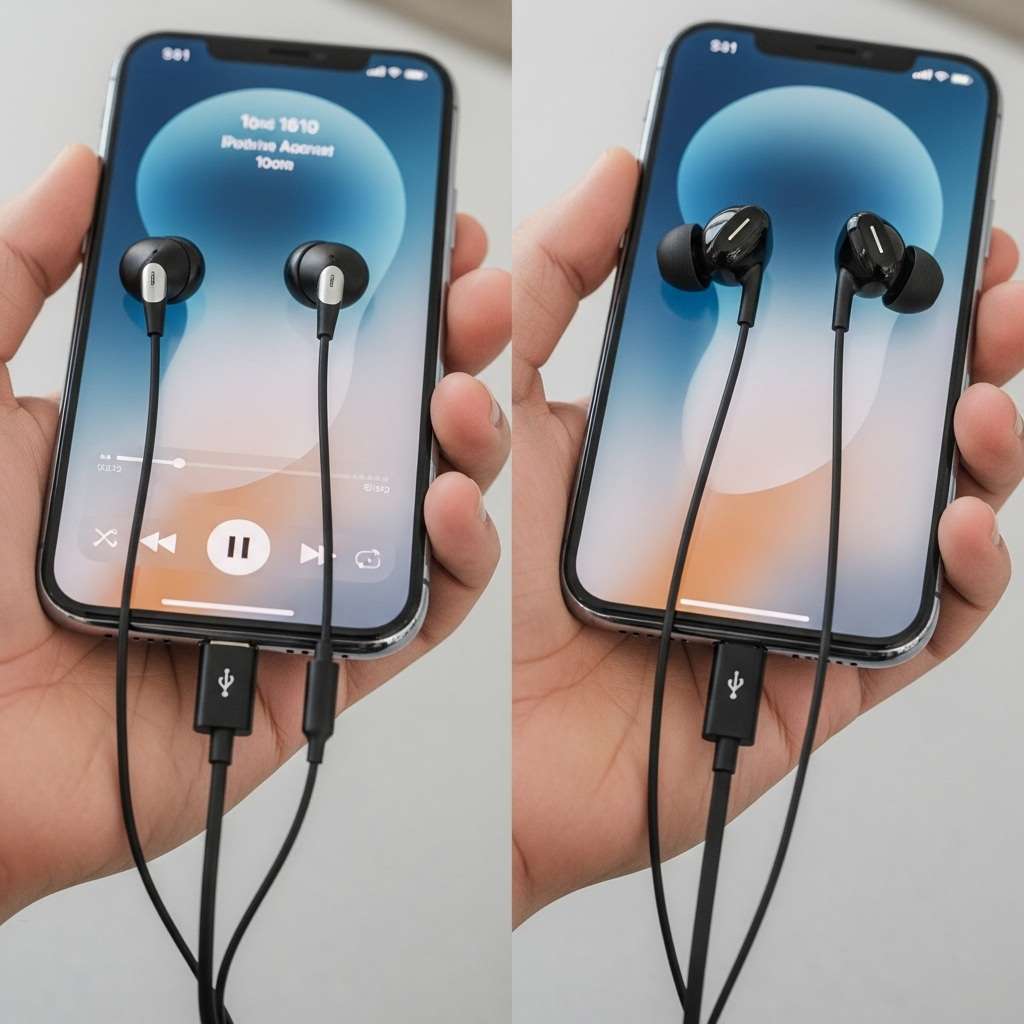
You might ask yourself, “Why am I tethering myself to my phone like it’s 2015?” It’s a fair question. Wireless is convenient. But wired audio offers three massive benefits that Bluetooth still hasn’t caught up to.
1. Zero Latency
If you play mobile games like Call of Duty: Mobile or PUBG on your iPhone 16/17, you know the pain of Bluetooth lag. You shoot, and half a second later, you hear the gunshot. With wired headphones, the sound is instant. That split-second difference wins matches.
2. Microphone Quality
Have you ever heard someone talking on AirPods in a windy environment? They sound like a robot trapped in a tunnel. Wired microphones even on cheap earbuds usually sound clearer because the signal doesn’t undergo heavy compression before reaching the phone. Your friends on FaceTime will thank you.
3. The “It Just Works” Factor
My wired headphones never run out of battery. I never have to put them back in a case to charge. I never have to open a Bluetooth menu to force them to connect. I plug them in, and music happens. In a world where everything needs charging, a passive pair of headphones feels like a luxury.
5. Troubleshooting Common Issues
Sometimes, things go wrong. Here is a quick checklist if you plug in your wired setup and hear nothing but silence.
- Check the Port: USB-C ports collect pocket lint like it’s their job. Use a wooden toothpick to gently scrape out any fluff from your iPhone’s charging port. If the connector doesn’t click in satisfyingly, lint is usually the culprit.
- Unlock the Phone: sometimes (rarely), the iPhone requires you to unlock the screen to approve a USB accessory connection for security reasons.
- Restart the App: If Apple Music or Spotify refuses to switch output to the headphones, force close the app and reopen it.
- Volume Limits: Ensure your volume isn’t turned all the way down. Sometimes the iPhone remembers a different volume profile for headphones vs. speakers.
Conclusion
Transitioning to the iPhone 16 or 17 doesn’t mean you have to throw your beloved wired headphones in the trash. In fact, the move to USB-C makes using them easier and more versatile than before.
Whether you choose the $9 Apple adapter for simplicity or a fancy DAC/Amp to drive high-end gear, the audio quality you get from a wired connection still beats the best Bluetooth codecs out there. Plus, you look cooler. Okay, maybe not cooler, but you definitely look like someone who cares about their music.
So, grab that dongle, plug in, and enjoy your music the way the artist intended uncompressed and uninterrupted.
Would you like me to recommend a specific playlist to test your new wired setup?