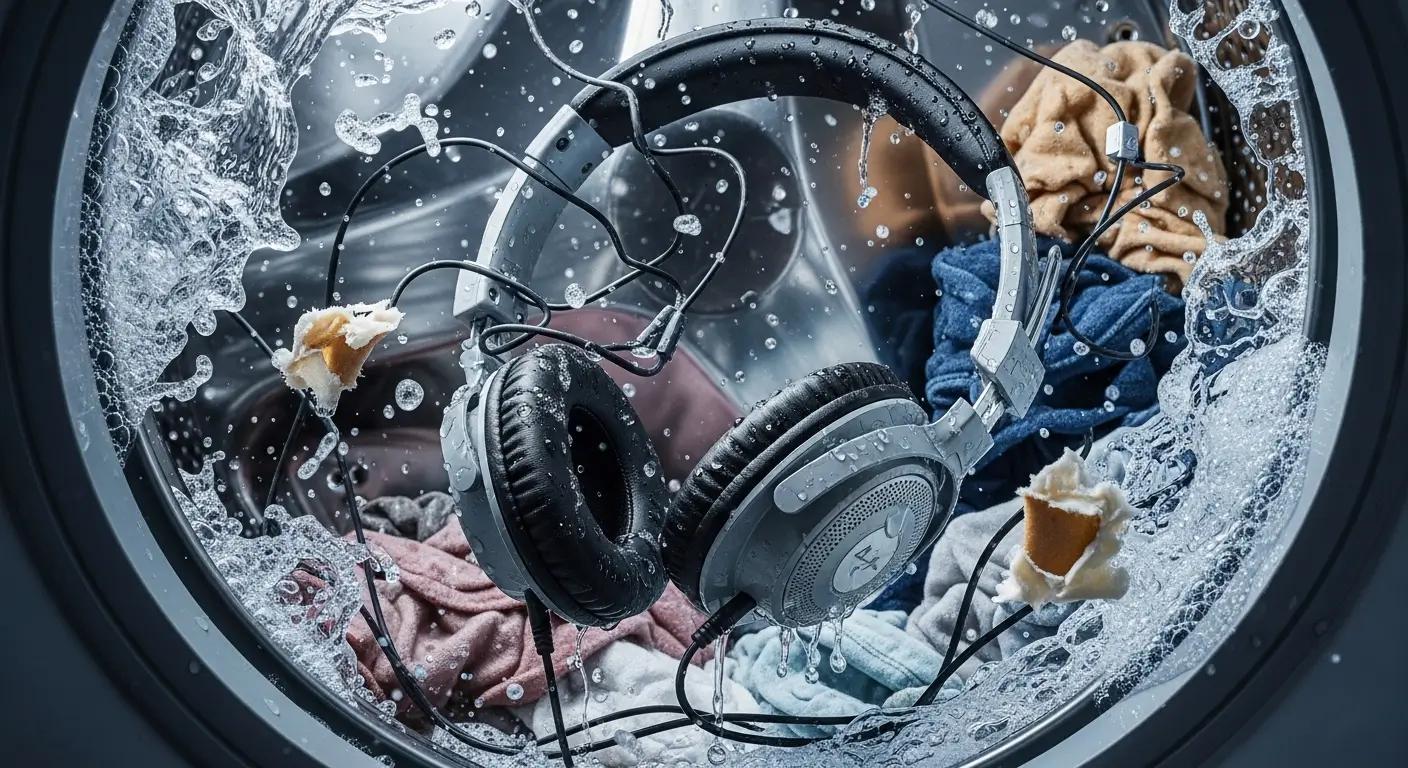
We have all felt that specific, stomach-churning drop. You know the one. You pull a soggy pair of jeans out of the washer, and a tangled mess of wires or worse, a sleek plastic charging case tumbles onto the floor. Panic sets in immediately. You stare at your beloved audio gear, dripping wet and smelling like fresh linen, and ask the ultimate question: Are they dead?
I have destroyed my fair share of electronics in the laundry. It is a rite of passage for anyone who multitasks. But before you toss them in the trash or rush to buy a replacement, take a breath.
Headphones are surprisingly resilient little gadgets. While manufacturers definitely do not recommend a spin cycle, your earbuds might just live to play another song.
Let’s figure out if your headphones can survive the soapy apocalypse and, more importantly, how you can help them pull through.
1. The Immediate Response: What To Do Right Now
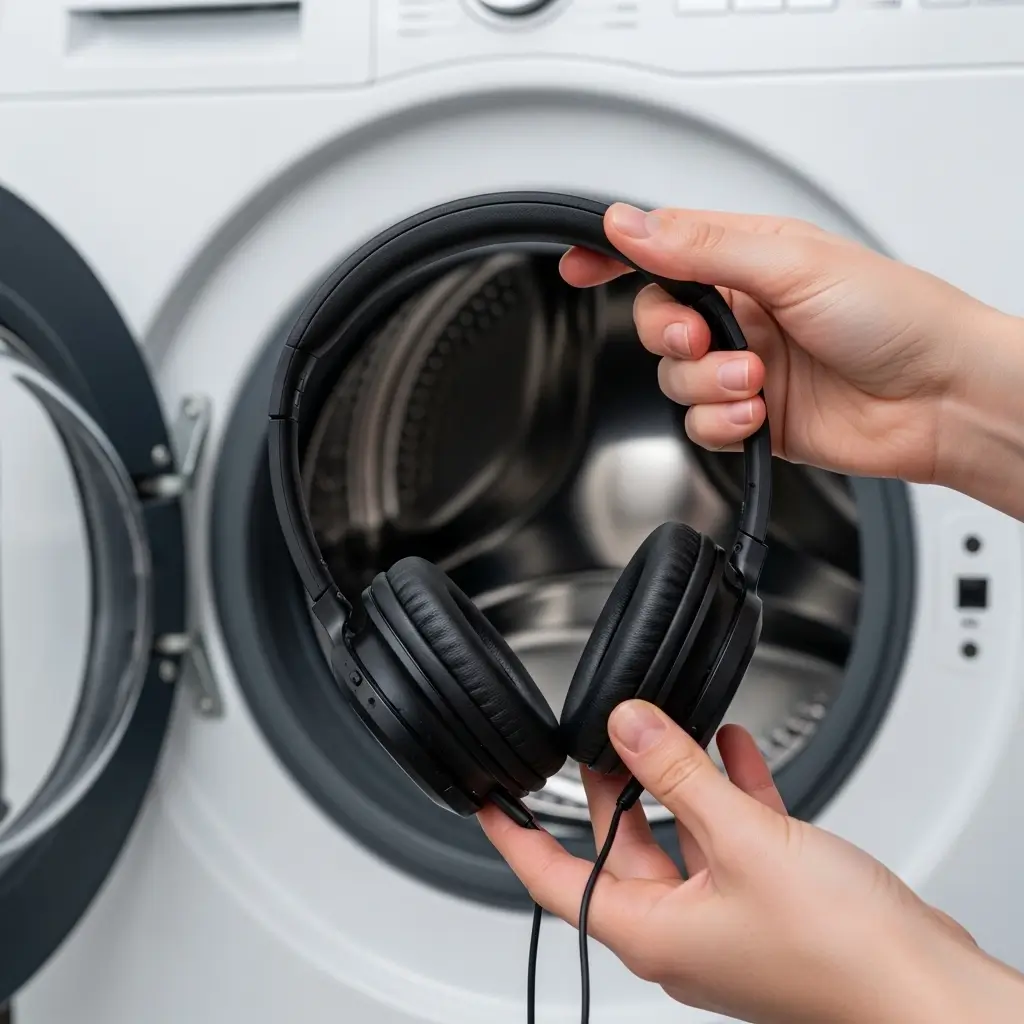
Time is your enemy here. If you are standing in front of your washing machine holding wet headphones, stop reading this intro and act now. The actions you take in the first five minutes determine whether your device survives or becomes a paperweight.
Do Not Turn Them On
I cannot stress this enough. Do not press the power button. Do not try to pair them with your phone to see if they “still work.” Curiosity is the number one killer of wet electronics.
Here is why: Water itself does not always kill electronics immediately. Short circuits do. If water is bridging the connections inside your device and you send electricity through it, you fry the components instantly. Leave them off. If they are wireless earbuds inside a case, take the buds out of the case immediately to stop the charging process.
Remove Them From the Source
Get them away from the wet clothes. If they are in a case, open it. If they have removable ear tips or wings, take those off too. You want to expose as much surface area as possible to the air. Shake them gently to dislodge any large water droplets trapped in the ports or speaker grills.
2. Why The Washing Machine is So Dangerous
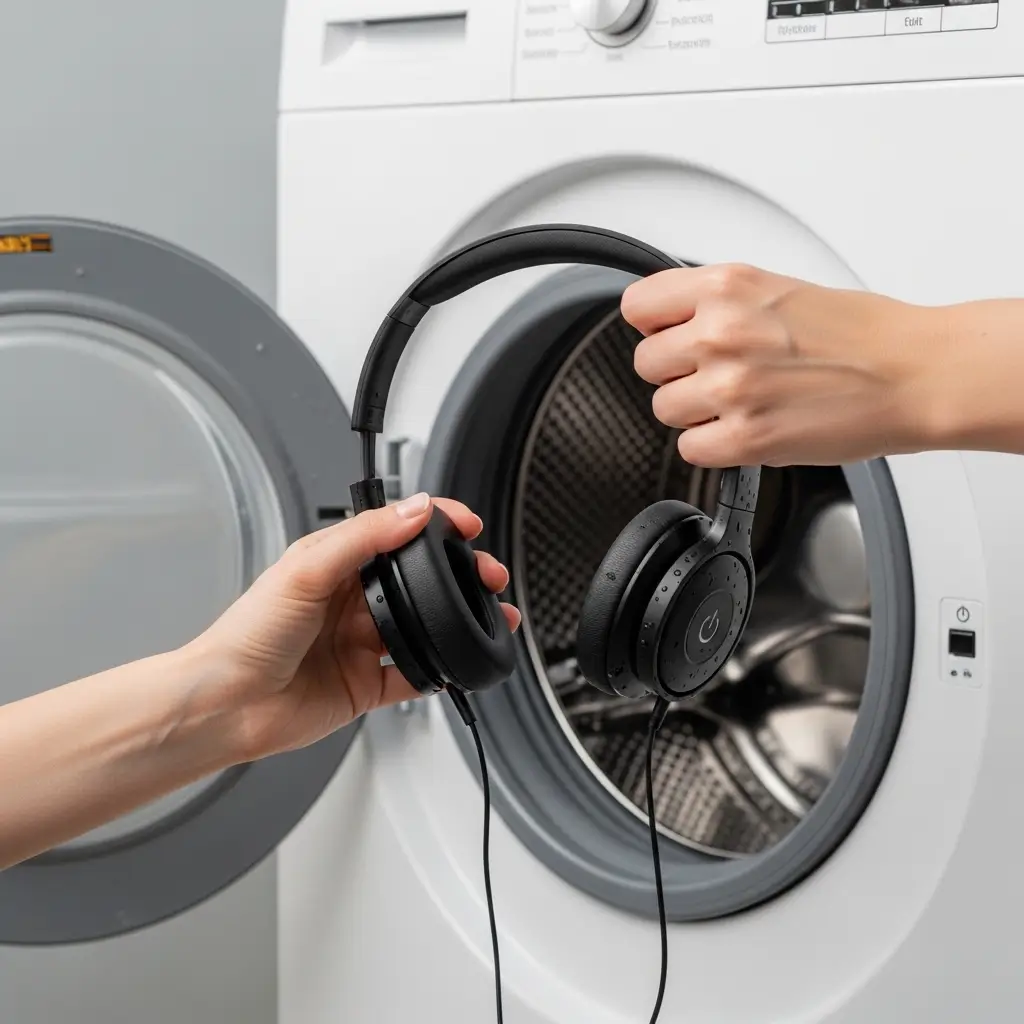
You might think, “Hey, my headphones have an IPX rating, they are water-resistant!” That is true, but a washing machine is a different beast entirely. It isn’t just a splash of water; it is a hostile environment.
The Problem with Pressure and Heat
Water resistance ratings (IP ratings) usually test for static pressure or sprays. They do not account for your washing machine slinging your AirPods around at 1200 RPM.
The centrifugal force can push water into seals that would normally repel rain or sweat. Plus, if you washed your clothes on a hot cycle, the heat can weaken the glue holding the casing together, making it easier for water to intrude.
The Soap Factor
This is the silent killer. Water is bad, but detergent is worse. Pure water is actually not that conductive. But the water in your washer is full of minerals and soap surfactants. These chemicals lower the surface tension of water, allowing it to slip into tighter cracks.
Even worse, when the water dries, the detergent leaves behind a residue. This residue acts as a bridge for electricity or corrodes the delicate copper contacts on your circuit board over time.
3. Wired vs. Wireless: Who Survives Better?
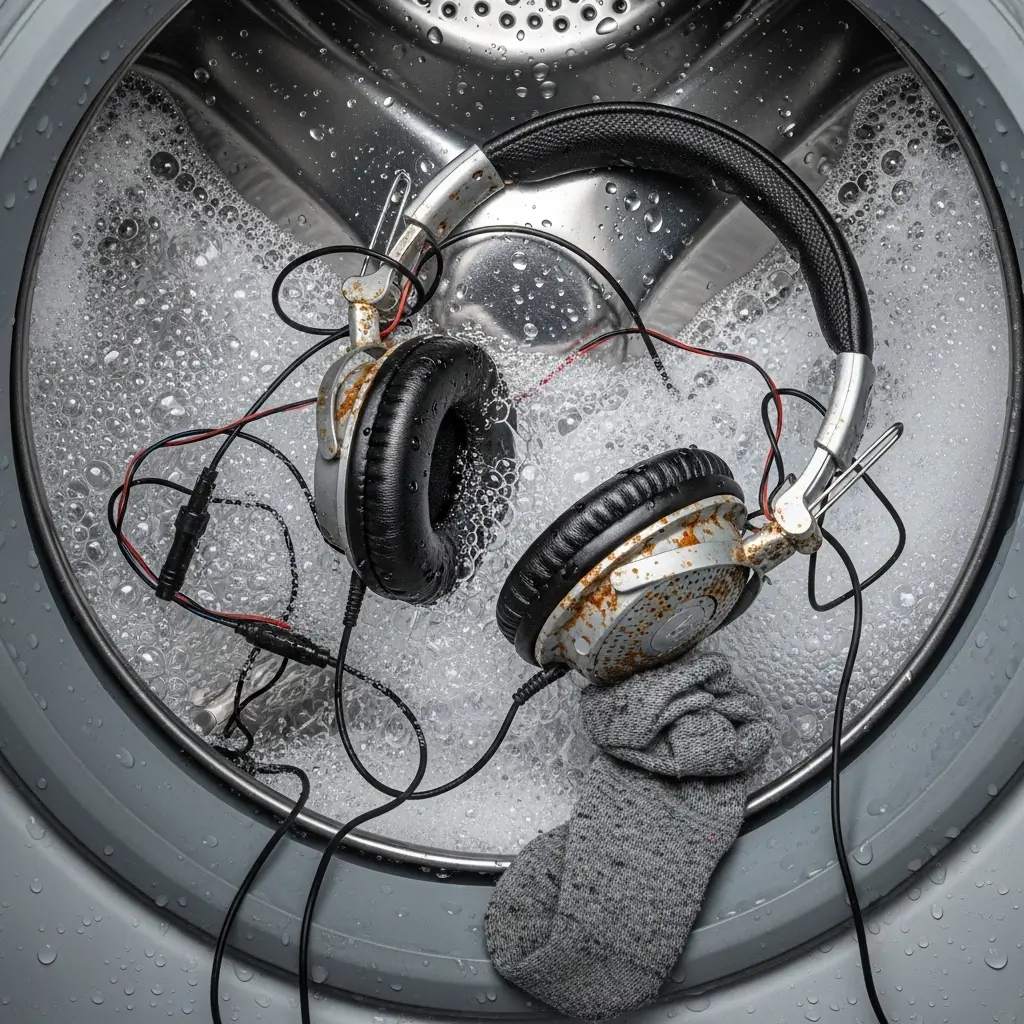
Not all headphones face the same odds. The type of gear you washed plays a massive role in the survival rate.
Wired Earbuds (The Survivors)
If you washed a pair of old-school wired earbuds (the kind with a 3.5mm jack or USB-C connector), you should celebrate. These simple devices have no internal battery and very uncomplicated circuitry.
- No Battery: Since there is no power source inside the headphones, they cannot short circuit while tumbling in the washer.
- Sealed Drivers: The speaker drivers are usually the only sensitive part, and they dry out relatively well.
I once washed a pair of cheap wired buds three times in a month. They sounded a bit tinny for a day, but they bounced back perfectly. Wired headphones have the highest survival rate by far.
Wireless Earbuds and Cases (The High Risk)
This is where things get tricky. True wireless earbuds (TWS) like AirPods, Galaxy Buds, or Pixel Buds pack a lot of tech into a tiny space. They contain batteries, Bluetooth antennas, microphones, and touch sensors.
- The Charging Case: This is usually the weak point. The case has a larger battery and an open charging port. It rarely has the same water resistance rating as the buds themselves. If the case went through the wash, it is often the first thing to die.
- The Buds: These stand a decent chance if they have a high IP rating (IPX4 or higher). However, the charging contacts on the buds are vulnerable to corrosion.
4. The Rescue Protocol: How to Dry Them Properly
Okay, you retrieved them, you didn’t turn them on, and you assessed the situation. Now we enter the recovery phase. Follow these steps religiously.
1. The Centrifugal Shake
Hold the headphones firmly and give them a sharp downward shake (like you are trying to get the last bit of ketchup out of a bottle). This forces trapped water out of the charging ports and speaker grills. Be careful not to throw them across the room—that would be ironic and tragic.
2. The Alcohol Wipe (Optional but Recommended)
Remember that soap residue I mentioned? If your headphones are covered in laundry detergent, it might be worth wiping them down with 91% or 99% isopropyl alcohol. This displaces the water and helps clean off the conductive soap scum. Do not soak them; just use a cloth or a Q-tip to clean the exterior and the charging contacts.
3. Air Circulation is King
Place the headphones in a warm, dry spot with good airflow. A windowsill with a gentle breeze is great. A spot near (but not on) a radiator works too. You want to encourage evaporation.
Avoid the Hair Dryer: Do not blast your headphones with a hot hair dryer. The intense heat can warp the plastic diaphragms inside the speakers or damage the lithium-ion battery. If you must use a hair dryer, use the “Cool” setting only.
4. The Desiccant Method (Better Than Rice)
We need to draw the moisture out of the internal components. You need a desiccant a substance that absorbs water from the air.
- Silica Gel Packets: You know those little packets that come in shoe boxes and beef jerky bags that say “DO NOT EAT”? They are your best friend right now. They absorb moisture incredibly efficiently without leaving dust. Place your headphones in a Ziploc bag with as many of these packets as you can find.
- Crystal Cat Litter: If you don’t have silica packets, check the garage. Crystal cat litter is essentially just bulk silica gel. It works wonders.
- The Rice Debate: Look, everyone suggests uncooked rice. Does it work? Yes, sort of. Is it the best? No. Rice absorbs water slowly, and it leaves starchy dust inside your charging ports. Use it only if you have absolutely no other option. IMO, it’s not worth the risk of getting starch stuck in your USB-C port.
5. The Waiting Game (Patience is Key)
This is the hardest part. You need to wait.
Leave them in the desiccant for at least 48 hours.
I know you want to check them. You want to see if your expensive investment is safe. But if a single drop of water remains inside when you power them up, you blow the circuit. Wait two full days. Three is even better. Go listen to the birds outside or something while you wait.
6. Testing Day: The Moment of Truth
It has been 48 hours. You removed the headphones from the silica gel bag. Now comes the test.
- Visual Inspection: Look at the charging contacts. do you see any blue or green crust? That is corrosion. Scrape it off gently with a toothpick before proceeding.
- The Case Test: If you have wireless buds, plug the case into a charger (without the buds inside). Watch the LED light. Does it light up? If yes, that is a huge win.
- The Bud Test: Place the buds in the case. Do they charge?
- The Audio Test: Connect them to your phone. Play a song at low volume. Listen for static, crackling, or channel imbalance (one side louder than the other).
If they turn on and play music, congratulations! You beat the odds. If they sound a bit muffled, there might still be moisture on the driver mesh. Give them another 24 hours of drying time.
7. What If They Sound Weird?

Sometimes they survive, but they aren’t quite right.
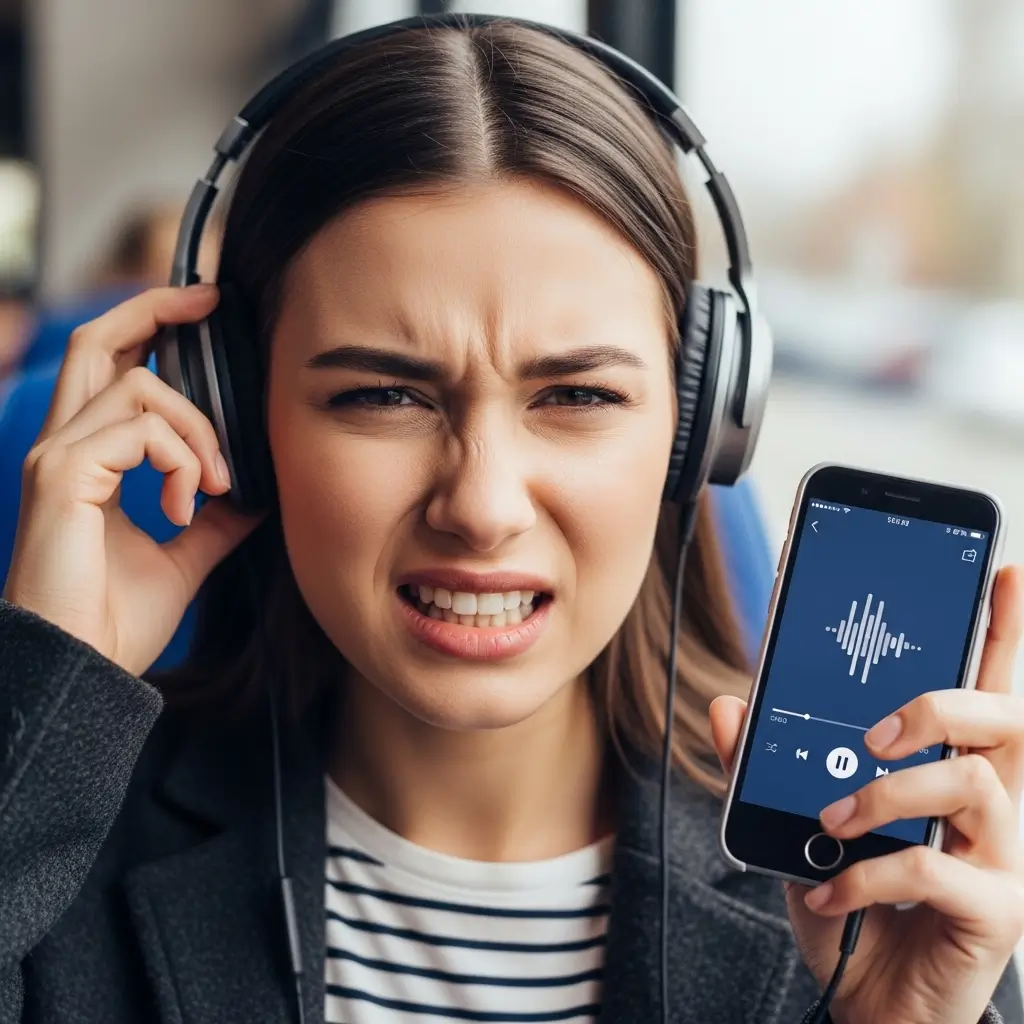
- One Earbud is Quieter: This usually means water residue is clogging the mesh. You can try sucking gently on the earbud (gross, I know, but effective) to dislodge the water, or use a “water eject” sound frequency video on YouTube which plays low tones to push water out.
- Static Noise: This indicates localized corrosion or a partial short. Unfortunately, this is usually permanent.
- Charging Issues: If the buds work but won’t charge, the contacts are likely corroded. Clean them vigorously with a pencil eraser or isopropyl alcohol.
8. When to Accept Defeat
Sometimes, despite your best efforts, the washing machine wins. If you see smoke, smell burning plastic, or the battery case bulges, stop immediately. A damaged lithium battery is a fire hazard. Do not try to charge a swollen battery.
Also, check your warranty. FYI, most standard warranties explicitly exclude water damage. Manufacturers place Liquid Contact Indicators (LCIs) inside devices that turn red when exposed to water. So, playing dumb at the Apple Store probably won’t work. However, if you bought AppleCare+ or a similar accidental damage protection plan, you are in luck! They cover “accidents,” and laundry definitely counts as an accident.
Prevention: Save Yourself the Headache
The best repair is prevention. How do we stop this from happening again?
- The Pocket Pat-Down: Make it a habit. Before any pants go in the hamper, pat the pockets.
- The Carabiner Rule: If your headphone case has a loop, clip it to your keys or belt loop. You rarely wash your keys, right?
- Designated Laundry Basket: Use a specific small basket for “clothes I just took off.” Don’t throw them directly into the washer. This gives you a second chance to check pockets before load day.
Conclusion
So, can headphones survive the washing machine? The answer is a solid maybe.
It comes down to luck, the type of headphones, and how quickly you react. Wired headphones are the cockroaches of the audio world—they survive almost anything. Wireless buds are more fragile, but they are built better today than they were five years ago.
If you just pulled your AirPods out of the spin cycle, don’t lose hope. Dry them out, keep them off, and pray to the tech gods. And if they don’t survive? Well, maybe it’s the universe telling you it’s time for an upgrade.
Just remember: next time you do laundry, check your pockets twice. It is cheaper than buying new gear.