You run down the trail, hit your stride, and your phone starts buzzing in your pocket. Do you stop, ruin your pace, and dig out your phone just to see it’s a spam call? I hate that scenario. You probably hate it too. This exact situation makes people ask: do headphones announce caller name?
I remember training for a 10K last year. My phone rang constantly with junk calls. I finally figured out how to make my earbuds tell me who was calling. It changed my whole routine. You absolutely need this feature if you value your focus and sanity.
1. The Short Answer: Yes, They Absolutely Do!
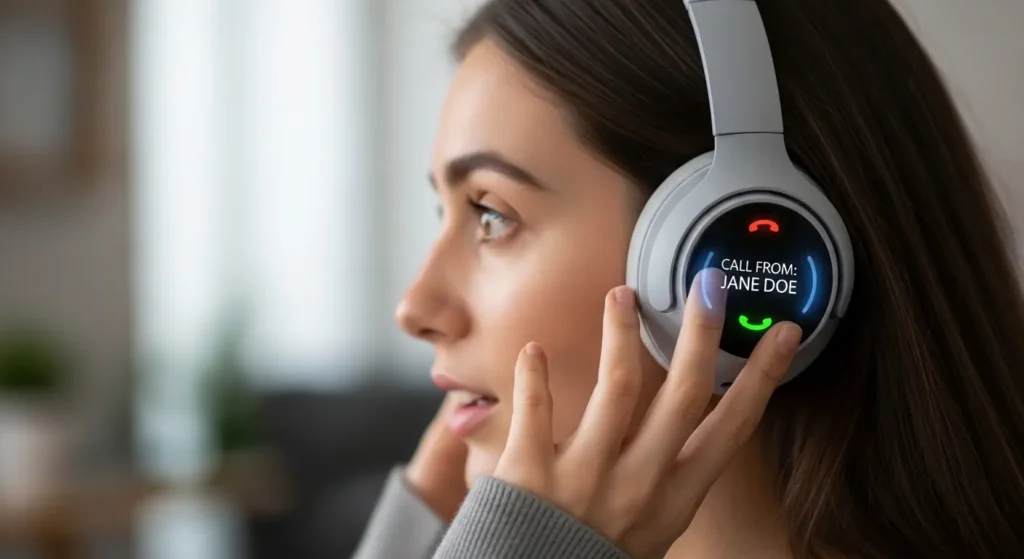
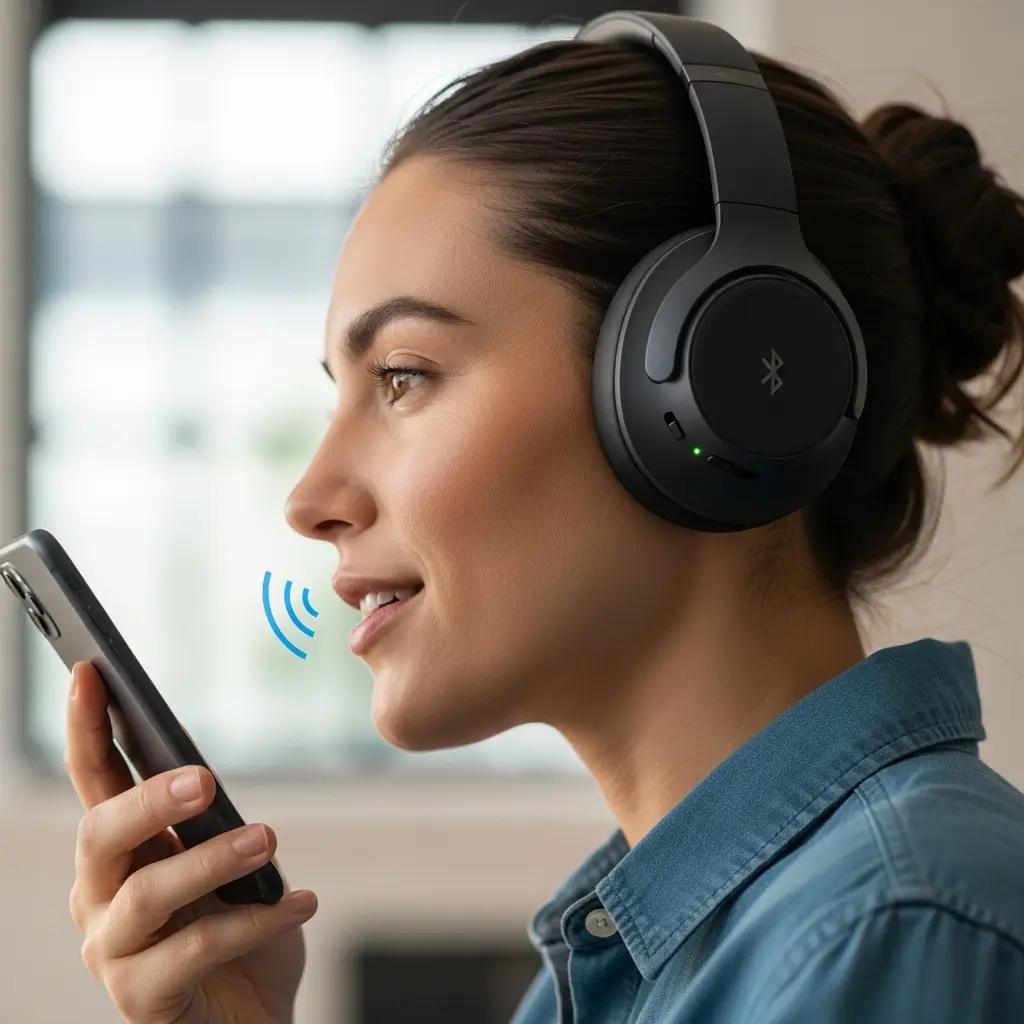
Most modern wireless headphones pack smart features. They read your notifications and announce incoming calls right into your ears. You do not need magic to make this happen. You just need a smartphone and a decent pair of Bluetooth earbuds.
Your phone’s operating system actually does the heavy lifting. Your headphones simply act as the messenger. Apple uses Siri, and Android uses Google Assistant. They intercept the incoming call data, read the contact name, and speak it aloud.
Why You Want This Feature Enabled
You might wonder if you really need your headphones talking to you. Ever tried washing dishes when your boss calls? You cannot easily grab your phone with wet, soapy hands. Caller announcements solve this problem instantly.
- You maintain your focus: You keep your eyes on the road, your hands on the keyboard, or your mind on your workout.
- You screen calls effortlessly: You hear “Mom calling” and answer immediately. You hear “Scam Likely” and ignore it.
- You stay physically safe: Drivers keep their hands on the wheel. Cyclists keep their eyes on the path ahead.
2. How Apple Makes It Happen
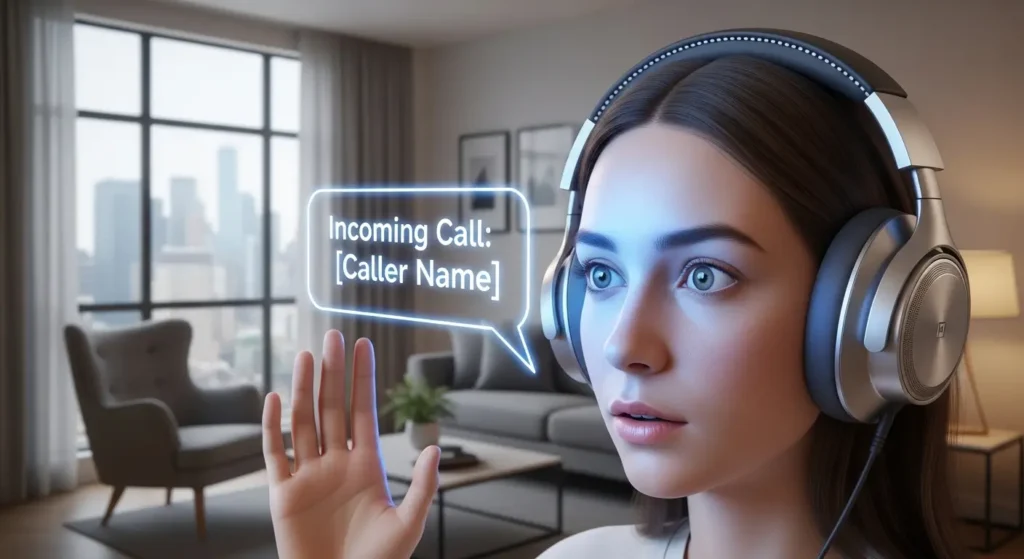
Apple builds incredible synergy between iOS and AirPods. I own a pair of AirPods Pro, and the integration feels seamless. Siri acts as your personal secretary. When a call comes in, Siri gently lowers your music and tells you exactly who wants your attention.
Apple does not restrict this to AirPods, FYI. Beats headphones use the exact same Apple silicon chips. Siri works just as well on those models. You can even use third-party Bluetooth headphones, though the experience sometimes feels a tiny bit slower.
Setting Up Caller ID on iPhone
You want to turn this on right now. Grab your iPhone and follow these exact steps.
- Open the Settings app on your iPhone.
- Scroll down and tap on Siri & Search.
- Find and tap the Announce Calls option.
- Select Headphones Only to keep the announcements private.
You now have a smart assistant screening your calls. Siri will even ask if you want to answer. You just say “Yes” or “No,” and Siri handles the rest. I find this incredibly futuristic, even after using it for years.
3. Android Tackles the Caller Name Problem
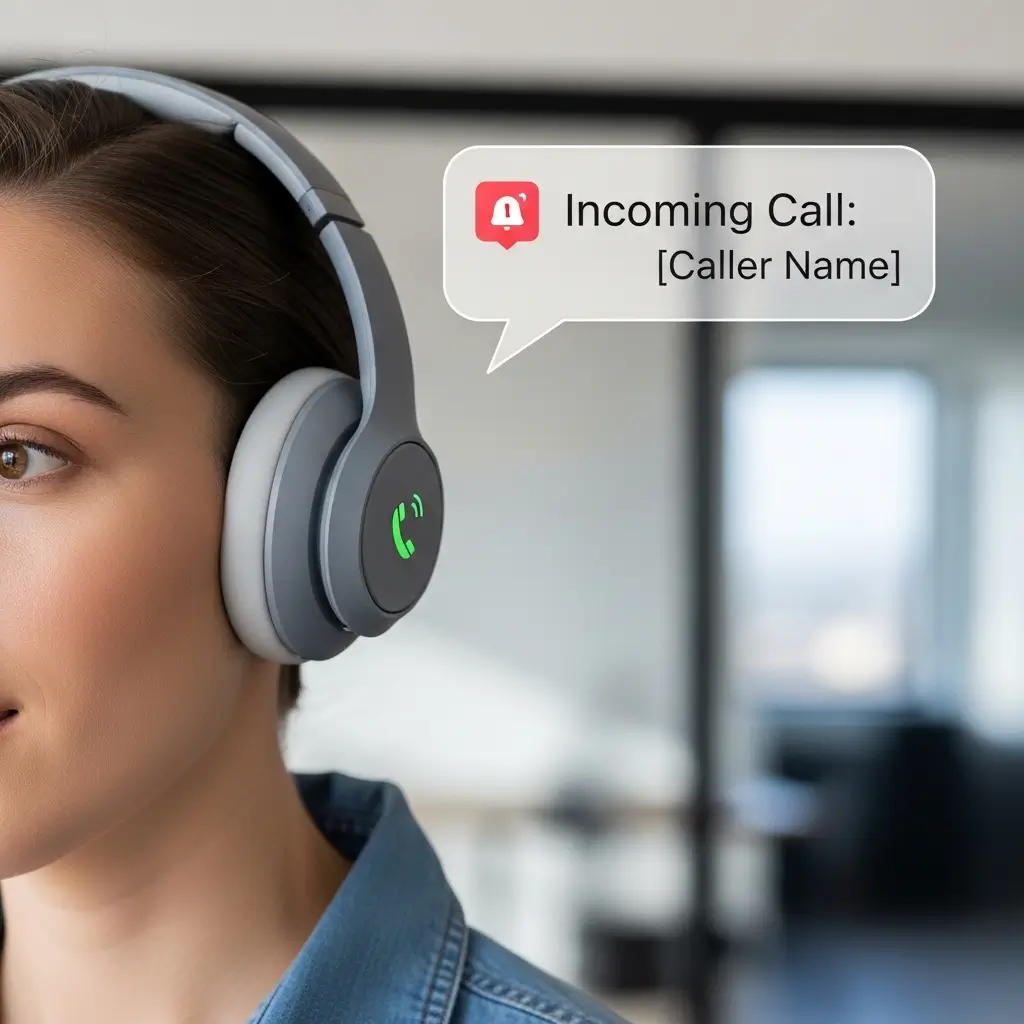
Android users get the same great functionality. Google Assistant handles the vocal duties here. I use a Google Pixel as my work phone, and the caller announcement feature works flawlessly. You get a massive amount of flexibility with Android devices.
Google Assistant plays nicely with almost any Bluetooth headset. You do not need to buy specific “Google” headphones. Sony, Bose, Jabra, and even cheap budget earbuds work perfectly fine. The Android system sends the audio prompt directly over the Bluetooth connection.
Enabling the Feature on Android Devices
Android menus vary by manufacturer, but you can usually find the setting in the main Phone app. Samsung, Motorola, and Pixel phones all follow a similar path.
- Open your default Phone app.
- Tap the three vertical dots in the top right corner.
- Select Settings from the drop-down menu.
- Scroll to the bottom and tap Caller ID announcement.
- Change the setting to Only when using a headset.
Your Android phone now possesses the power of speech. You never have to guess who is ringing you up during your commute again.
4. Headphones That Excel at Announcing Calls
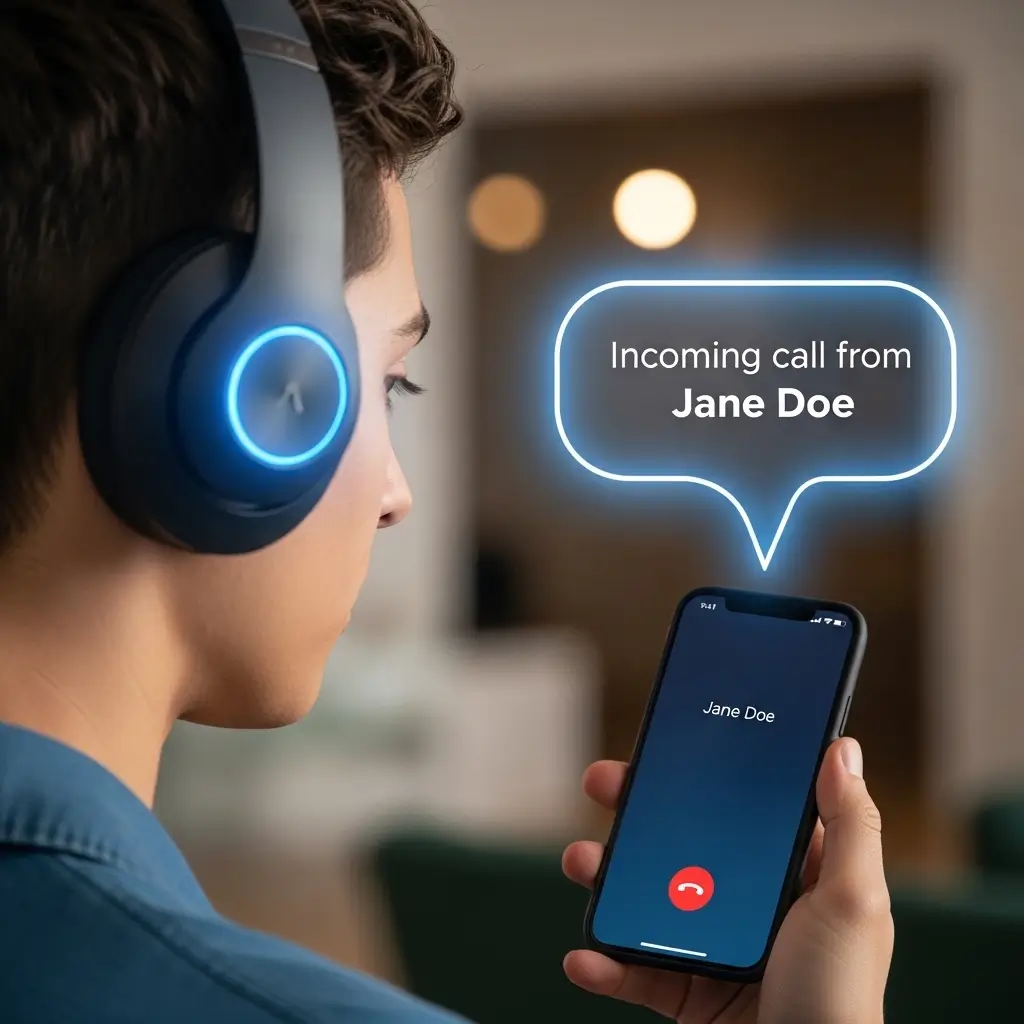
You want hardware that actually sounds good when it talks to you. Some cheap headphones muffle the assistant’s voice. I test a lot of audio gear, and I have clear favorites for call management.
Apple AirPods Pro
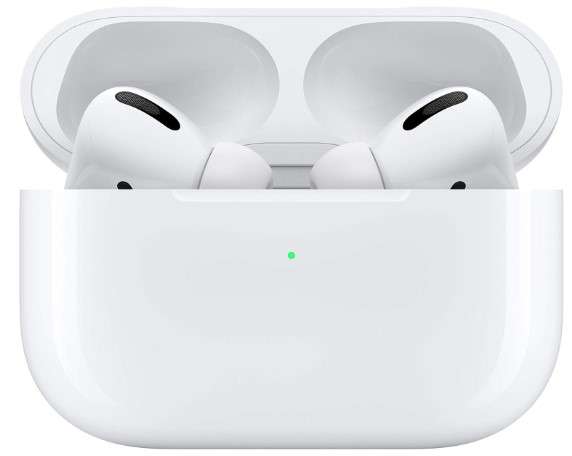
I consider the AirPods Pro the gold standard for Apple users. The internal chip processes Siri’s voice with crystal clarity. The transparency mode also lets you hear your own voice naturally when you answer the call. I love this feature because it stops me from shouting at the person on the other end.
- Seamless Siri integration: Siri responds instantly without noticeable lag.
- Excellent microphones: Callers hear you perfectly, even in windy conditions.
- Automatic device switching: They switch between your Mac and iPhone flawlessly.

Sony WH-1000XM5
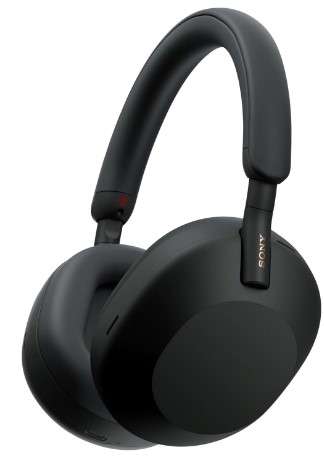
Over-ear fans should look at the Sony WH-1000XM5. These headphones feature incredible noise cancellation. They also support Google Assistant and Amazon Alexa right out of the box. You get top-tier sound quality and brilliant smart features.
- Industry-leading ANC: You block out the world and focus purely on your phone call.
- Precise Voice Pickup technology: Sony uses multiple microphones to isolate your voice.
- Multipoint connection: You connect to your laptop and phone simultaneously.
Jabra Elite Series
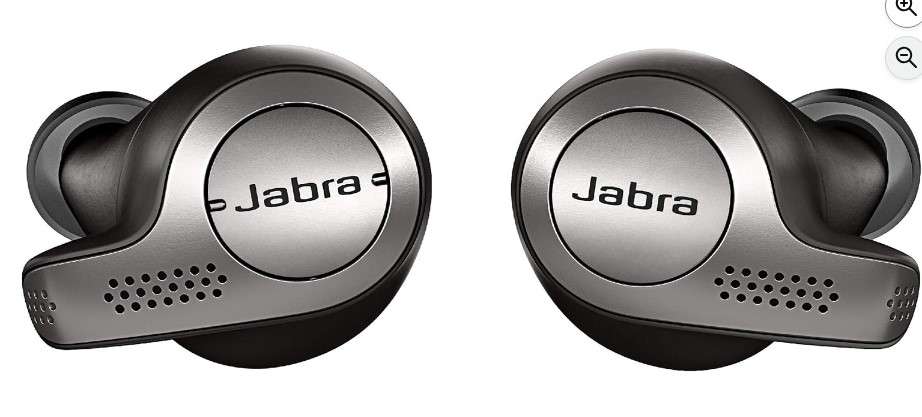
Jabra makes fantastic earbuds for professionals. IMO, the Jabra Elite 8 Active represents the best value for workout enthusiasts. They withstand sweat, dirt, and water. They also announce your calls clearly through your chosen voice assistant.
- Rugged durability: You can drop them, sweat on them, or wash them in the sink.
- Physical tactical buttons: You press a real button to answer calls, which works perfectly with winter gloves.
- Customizable sound profile: The Jabra app lets you tweak the audio equalizer.
5. The Annoying Quirks You Should Know About
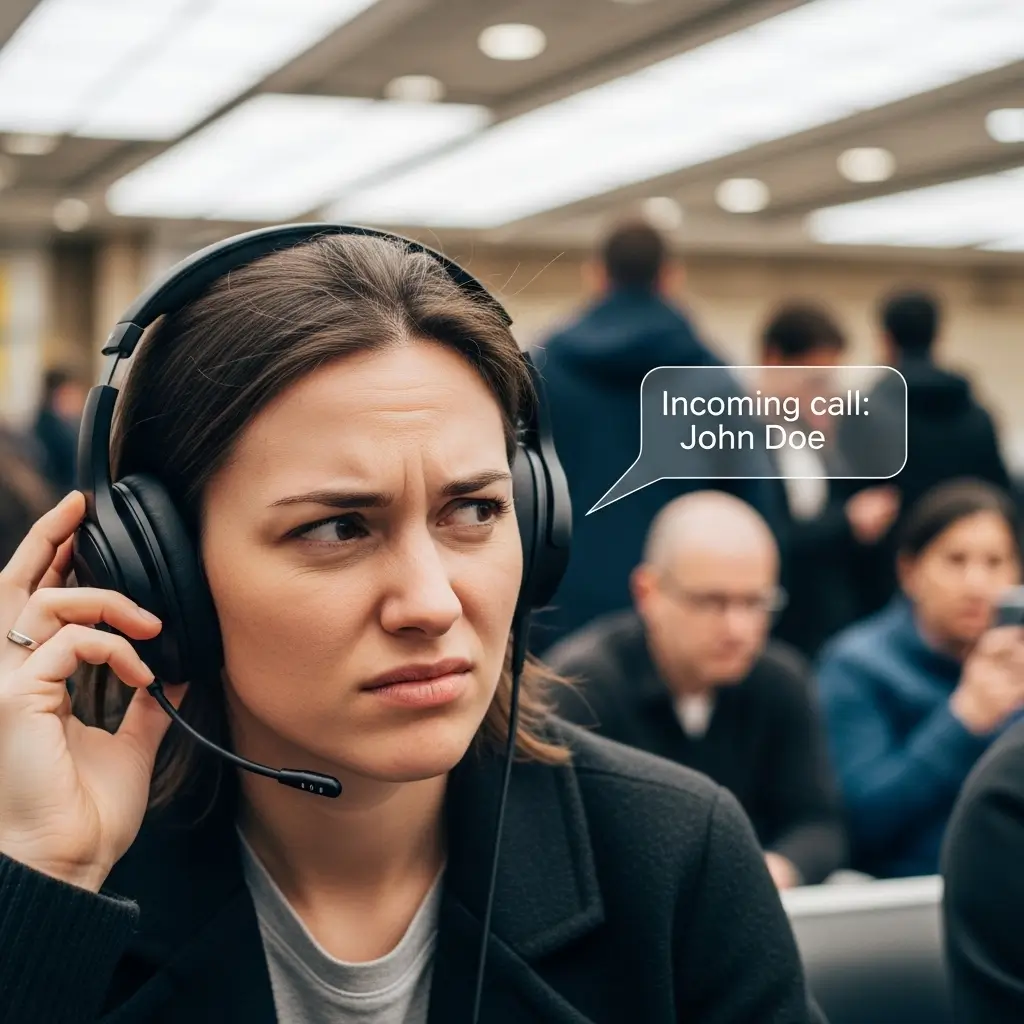
Nothing works perfectly all the time. You will experience a few annoying moments with caller announcements. Technology still has a sense of humor, whether it intends to or not.
Voice assistants routinely butcher difficult names. I have a friend named Siobhan. Siri pronounces it like “See-oh-bhan” instead of “Shi-vawn.” I laugh every single time she calls me. You will definitely experience some highly creative mispronunciations of your contacts.
These announcements also interrupt your favorite songs. You might reach the best guitar solo in rock history, and suddenly Google Assistant yells “SPAM RISK” in your ear. It kills the vibe instantly. I usually forgive the interruption because it saves me from actually talking to telemarketers.
6. Do Smart Watches Change the Game?
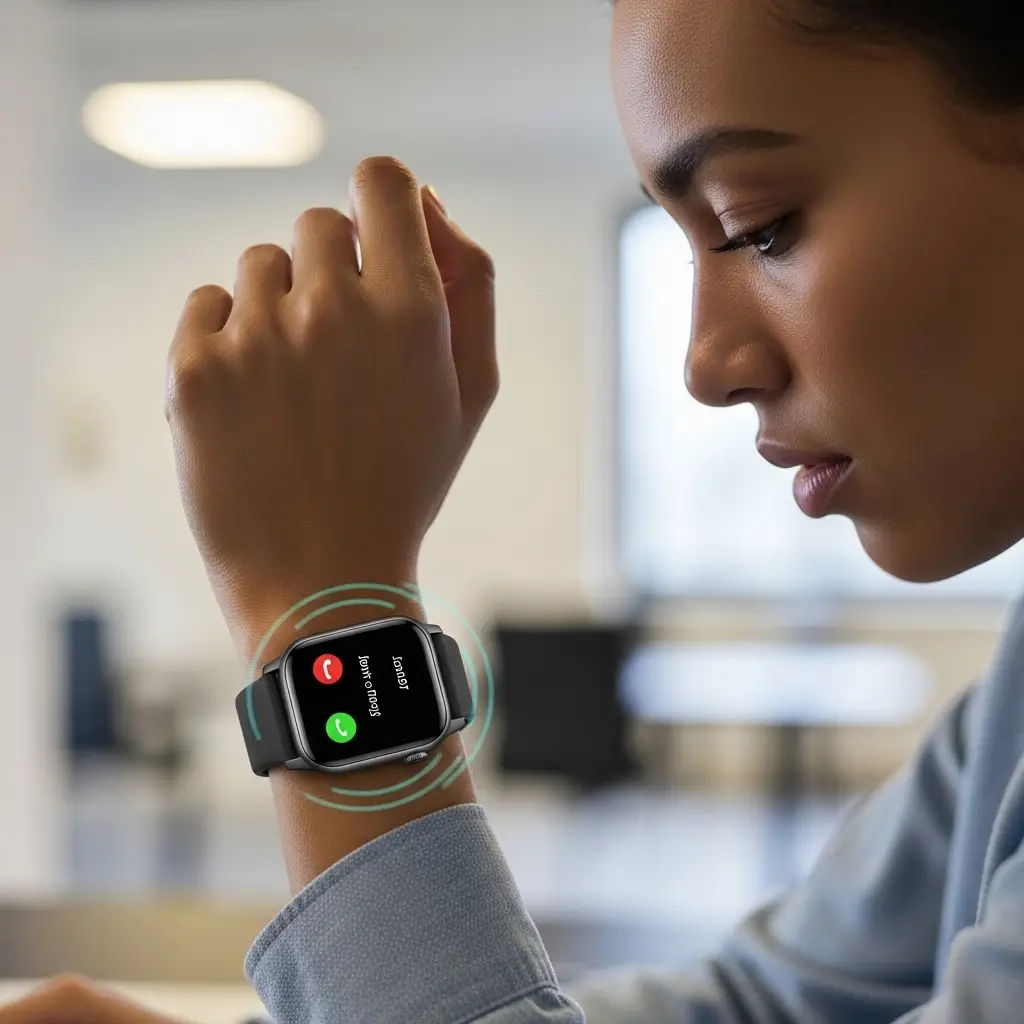
You might wonder if you even need headphone announcements if you wear a smartwatch. I wear a smart watch every day. It taps my wrist when a call comes in. I just glance down to see the name.
However, looking at your wrist still requires you to take your eyes off the task at hand. When I cycle in heavy traffic, I refuse to look at my watch. The audio announcement through my earbuds keeps me vastly safer. The two devices actually compliment each other beautifully.
7. The Magic Behind the Bluetooth Connection
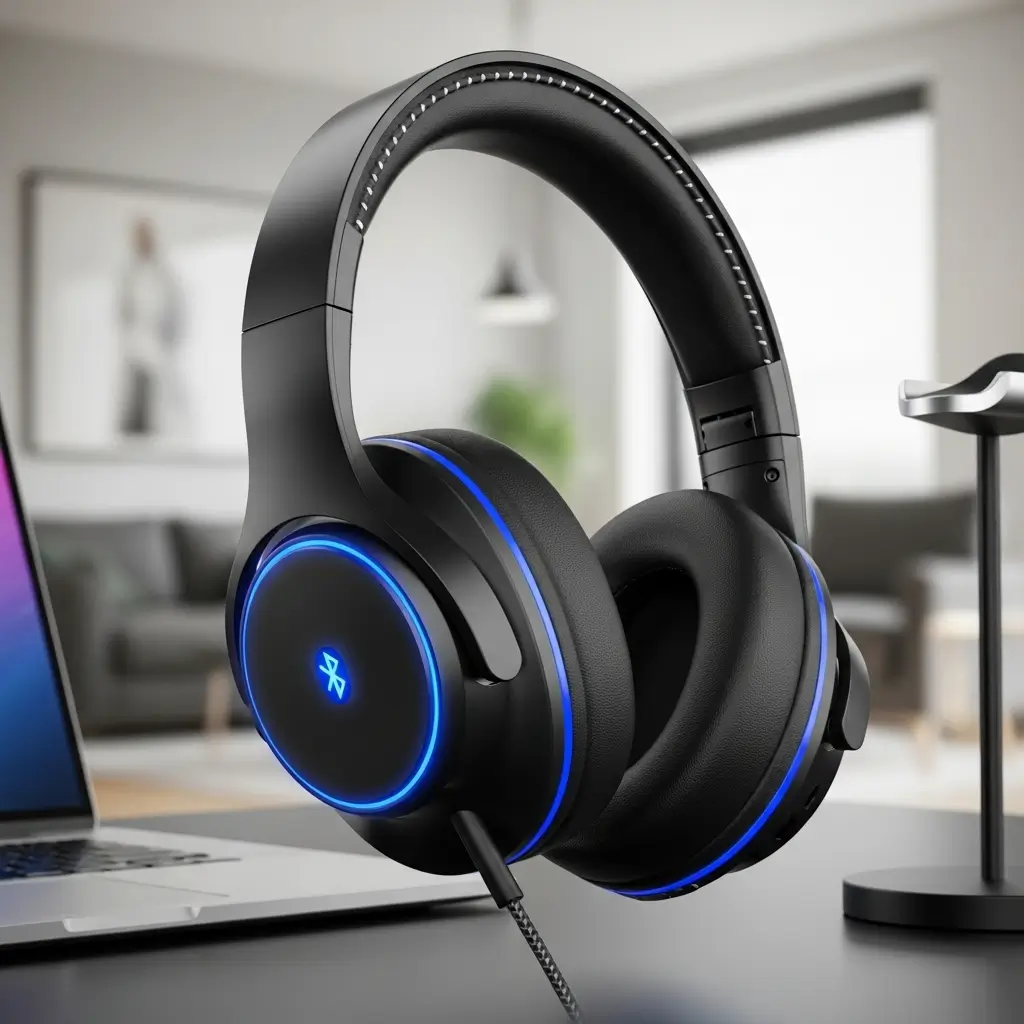
You probably do not think about Bluetooth protocols very often. I certainly do not spend my weekends reading tech manuals. However, a little knowledge helps you understand how your devices communicate. Bluetooth uses specific “profiles” to handle different tasks.
When you play music, your phone uses the Advanced Audio Distribution Profile (A2DP). This profile sends high-quality stereo sound to your earbuds. When a call comes in, the system shifts gears immediately.
Your phone switches to the Hands-Free Profile (HFP). This profile manages the two-way audio for your microphone and the caller’s voice. Your phone’s operating system injects the spoken caller ID right as this switch happens. You hear the assistant’s voice layered perfectly over the transition.
Why Older Headphones Struggle
You might own an old pair of Bluetooth headphones from five years ago. They might struggle with caller announcements. Older Bluetooth chips process data much slower. They take too long to switch between the A2DP and HFP profiles.
You end up missing the first half of the announcement. Siri says “…nith calling” instead of “John Smith calling.” You fix this simply by upgrading to headphones featuring Bluetooth 5.0 or newer. Modern chips handle the profile switching instantly.
8. Handling Business Calls Professionally
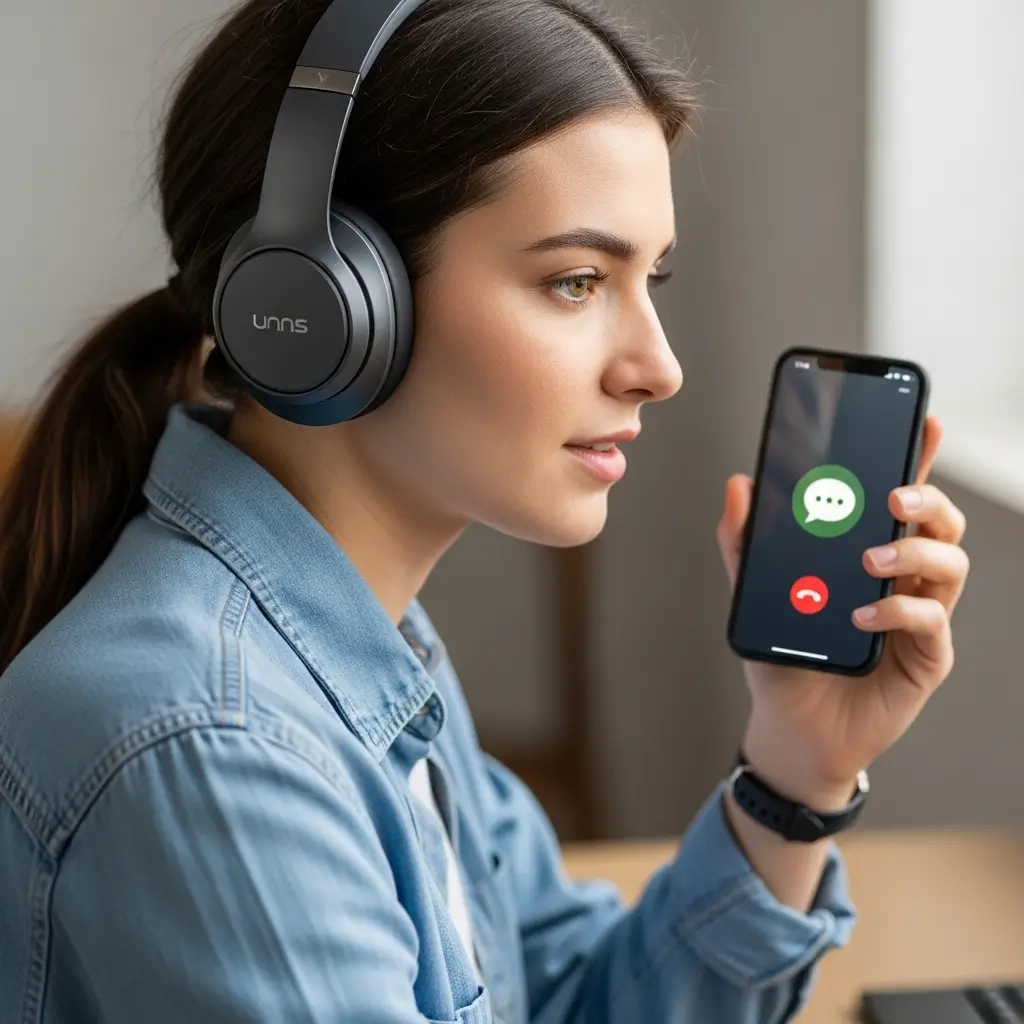
Freelancers and remote workers rely heavily on audio gear. I take client calls from coffee shops, airport lounges, and walking trails. Caller announcements act as my virtual receptionist.
When a major client rings, I hear their name and mentally prepare for the conversation. I adjust my tone and answer confidently. When an unknown number rings, I let it go straight to voicemail. I protect my productivity fiercely.
Navigating the Spam Call Epidemic
Telemarketers and scammers plague our mobile devices. You receive calls about your car’s extended warranty almost daily. Headphone caller ID provides an excellent defense mechanism against these constant interruptions.
Cellular carriers now label suspicious numbers as “Scam Likely” or “Suspected Spam.” Your voice assistant reads exactly what appears on your screen. Hearing your earbuds say “Suspected Spam calling” brings immense satisfaction. You simply tap the reject button on your earbud and continue your day uninterrupted.
Maximizing Your Battery Life
You might worry that voice assistants drain your headphone battery. I get this question frequently. The good news is that caller announcements use virtually zero extra power.
Your smartphone performs the actual text-to-speech processing. Your headphones simply play the audio stream just like regular music. You will not notice any difference in your battery life. You can leave the feature enabled permanently without stressing over battery percentages.
10. Creating Custom Ringtones for VIPs
You can take caller announcements one step further. You can assign custom ringtones to specific people. I do this for my immediate family members to prioritize them easily.
When my wife calls, I hear a specific acoustic guitar riff before the assistant announces her name. When my brother calls, I hear an old retro video game sound. You combine audio cues with spoken announcements for the ultimate call management system.
You set this up right in your phone’s contact list. Open a contact, hit edit, and change their specific ringtone. The operating system blends your custom sound with the vocal announcement perfectly.
Let’s Talk About Privacy
You should always consider privacy when using this feature. Do you want everyone on the train hearing who calls you? Thankfully, most modern phones route the announcement strictly through the headphones.
Always double-check your settings, though. You must select “Headphones Only” in your preferences. If you choose “Always,” your phone’s external speaker will shout your doctor’s name across a quiet, crowded coffee shop.
Final Thoughts on Call Management
You started reading this because you asked: do headphones announce caller name? You now know they absolutely do, and they do it exceptionally well. You hold the power to control your interruptions and maintain your daily focus.
We explored the mechanics, the setup process, and the best hardware for the job. You now understand exactly how your phone and your earbuds work together. You discovered how Apple and Android handle the feature differently. You even found out why Siri mispronounces your best friend’s name.
Stop letting random phone calls dictate your schedule. Let your tech do the hard work for you. Open your settings menu and flip that switch today. You will wonder how you ever survived without your earbuds whispering your contacts’ names.