You grab your headphones, plug them in, and hit play. The music starts, but you probably never give a second thought to that little metal stick you just jammed into your phone or laptop. But take a closer look at the connector. You see those little black (or white) plastic rings circling the metal?
Ever wondered what those stripes actually do?
You aren’t alone. I spent years assuming they were just grippy bits or weird decoration before I actually fell down the audio-nerd rabbit hole. It turns out, those little lines are the only reason you can hear stereo sound or talk to Siri without holding your phone. They unlock the secret code of audio hardware.
We are going to break down exactly why headphones have three lines on the jack, what happens if you use the wrong one, and why this ancient piece of tech is still (mostly) hanging around.
1. The Anatomy of the Plug: It’s Not Just Metal
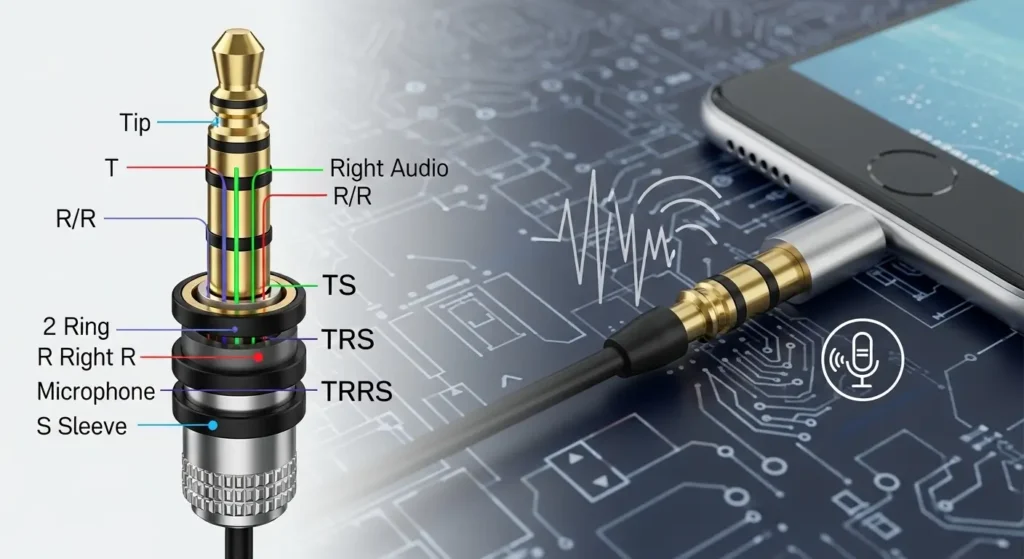
First, we need to clear up a misconception. You might think the “lines” convey the signal. Actually, the lines do the exact opposite. Those colored rings are insulators. They stop electricity from flowing.
The metal parts between the rings are the conductors that actually carry your music.
Think of the jack like a sandwich. The metal bands are the tasty ingredients (the signals), and the plastic rings are the bread keeping those ingredients separate. If the bread wasn’t there, all the flavors would mix, and you would end up with a messy, short-circuited disaster.
Audio engineers call this connector a TRS plug. That stands for:
- Tip (The pointy end)
- Ring (The middle section)
- Sleeve (The base near the wire)
The number of insulating rings tells you exactly how many “bands” or conductive sections the plug has. Count the rings, and you know the capabilities.
2. Decoding the Rings: One, Two, or Three?
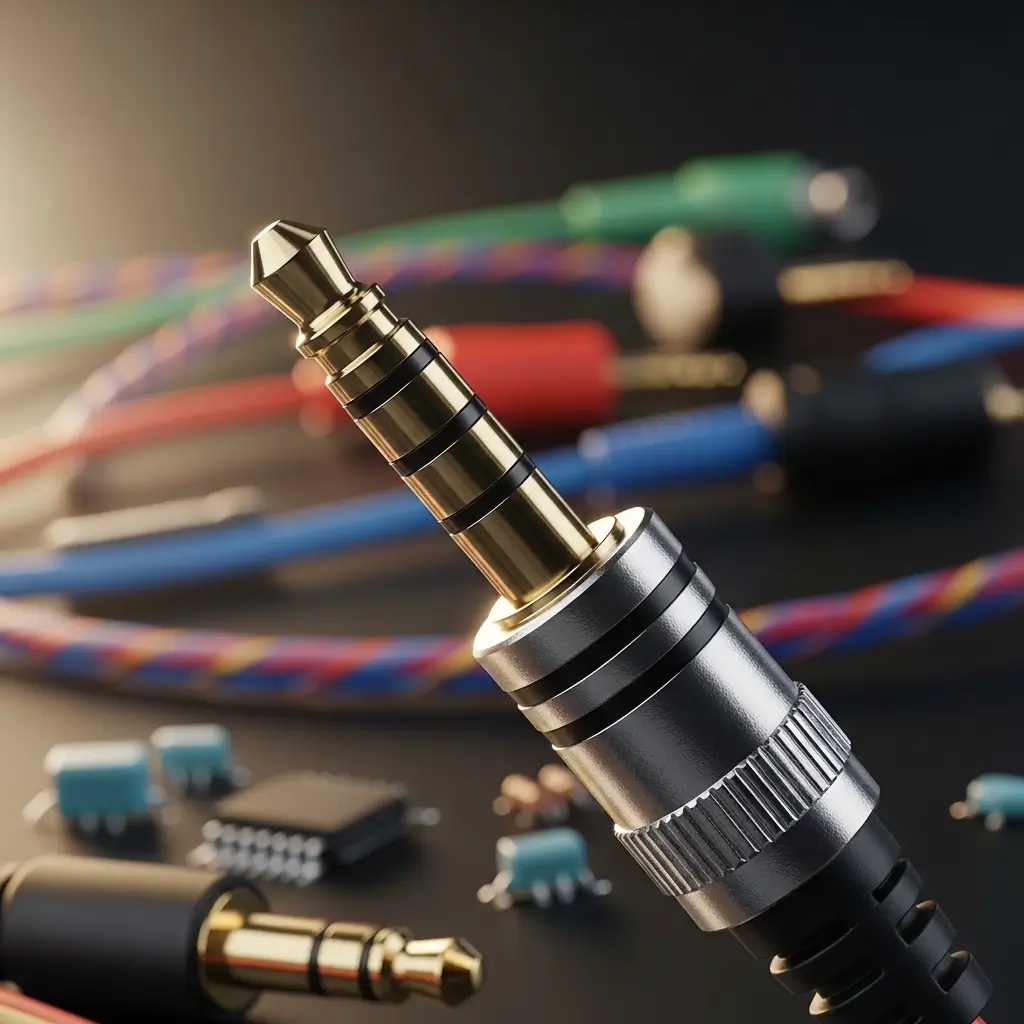
You usually encounter three main types of plugs in the wild. If you know the difference, you save yourself a lot of audio headaches later.
1. One Ring (The Antique TS)
If you find a plug with only one black ring, you are holding a fossil. This creates two metal sections: the Tip and the Sleeve (TS).
This setup carries Mono audio. That means you hear the exact same sound in both ears. There is no “left” or “right” channel separation. You mostly see these on guitar cables or really old equipment. If you plug a one-ring jack into your modern phone, you will likely short out the stereo signal and hear a whole lot of nothing (or weird static).
2. Two Rings (The Standard TRS)
This is the classic headphone jack most of us grew up with. Two plastic rings divide the metal into three parts: Tip, Ring, and Sleeve.
Here is how the signal flows:
- Tip: Left Audio Channel
- Ring: Right Audio Channel
- Sleeve: Ground (The return path for the electricity)
This gives you Stereo sound. When you listen to “Bohemian Rhapsody” and hear the vocals bounce from left to right, thank the two-ring jack.
3. Three Rings (The TRRS Masterpiece)
Now we arrive at the main question: Why do headphones have three lines on jack?
A plug with three plastic rings creates four metal sections. We call this TRRS (Tip, Ring, Ring, Sleeve). That extra metal band changes everything. It adds a fourth channel for a microphone.
This setup allows your headphones to function as a headset. You get:
- Left Audio
- Right Audio
- Ground
- Microphone / Control Signals
So, if your earbuds have a little remote on the wire to pause music or take calls, check the plug. I guarantee you will see three lines.
3. Why the “Ground” Matters More Than You Think

I know, “Ground” sounds boring. It sounds like something an electrician worries about, not music lovers. But in the world of analog audio, the Ground is the unsung hero.
The electrical signal needs a full circuit to work. It travels from your phone, through the Left/Right wires, vibrates the speaker drivers (making sound), and travels back down the wire to the “Ground” on the jack.
Without a common ground, the circuit breaks. No circuit, no sound.
When you pack four different signals (Left, Right, Mic, Ground) onto a tiny metal stick that is only 3.5mm wide, things get crowded. Those three plastic lines have to be perfectly spaced. If they aren’t, the ground might touch the microphone channel.
Have you ever twisted a headphone jack and heard a crackling pop? That is usually the metal bands momentarily crossing the wrong internal contacts inside the port. The insulation failed you for a split second.
4. The Compatibility Nightmare: CTIA vs. OMTP
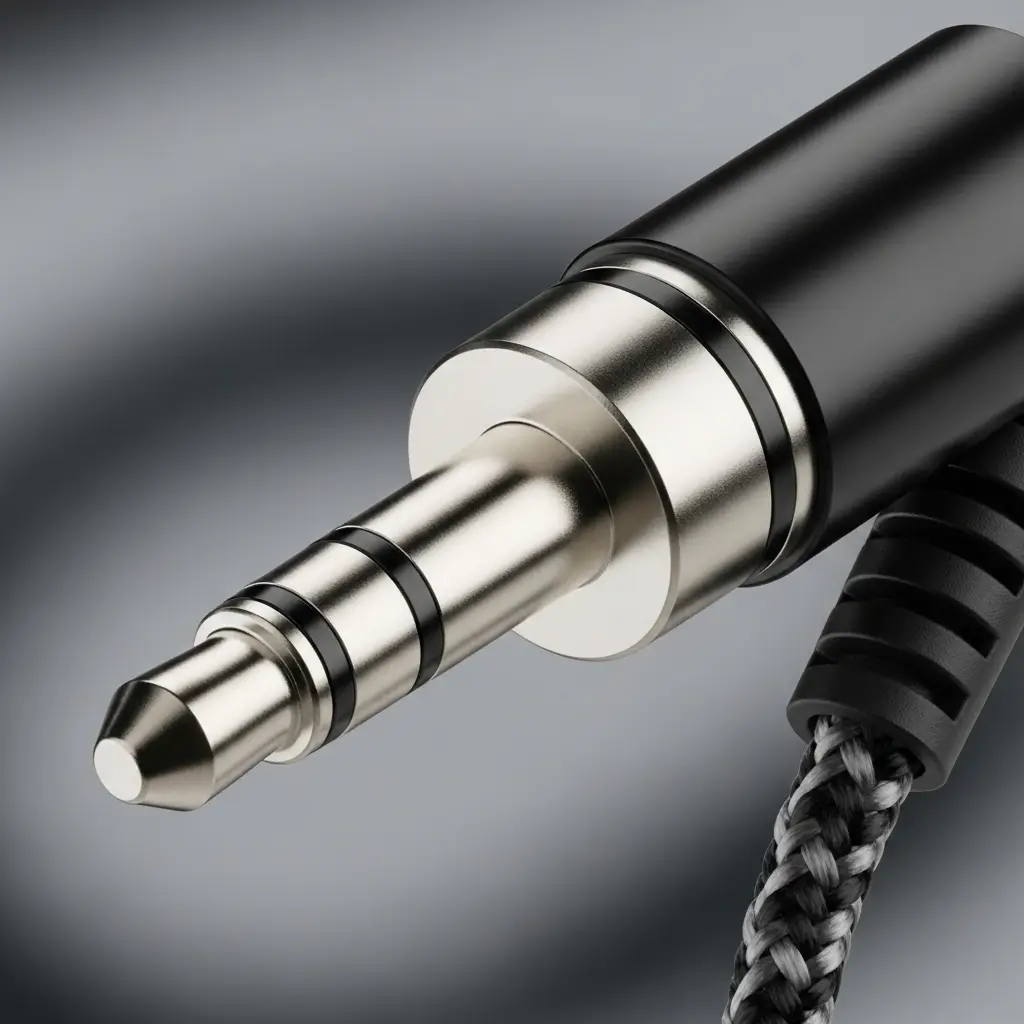
Here is a rhetorical question for you: Have you ever plugged a headset into an older phone (or an airplane armrest) and the audio sounded hollow, watery, or distant? But then, if you held down the “mute” button on the remote, the sound suddenly became crystal clear?
I experienced this years ago with a pair of cheap earbuds I bought at a gas station. I thought they were broken. They weren’t. They just spoke a different language.
This is the CTIA vs. OMTP conflict.
Engineers agree that we need four bands (Left, Right, Ground, Mic) for headsets. But for a long time, they couldn’t agree on where to put them.
The Two Standards:
- CTIA (The Modern Standard): Apple, Android, and most modern laptops use this. They put the Microphone on the Sleeve (the base) and the Ground on the second Ring.
- OMTP (The Old School): Older Nokia, Sony Ericsson, and some older Samsung devices used this. They swapped the Ground and Microphone.
When you plug a CTIA headset into an OMTP phone, the Ground and Mic bands land on the wrong contacts. The electrical return path gets lost through the microphone.
The result? Phase cancellation. It removes the “center” of the music (usually the vocals), leaving you with that weird, ghostly karaoke version of your favorite song. FYI, if you still have old tech lying around, you can buy a cheap adapter to flip the pins.
5. Why Size Matters (3.5mm vs. The Rest)
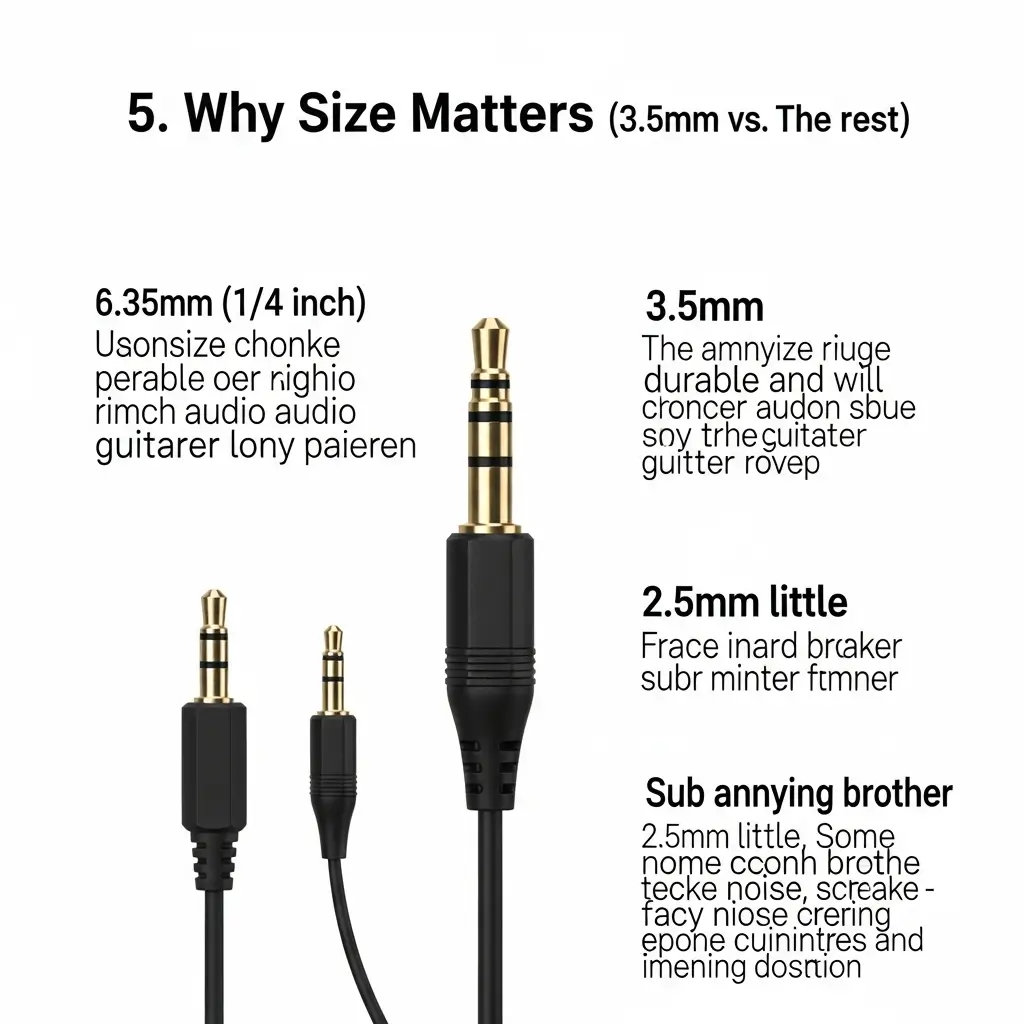
While we are staring at the jack, let’s talk about the size. The three-line jack we all know and love is technically the 3.5mm connector.
But it isn’t the only player in the game.
- 6.35mm (1/4 inch): You see these on the big, chunky amplifiers or high-end audiophile headphones. They are durable and hard to snap, which is why guitarists love them.
- 2.5mm: The annoying little brother. Some older flip phones and fancy noise-canceling headphones use this sub-miniature size. It is thinner, breaks easier, and usually requires a dongle.
I own a pair of high-end planar magnetic headphones that use a 6.35mm plug. To use them with my laptop, I have to slap on a huge adapter that makes the connector stick out three inches from the side of my computer. It looks ridiculous, but the sound quality makes it worth the risk of snapping the port. IMO, the 3.5mm was the perfect middle ground—small enough for a pocket, sturdy enough to survive a backpack.
6. Gold vs. Silver: Does Plating Matter?
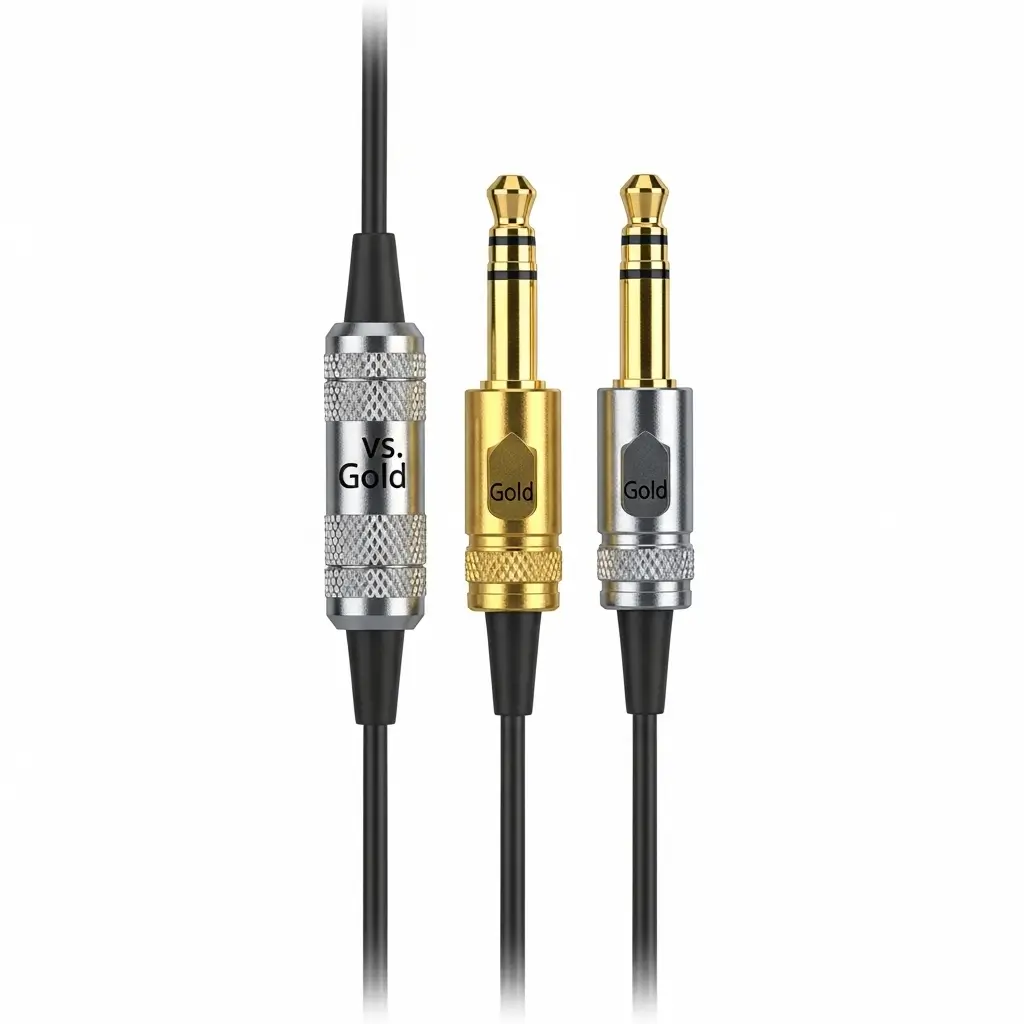
You might notice that some headphone jacks are silver (nickel-plated) while others are gold. Marketing teams love to tell you that gold-plated jacks provide “superior audiophile sound resolution.”
Let’s be real for a second.
Gold is a great conductor, sure. But its main benefit isn’t magic sound quality; it’s corrosion resistance. Nickel oxidizes (rusts/tarnishes) over time, especially in humid environments. That oxidation creates a barrier that messes with the electrical connection, leading to static.
Gold doesn’t rust. So, a gold-plated jack isn’t necessarily making your music sound better right now, but it ensures your connection stays clean for years. If you buy cheap headphones with silver plugs, just give them a quick wipe with a dry cloth every now and then. It keeps the crackling away.
7. The Death of the Jack (And Why I Miss It)
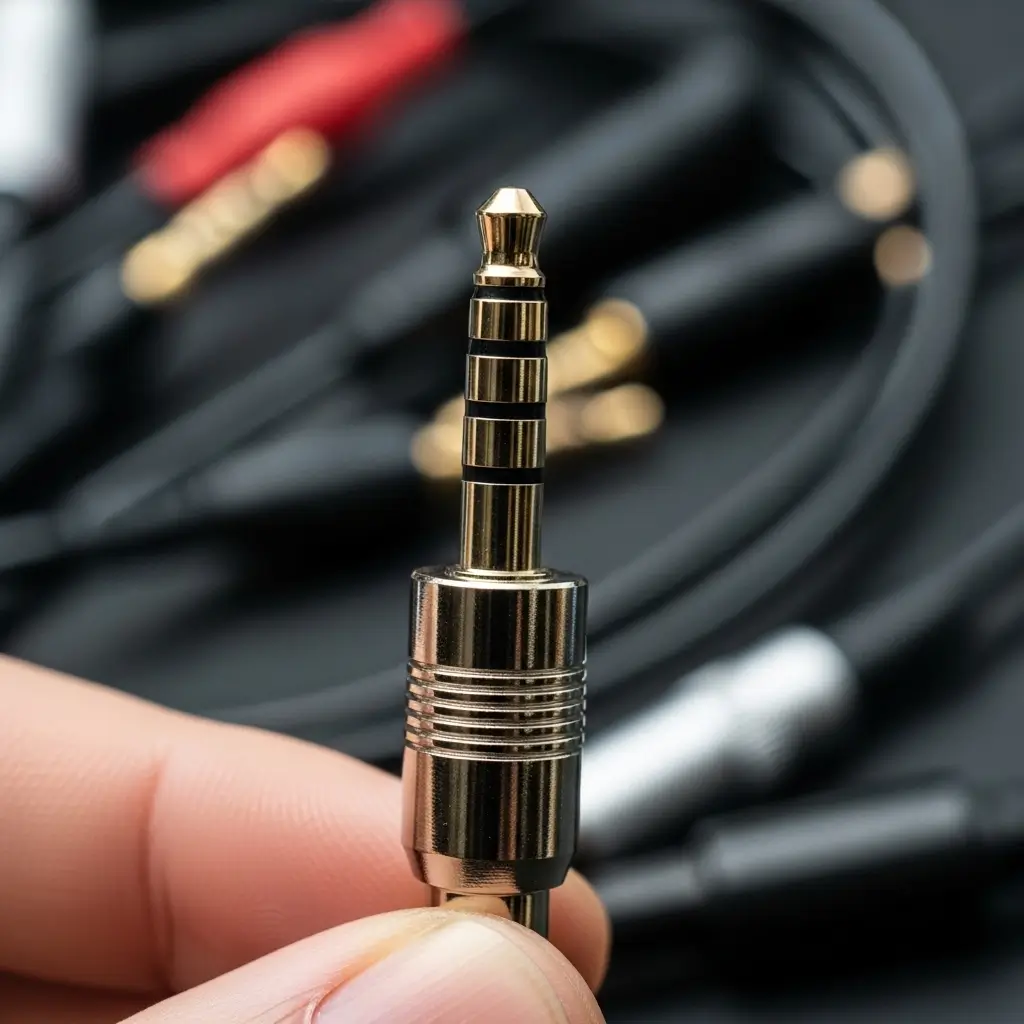
We can’t talk about headphone jacks without addressing the elephant in the room. Or rather, the missing elephant.
Apple killed the headphone jack on the iPhone 7, and practically every other manufacturer followed suit. Now we live in the age of Bluetooth and USB-C dongles.
Why?
Manufacturers claim it saves internal space for bigger batteries and haptic motors. They also argue that the digital-to-analog converter (DAC) creates better sound when it’s external (like in a USB-C adapter) rather than inside the noisy environment of a phone.
But as an enthusiast, I miss the simplicity of the analog jack.
When you use a 3.5mm jack with three lines, you use a universal standard. You can plug a $5 pair of airline buds into a $5,000 professional studio mixer, and it works. That physical connection offers zero latency (lag). When you watch a movie with Bluetooth headphones, sometimes the lips don’t quite match the words. With a wired jack, the laws of physics ensure the sound hits your ears instantly.
Plus, I hate charging my headphones.
8. Troubleshooting Your Three-Line Jack
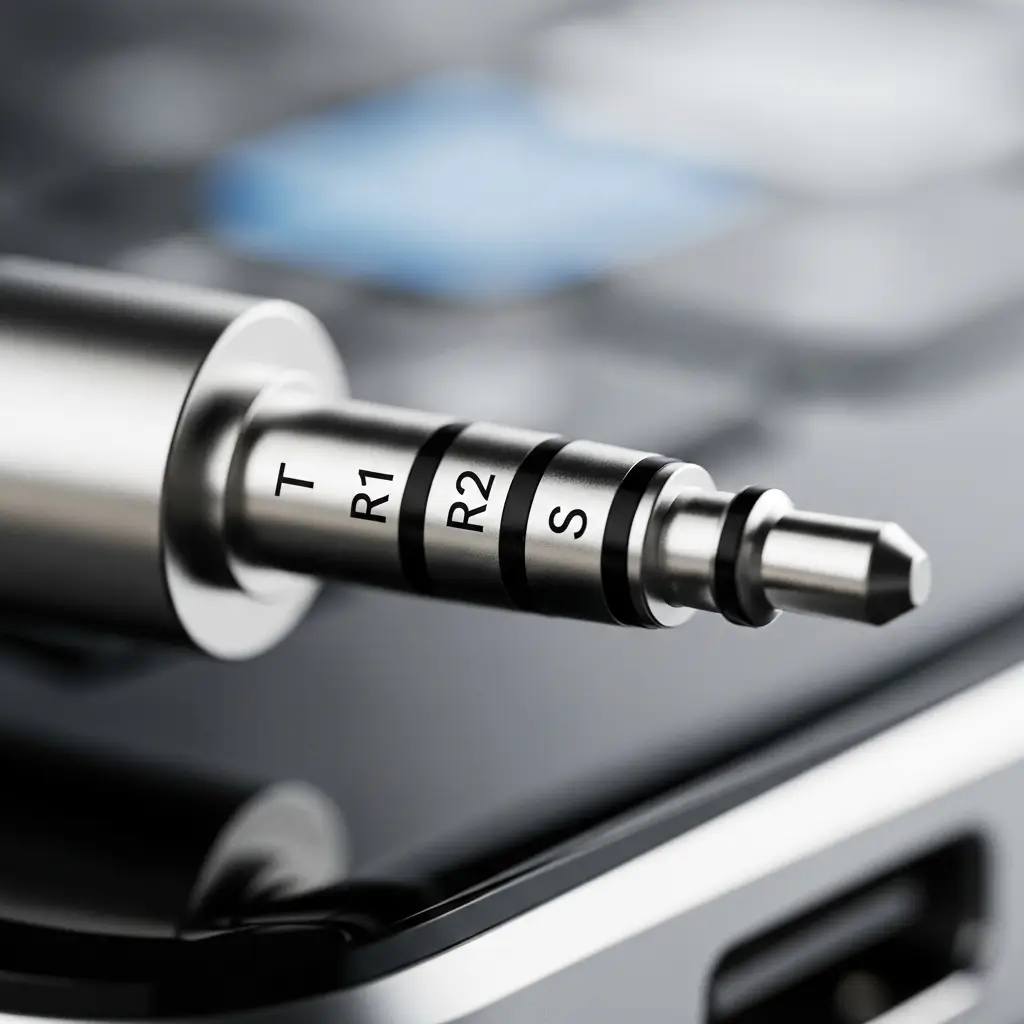
Since we know that the three lines (TRRS) carry a microphone signal, this introduces common points of failure. If you struggle with your wired headset, check these culprits before you throw them in the trash.
1. Lint in the Port
This is the number one killer of headphone connections. If you carry your phone in your pocket, lint packs into the bottom of the headphone jack (or the charging port for your dongle). Eventually, the plug can’t click in all the way. The “Sleeve” (ground/mic) doesn’t make contact. The Fix: Take a wooden toothpick (not metal!) and gently scrape the bottom of the port. You will be horrified by what comes out.
2. The Case Block
Phone cases are great for protection, but some have narrow cutouts for the headphone jack. If the rubber casing around your headphone plug is too thick, it stops the jack from inserting fully. The Fix: Take the case off and test. If it works, you need a slimmer cable or a new case.
3. The Bent Jack
Remember how the three lines weaken the structural integrity of the metal? A TRRS jack is slightly more prone to bending than a solid mono plug. If you drop your phone with the headphones plugged in, the connector might bend. The Fix: Don’t try to bend it back with pliers; you will likely crack the internal insulation rings. It’s usually game over for that cable.
9. Summary: The Secret Code in Your Pocket
So, why do headphones have three lines on jack?
It is the visual code for “I can do everything.” Those three little plastic insulators carve the metal plug into four distinct channels: Left Audio, Right Audio, Ground, and Microphone.
- No lines: You are holding a piece of raw metal. Put it down.
- One line (TS): Mono sound. Great for guitars, bad for Spotify.
- Two lines (TRS): Stereo sound. The music standard.
- Three lines (TRRS): Stereo + Mic. The communication standard.
Next time you go to plug in your gear, take a second to count the rings. It tells you exactly what that cable is capable of before you even hit play.
It is a simple, elegant piece of engineering that ruled the audio world for decades. Even as we move toward wireless audio, understanding these basics helps you troubleshoot audio issues and appreciate how we got here.