Hey, fellow audio junkie! Picture this: you unbox those shiny new wireless headphones, pair them to your phone, and… nothing groundbreaking happens. Do headphones require a specific app? You’ve probably asked yourself that while staring at the Bluetooth icon, wondering if you’re missing some secret sauce. I sure did last year with my AirPods total facepalm moment.
I geek out on headphones like you do. From budget buds to high-end over-ears, I’ve tested dozens. Spoiler: most don’t need an app, but the best ones thrive with one. Stick around; we’ll unpack this casually.
1. Why Most Headphones Skip the App Drama
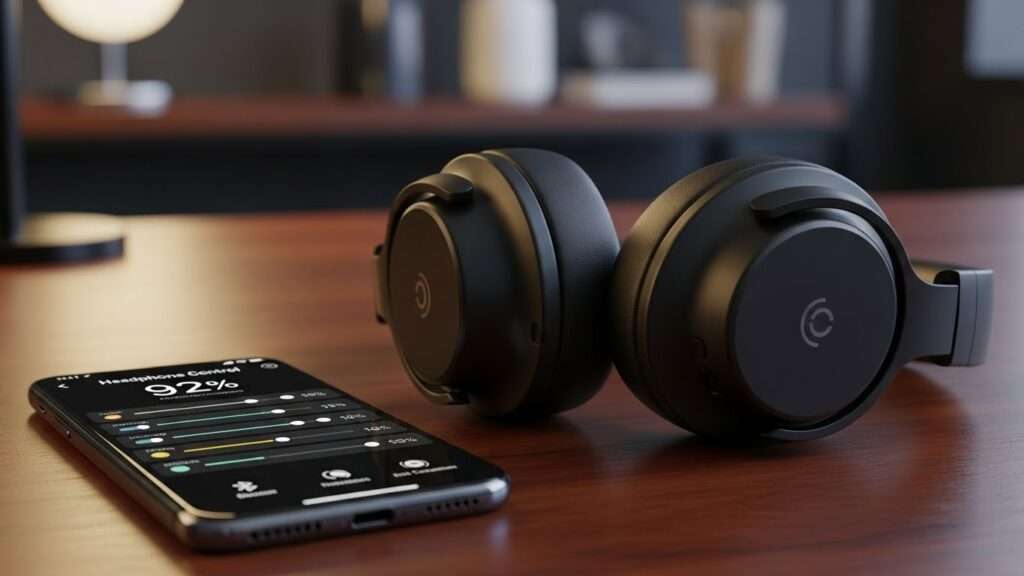
Basic headphones connect via Bluetooth and rock out fine without extra downloads. You slap them on, hit play, and jam. Simple, right?
Ever wondered why brands don’t force apps on everything? Cost and simplicity rule. Cheap earbuds target folks who hate app clutter. My old wired Sennheisers? Zero apps, pure bliss.
But here’s the sarcasm: if “plug and play” sounds too easy, blame the premium crowd for overcomplicating life. FYI, 95% of entry-level headphones work app-free.
When Apps Stay Optional
- Budget wireless models like Anker Soundcore: Pair, tweak volume on your phone, done.
- Wired headphones: No Bluetooth, no app nonsense.
- Gym-focused buds: Sweat-proof and straightforward—no EQ fiddling needed.
I once gifted my bro basic JBLs. He laughed when I mentioned apps: “Dude, I just run.” Point proven.
2. Premium Headphones That Beg for Their App

Now, flip the script. High-end cans like Sony WH-1000XM5 or Bose QuietComfort scream “download my app!” Why? They pack features your phone’s settings can’t touch.
These apps unlock custom EQ, noise cancellation tweaks, and firmware updates. Without them, you get stock sound—decent, but meh. I ignored the Sony app for weeks; bass felt flat until I dialed it in.
Do headphones require a specific app for full potential? Absolutely, if you chase audiophile vibes. Brands gatekeep the good stuff.
Top App-Dependent Headphones
- Sony Headphones Connect app: Rules noise cancel, 360 Reality Audio. I crank adaptive sound for commutes—game-changer.
- Bose Music app: Customizes ANC levels. Silences Nairobi traffic like magic (shoutout to my KE crew!).
- Apple AirPods: Settings app suffices, but third-party apps boost battery tracking.
Humor break: Skipping the app on these? You’re like driving a Ferrari in first gear.
3. What the App Actually Does (And Why You Might Care)
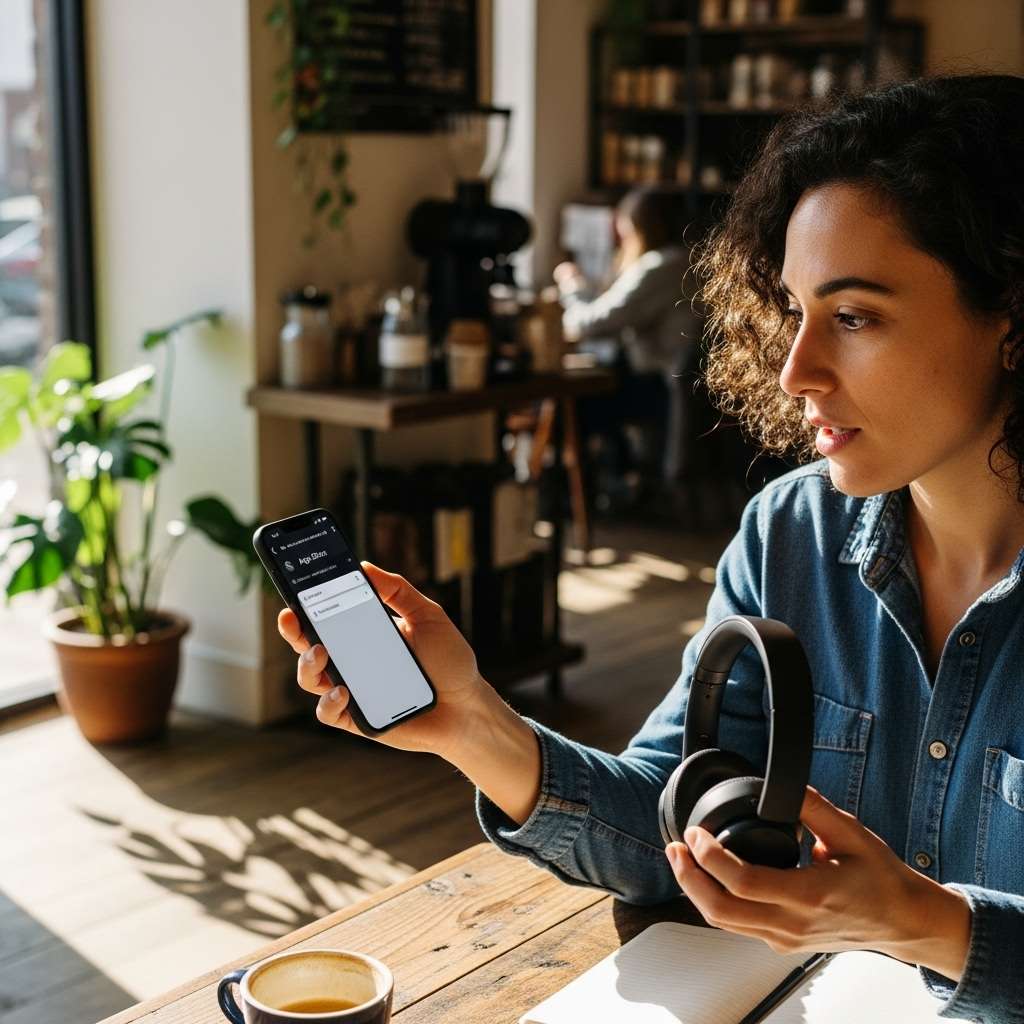
Apps transform headphones from good to godly. They handle updates, personalization, and diagnostics your Bluetooth can’t.
First, firmware updates. Bugs get squashed; battery life jumps. My Beats Studio Buds glitched until the app patched them—night and day.
Second, EQ customization. Tweak bass, treble, mids. Ever blasted a track and thought, “Needs more thump”? Apps fix that instantly.
Killer App Features Breakdown
- Noise Cancellation (ANC) tweaks: Adjust for planes vs. offices.
- Sound profiles: Pick “bass head” or “podcast mode.”
- Find my headphones: Ping lost buds. Saved my AirPods from a matatu abyss once.
- Battery stats: Precise percentages, not vague bars.
- Wear detection: Pauses music when you ditch ’em.
IMO, apps shine for commuters. I tweak ANC daily—blocks out everything but my vibes.
Rhetorical nudge: Tired of one-size-fits-all audio? Apps let you own the sound.
4. Do Budget Headphones Need Apps? Let’s Compare
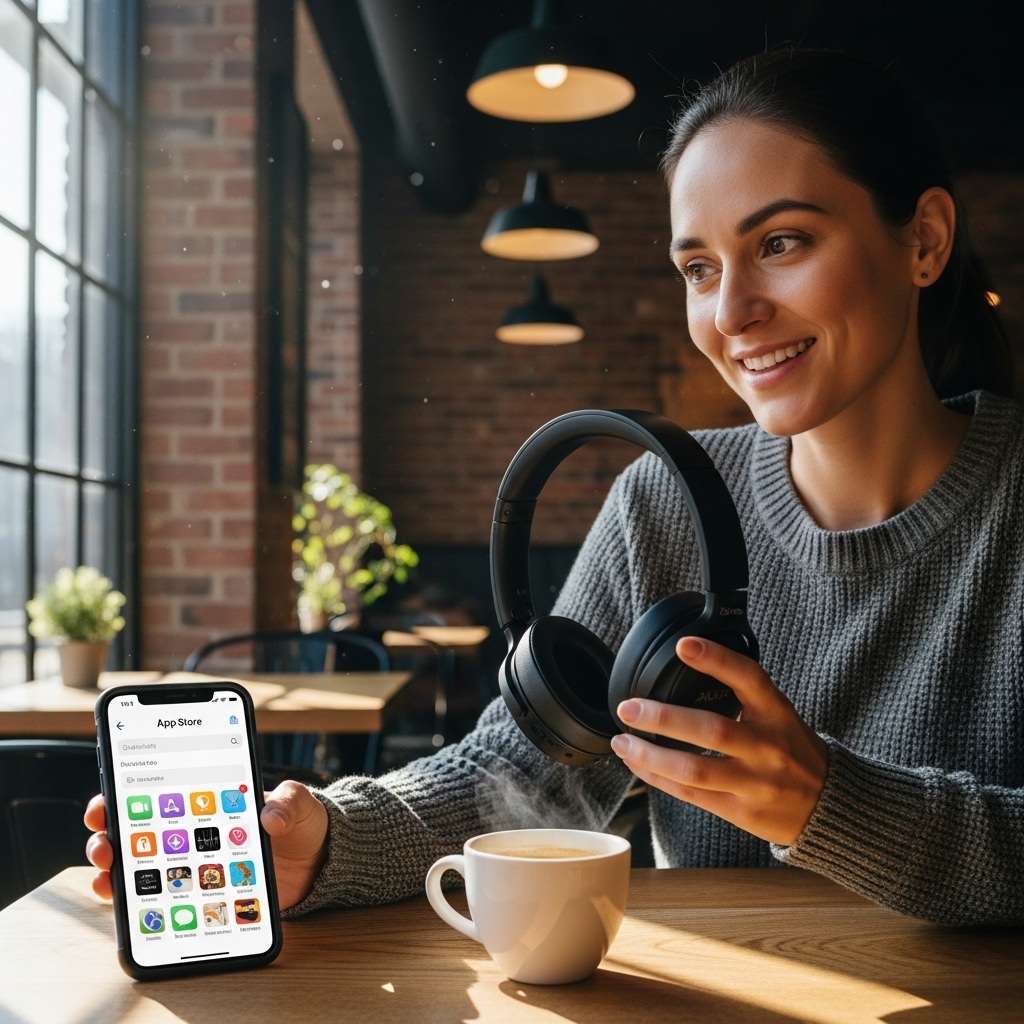
Budget vs. premium: night and day on apps. Cheap ones skip ’em; pricier demand loyalty.
Take Anker Soundcore Life P2 ($40): App optional for basic EQ. Sounds punchy out the box.
Contrast Samsung Galaxy Buds2 Pro ($150): App mandatory for 360 Audio, spatial sound. I switched from Anker—worth every shilling for immersion.
Comparison table for clarity:
| Feature | Budget (No App Needed) | Premium (App Required) |
|---|---|---|
| EQ | Phone settings | Custom presets |
| ANC | Basic on/off | Adaptive, multi-level |
| Battery Life | ~20-30 hrs | 40+ hrs w/ updates |
| Price | Under $50 | $150+ |
| My Pick | Gym sessions | Daily driver |
Sarcasm alert: Budget fans, enjoy your “freedom.” Premium peeps, welcome to app jail jail with god-tier sound.
Personal story: I blew 20K KSh on Bose without the app first. Regretted it until updating ANC went nuclear.
Common Pitfalls: When Apps Go Wrong
- Apps aren’t perfect. They drain battery, glitch, or force logins. Annoying, huh?
- Android vs. iOS drama: Some apps suck on one platform. Sony’s app? iOS flawless, Android iffy sometimes.
- Forgot your phone? App-locked features vanish. I hiked without mine stock mode saved the day, barely.
5. Troubleshooting Tips
- Update Bluetooth: Old versions kill pairing.
- Restart app/phone: Fixes 80% of glitches.
- Check compatibility: Not all headphones play nice with every OS.
- Permissions: Grant location/mic access for full features.
Pro tip: Test in-store. Pair sans app first.
Ever rage-quit an app? Me too. But most headphone apps deliver 10x value.
Future of Headphones and Apps: What’s Next?
- Brands push apps harder. AI-driven sound coming—apps analyze your listening, auto-EQ.
- Think adaptive ANC that reads your environment. Or voice commands via app integration.
- I predict app-free premiums die out. Why? Data goldmine for brands. Sneaky, but sound wins.
- Excited? Me too. My next buy: app-heavy over-ears for home office bliss.
Wrapping It Up: Your Headphone App Verdict
So, do headphones require a specific app? Nope, not always basics thrive without. But premium beasts demand it for EQ, ANC, updates, and magic.
Weigh your needs: gym rat? Skip it. Audiophile? Download yesterday.
Grab what fits your vibe, test the app waters, and crank those tunes. What’s your go-to pair? Drop a comment—let’s geek out!