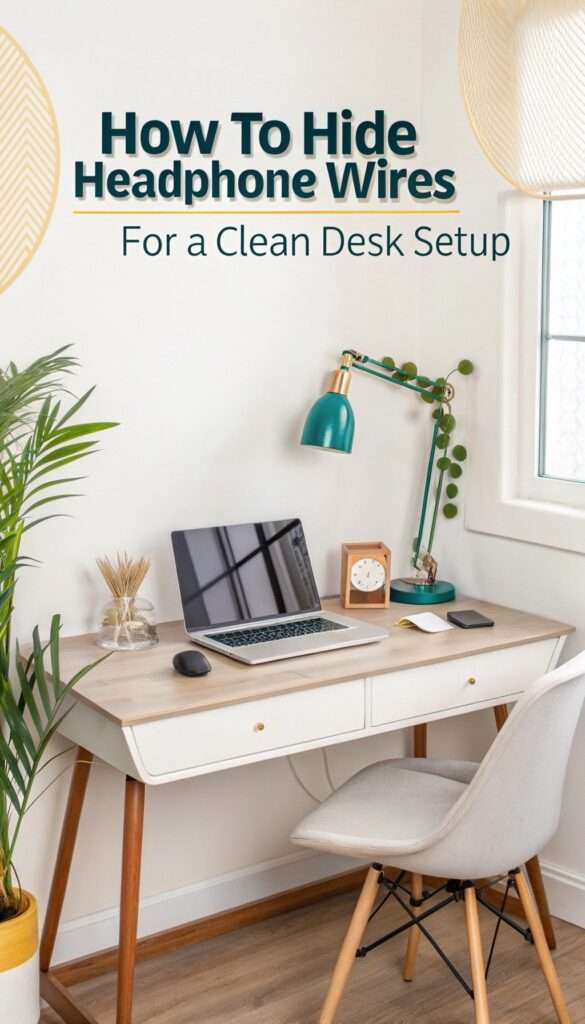
Your desk is dialed in for gaming or focused work then you spot it. Headphone wires looping, twisting, stealing the spotlight like unruly vines. Annoying. I’ve been there. Cords snagging chair wheels, tugging headphones mid-call, wrecking the vibe.
The good news? You don’t have to live with the chaos. With a few smart tweaks routing cables along desk edges, using clips or sleeves, and parking slack where it belongs you can make wires practically disappear. The result is instant: a cleaner surface, smoother movement, and a setup that feels intentional. Once you tame the cables, everything else just clicks.
1. Why Bother Hiding Headphone Wires?
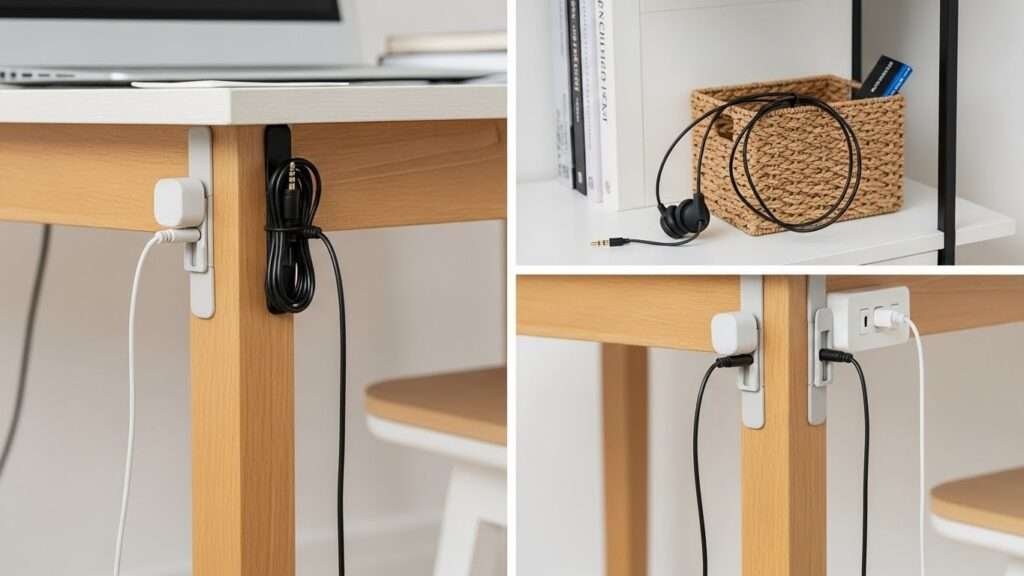
Clutter kills focus. You know the drill wires dangling off your monitor or pooling under your keyboard scream chaos.
I once spent a whole afternoon untangling my headphones from my mouse cord. Never again. A clean desk setup boosts productivity, reduces stress, and makes your space Insta-worthy.
Ever asked yourself why pros like streamers flaunt spotless desks? Hidden wires create that pro vibe without the hassle.
Quick DIY Fixes to Tame Those Wires
Start simple. You don’t need fancy gear to hide headphone wires right now.
Grab what you have at home. I swear by these no-cost hacks they saved my sanity during a move.
2. Tape and Zip Ties: The Budget Champs
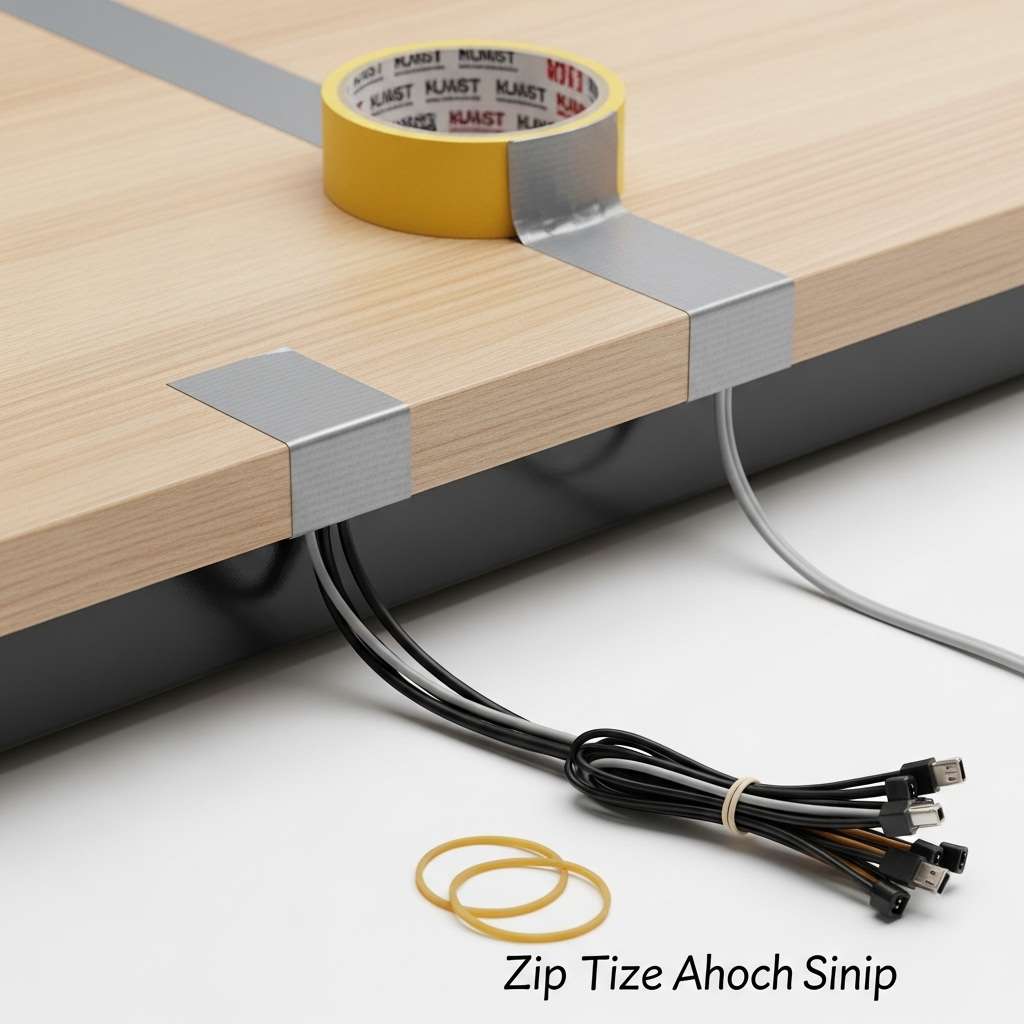
Duct tape or washi tape works wonders. Run your wire along the desk edge and secure it.
- Stick it down: Press tape firmly over the wire. Matches your desk color for stealth.
- Zip tie bundles: Group wires with tiny zip ties. Snip extras flush.
- Pro tip: Add rubber bands first—they slide off easy for adjustments.
Humor alert: Zip ties feel like giving your wires a hug they didn’t ask for. But hey, it works!
Under-Desk Hooks and Clips
- Adhesive hooks change the game. Stick ’em under your desk lip.
- Drop your headphone wires straight down. No more desk spaghetti.
- I hooked four under mine—holds headphones too. Pulls everything taut and invisible from above.
Cable Sleeves and Channels: The Upgrade Path
DIY not cutting it? Level up with sleeves. These swallow wires whole for a clean desk setup.
3. Best Cable Sleeves for Headphones
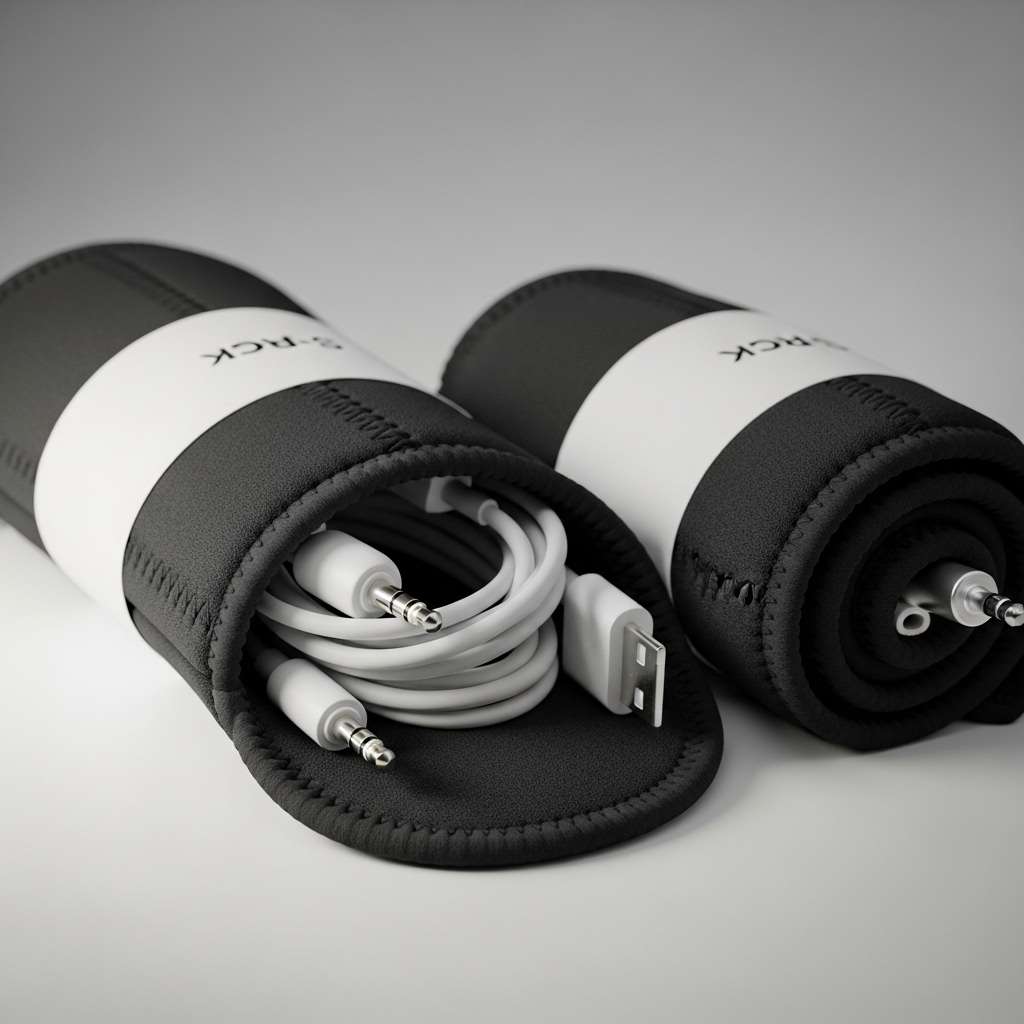
Neoprene sleeves flex and hide multiple cords. I grabbed a 3-pack on Amazon game-changer.
- JOTO Cable Management Sleeve: Soft, expandable, zips shut. Hides 4-5 wires easy. IMO, beats cheap fabric ones that fray.
- Nomad Cable Organizers: Slim for desks. Velcro seals make swapping headphones painless.
- Alex Tech Sleeve: Long and durable. I use it for my full rig headphones, charger, all gone.
Compare: JOTO wins for bulk hiding; Nomad for minimalists. Why settle for visible mess when these vanish it?
Installing Desk Cable Channels
- Surface channels stick on top. Groove your wires inside.
- Push-fit designs grip tight. Run from PC to desk edge.
- Ever wondered how offices stay tidy? Cable channels mimic that pro look without drilling.
- My pick: Scandinavian Hub channels adhesive strong, paintable. Hides headphone jacks perfectly.
4. Wireless Headphones: The Ultimate Wire Hider

Wireless headphones are the ultimate wire hider, and honestly, the relief is instant. Why wrestle with tangled cords, snagged sleeves, and cluttered desks when freedom is an option? Cutting the cord changes more than sound; it changes space. Last year, I switched to AirPods Pro, and the shift was immediate.
My desk felt cleaner, calmer, almost intentional. No cables looping around coffee mugs. No frantic unplugging during calls. Just smooth audio, seamless movement, and a setup that finally made sense. Wireless headphones don’t just remove wires they remove friction, distractions, and tiny daily annoyances you didn’t realize were exhausting you completely.
5. Top Wireless Options for Clean Desks
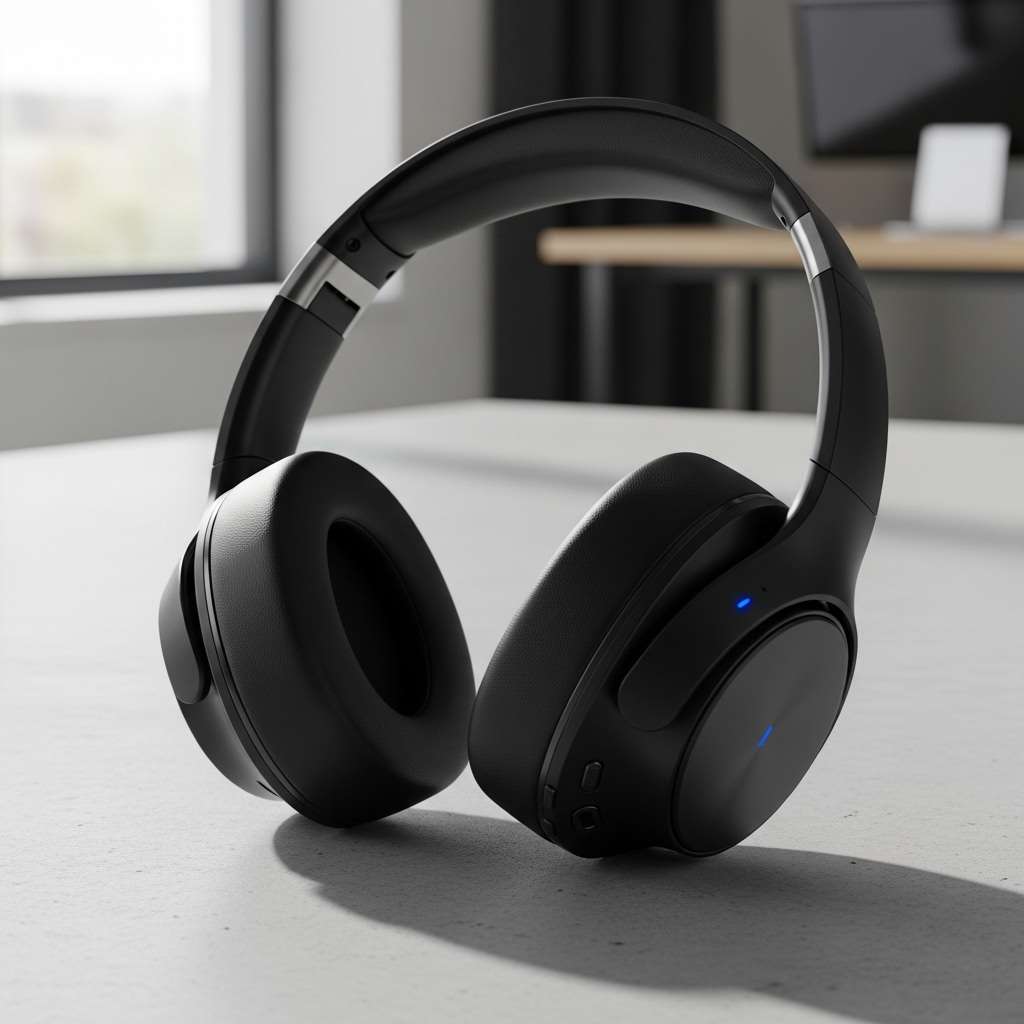
Not all wireless cans deliver. Pick smart.
- Sony WH-1000XM5: Insane noise cancel, 30-hour battery. Pairs seamless with PC/Mac.
- Bose QuietComfort Ultra: Comfier fit, better call mic. I game in these—zero lag.
- Apple AirPods Max: Premium build, spatial audio. Pricey, but spatial tracking feels futuristic.
Sarcasm incoming: Wired fans say wireless “drains battery.” Yeah, like your desk drains your soul with clutter? Wireless wins for clean desk setups.
Trade-off? Charge nightly. Dock ’em on a Qi pad under desk still hidden.
6. Desk-Specific Hacks for Gamers and Pros
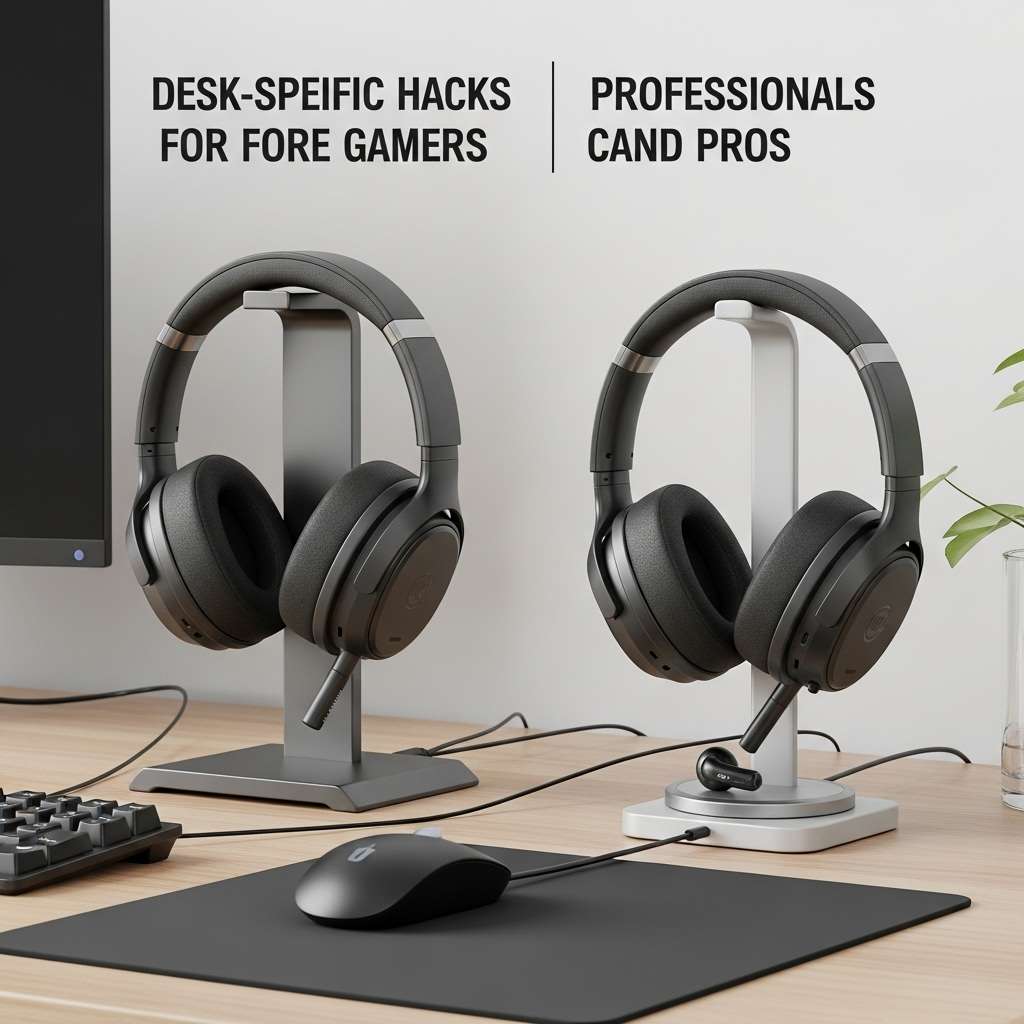
Wireless headphones aren’t one-size-fits-all; your desk dictates everything. Gamers thrive on speed stand-mounted headsets, instant mute buttons, and low-latency dongles within arm’s reach. Every second counts.
Professionals, however, chase clarity and calm. Clean docks, cable-free charging pads, and subtle noise control keep the workspace focused. Short sessions, long calls, fast reactions, deep concentration different needs, same desk.
Tune placement, controls, and charging habits to your workflow, and wireless audio stops being an accessory and becomes part of how you work and play.
7. Monitor Arm Cable Management
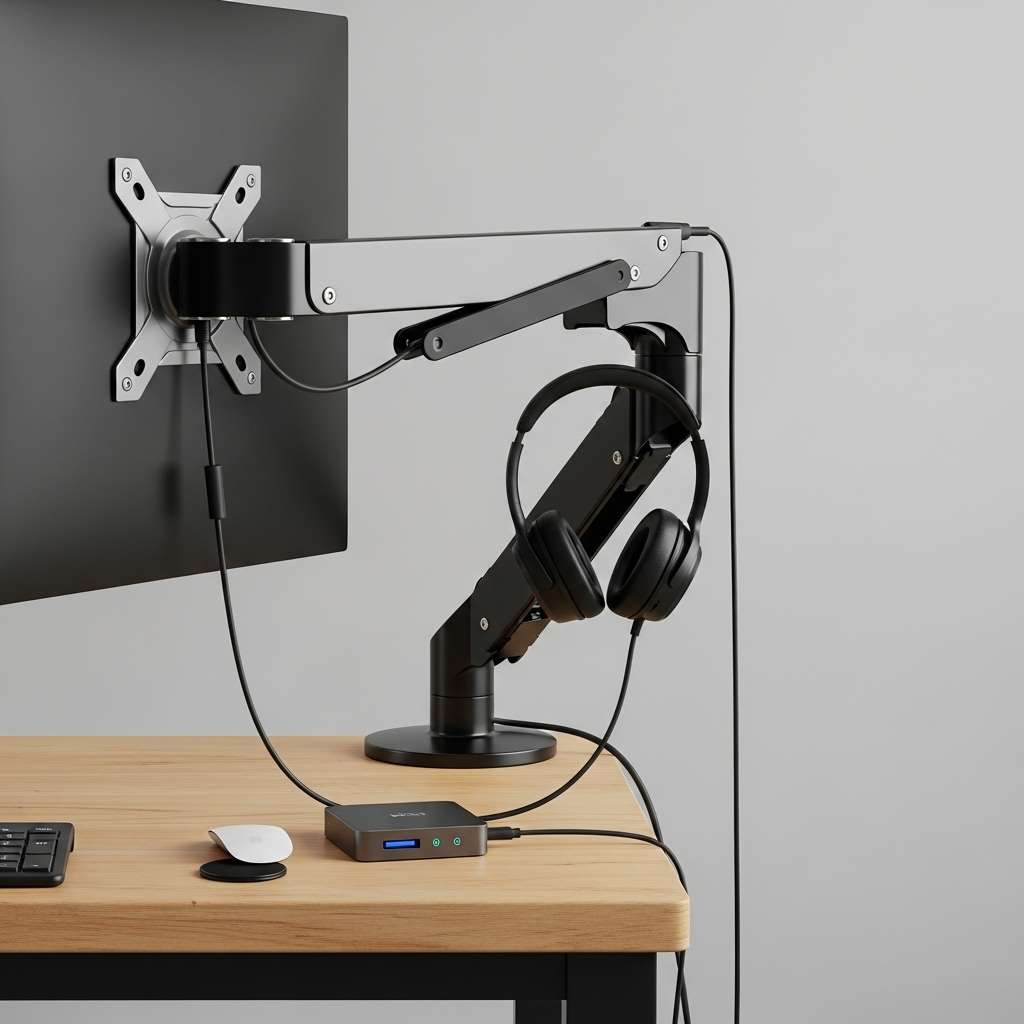
Wireless headphones or not, clean desks matter. Mount your monitor and let the arm do the heavy lifting. Most arms hide clever clips use them. Thread your headphone cable along the arm so it drops neatly to your hub, never across the desk.
I set mine up with a $10 VESA arm and the result felt unreal: cords disappear behind the stand, sightlines clear, focus up. Simple routing, zero clutter, instant upgrade. Fast, affordable, tidy, durable, satisfying, repeatable, elegant, practical, done.
8. Keyboard Tray and Drawer Tricks
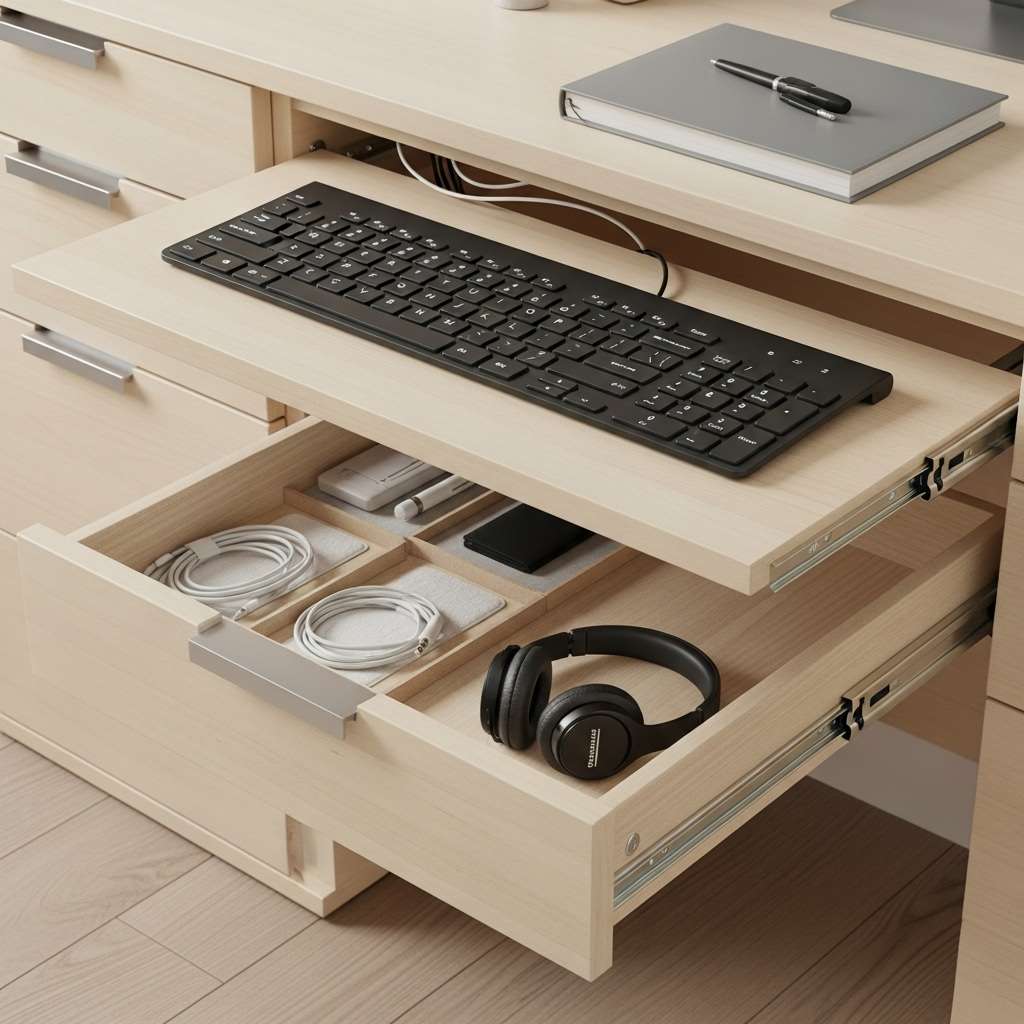
Messy cables ruin clean desks. A pull-out keyboard tray becomes a secret tunnel, hiding wires underneath while still keeping everything reachable. Feed cords neatly through existing gaps instead of drilling holes, and add grommets for a smooth, finished look.
Inside drawers, use simple organizers and Velcro strips to secure your headphones. Slide the drawer open, plug in, and you’re ready no tangles, no clutter, just effortless flow. Smart storage quietly upgrades daily work setups.
Question for you: Tired of wires blocking your mousepad? These keep paths clear.
Furniture Tweaks for Total Wire Invisibility
- Upgrade your desk. Built-in management crushes surface hacks.
- I snagged a fully loaded desk from IKEA—cable ports everywhere.
Cable Ports and Grommets
Desk grommets swallow wires. Cut a hole, insert, route below.
- IKEA UPPLAND grommet: Affordable, blacked out. Fits most desks.
- Custom cut: Use a hole saw for perfect fit.
Personal story: I modded my thrift-store desk. Now headphone wires disappear into oblivion.
Wall-Mounted or Floating Shelves
- Mount speakers or hubs off-desk. Wires run behind walls.
- Adhesive strips hold channels vertical. Total stealth.
- FYI, this setup hides power strips too—full clean desk setup glow-up.
9. Accessories That Make Hiding Effortless
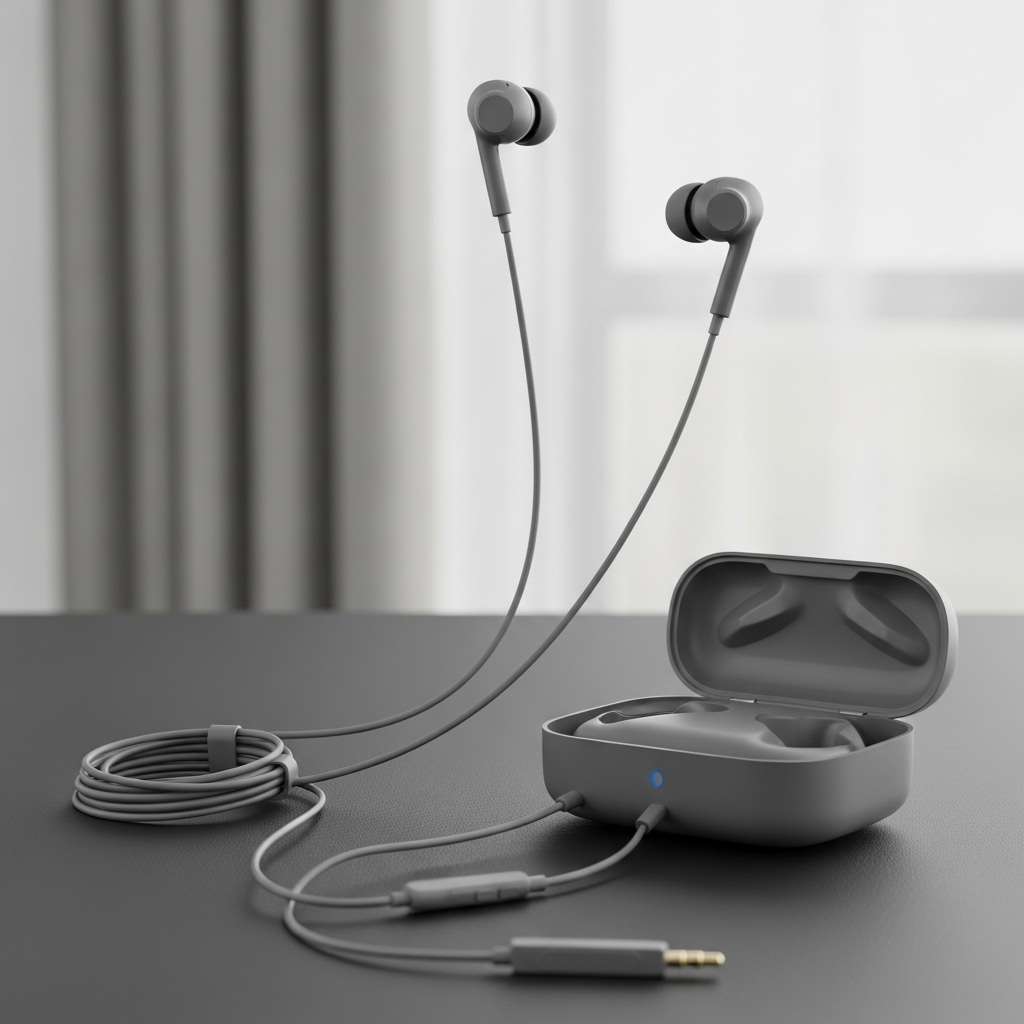
Wireless headphones are the kind of accessory that quietly changes everything. No tangled cords. No awkward adjustments. Just seamless sound that slips into your routine without drawing attention. They’re sleek, practical, and surprisingly powerful in how effortlessly they blend into daily life.
One smart purchase can elevate workouts, commutes, study sessions, and downtime alike. Gadgets like these don’t just keep up with you they work in the background, simplifying moments while delivering comfort, clarity, and long-term value you’ll appreciate every single day.
Magnetic Cable Clips
Magnets snap to metal desks. One-handed grab for headphones.
- OHill clips: Pack of 10, strong hold. I stick ’em everywhere.
- Leather ones: Classy look for office vibes.
Powered USB Hubs with Covers
- Hubs tidy ports. Covers hide plugged-in jacks.
- Elgato hub rocks—short cords minimize exposure.
- Ever tripped at 2 AM? These prevent that nightmare.
Common Mistakes to Dodge
- We all screw up first tries. Learn from mine.
- Don’t overload clips—wires pop out mid-use. Test tension.
- Skip cheap tape; it peels and leaves goo. 3M Command strips rule.
- Overthink wireless? Budget buds lag. Stick to Bluetooth 5.0+.
Pro Tips for Long-Term Clean Desk Success
- Maintain the win. Weekly checks keep wires hidden.
- Label bundles—saves hunting. Use colored ties for headphones vs. others.
- Integrate with full cable management for desk. Headphones first, then everything else.
- Question: Ready to flex that minimalist setup on your stream?