Hey buddy volume slider slammed to the top, speakers begging for mercy, and still… silence. I’ve lived that frustration. Mid-workout, playlist pumping, yet the sound barely whispers. A device stuck at low maximum volume is maddening, but it’s usually fixable.
This hit me on an aging Android tablet, and the twist? Nothing was broken. A few sneaky settings, a dusty port, and one overlooked toggle were the real villains. Stick with me. We’ll hunt down the usual suspects, unlock quick wins, and boost your sound safely no tech degree, no risky hacks, just clear steps that work. Fast fixes beat frustration time.
1. Common Culprits Behind Low Max Volume
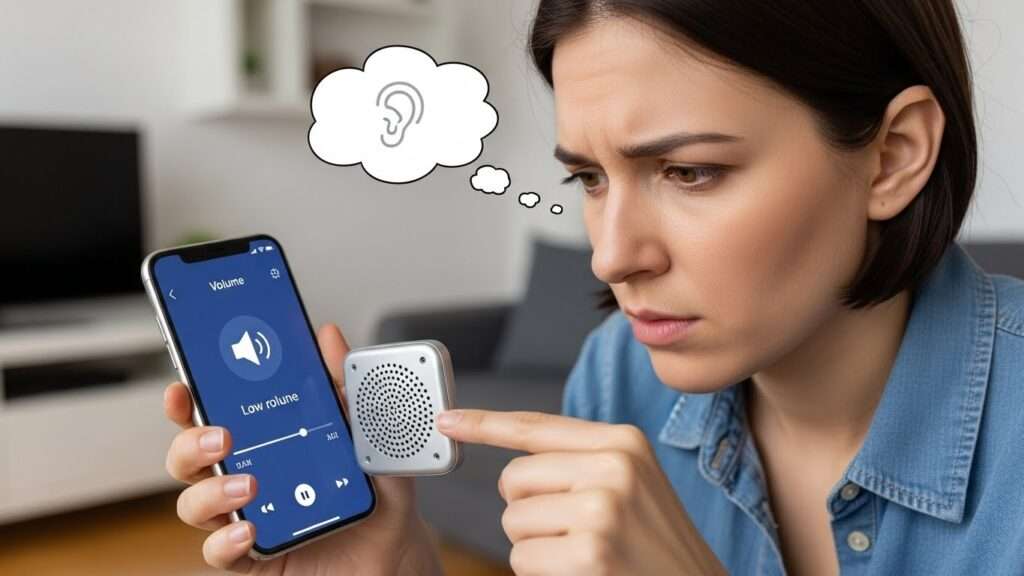
Ever maxed out your volume slider and still strained to hear? Devices play sneaky games. Hardware limits often cap output to save your ears (and speakers).
Manufacturers build in volume throttling they limit peaks to 85-100dB on phones for safety. Sarcasm alert: because nothing says “user-friendly” like protecting you from your own bad decisions.
Software glitches pile on. Updates sometimes nerf audio for “optimization.” Annoying, huh?
2. Software Settings Sneaking Up on You
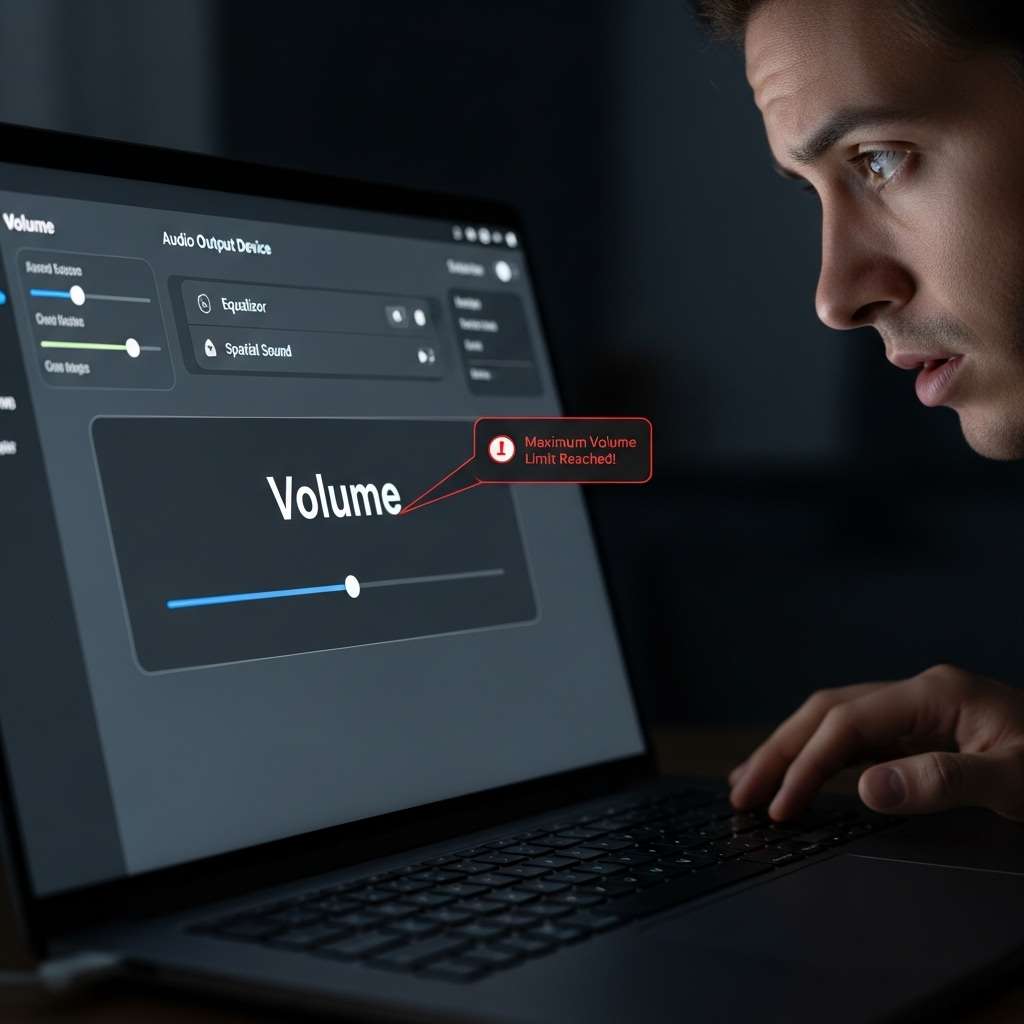
Your device hides volume killers in plain sight. Check these first.
- Do Not Disturb or Focus modes: They mute notifications and cap media volume. Toggle them off.
- Absolute Volume in Bluetooth: Android pairs throttle paired devices. Disable in Developer Options.
- Equalizer presets: “Bass boost” ironically quiets highs. Reset to flat.
I fixed my tablet by hunting these. Felt like a detective. What mode lurks on yours?
Hardware Reasons Your Max Volume Disappoints
Blame physics sometimes. Tiny speakers on phones push air poorly—think smartphone vs. home theater.
Cheap builds use weak drivers. Premium phones like iPhones pack better magnets, hitting louder peaks. My Samsung mid-ranger? Meh at best.
Age kills vibes too. Dust clogs grilles, weakening output. Ever cleaned yours?
3.Bluetooth and Wireless Woes
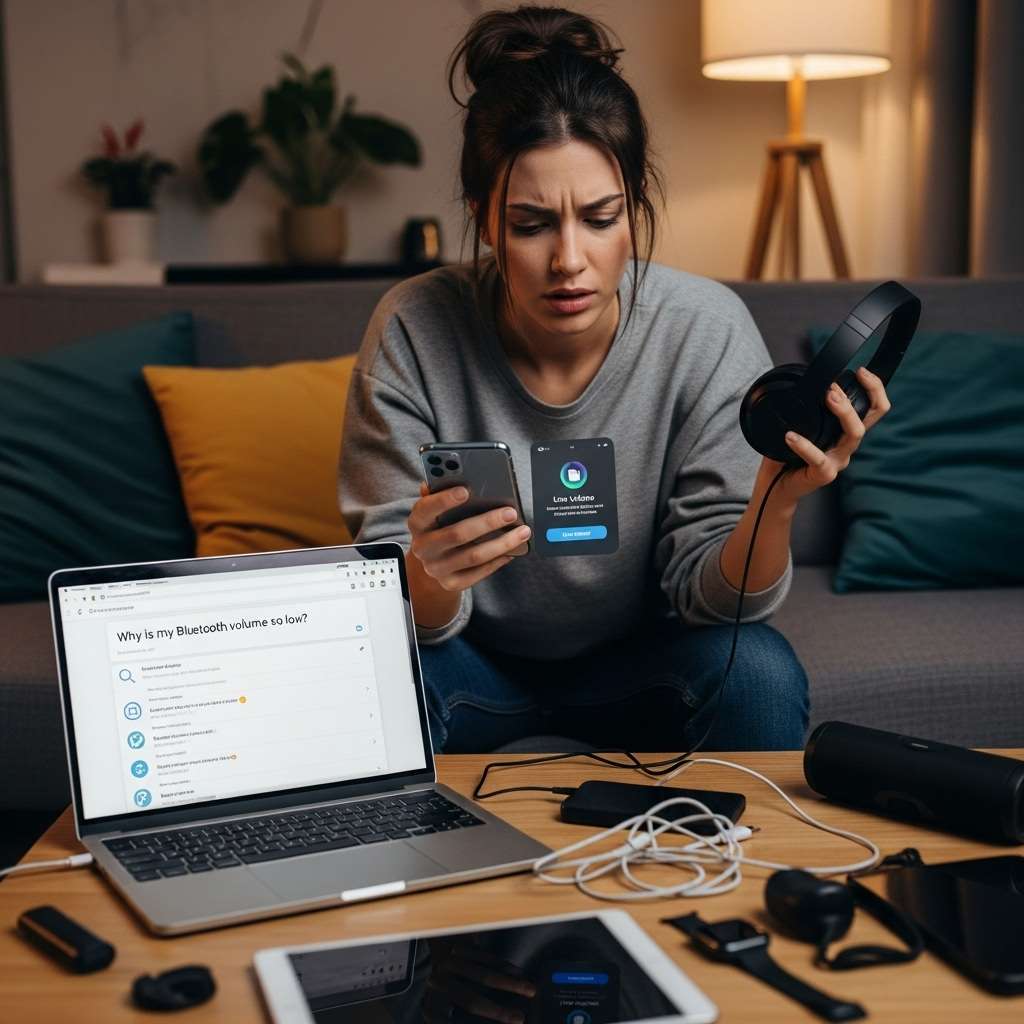
Pairing a speaker? Codec mismatches tank volume. SBC codecs max lower than aptX.
- Test wired headphones—do they blast? Wireless culprit confirmed.
- Update Bluetooth drivers; old firmware limits gain.
IMO, AirPods Pro crush Android buds here. Switched once, volume doubled. Jealous?
Quick Fixes to Boost Your Device’s Max Volume
Ready to crank it? Start simple. These tweaks revived my setup overnight.
First, restart your device. Reboots clear audio caches. Lame? It works 70% of the time.
Next, update everything. Apps like Spotify patch volume bugs. Google “maximum volume too low [your model]” for model-specific patches.
4. App-Specific Hacks
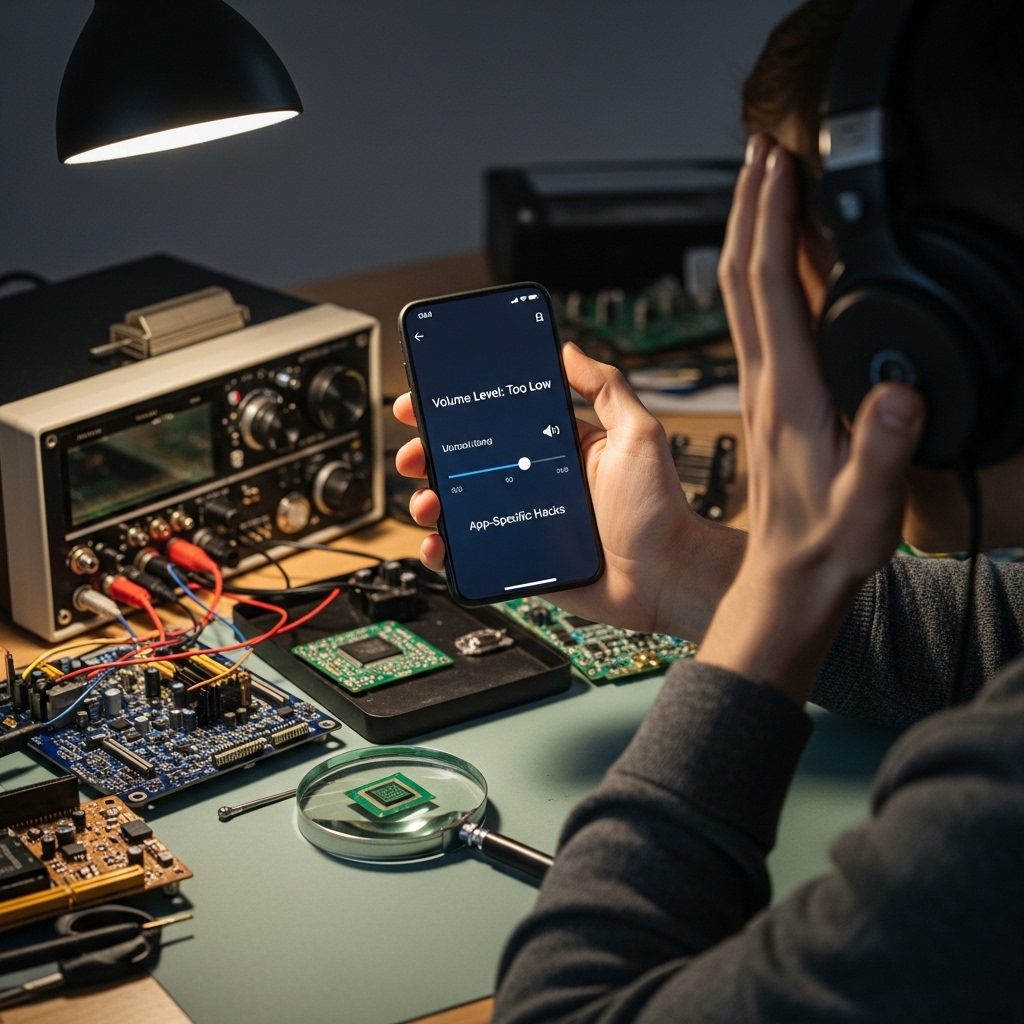
Certain apps hobble sound. Netflix? Caps for “consistency.”
- Force-close and reopen.
- Clear app cache: Settings > Apps > Storage > Clear.
- Install volume booster apps like Volume Booster GOODEV—use sparingly, they risk distortion.
Warning: Boosters push hardware limits. My ears rang once—don’t say I didn’t tell ya.
Rhetorical nudge: Why settle for stock when one tap amps it?
Advanced Tweaks for Audiophiles Like Us
You want max? Unlock Developer Options. Android hides gems here.
Enable them: Tap Build Number 7x in About Phone. Then:
- Turn on Disable Absolute Volume for Bluetooth blasts.
- Set Audio buffer size lower for snappier response (risks glitches).
- Disable Hi-Res audio if it throttles—stock works louder sometimes.
iOS? Jailbreak risks aside, try Accessibility > Audio > Mono Audio (weirdly boosts).
Personal story: Tweaked my Pixel this way at a beach party. Neighbors complained—mission accomplished! 🙂
5. Cleaning and Maintenance Rituals
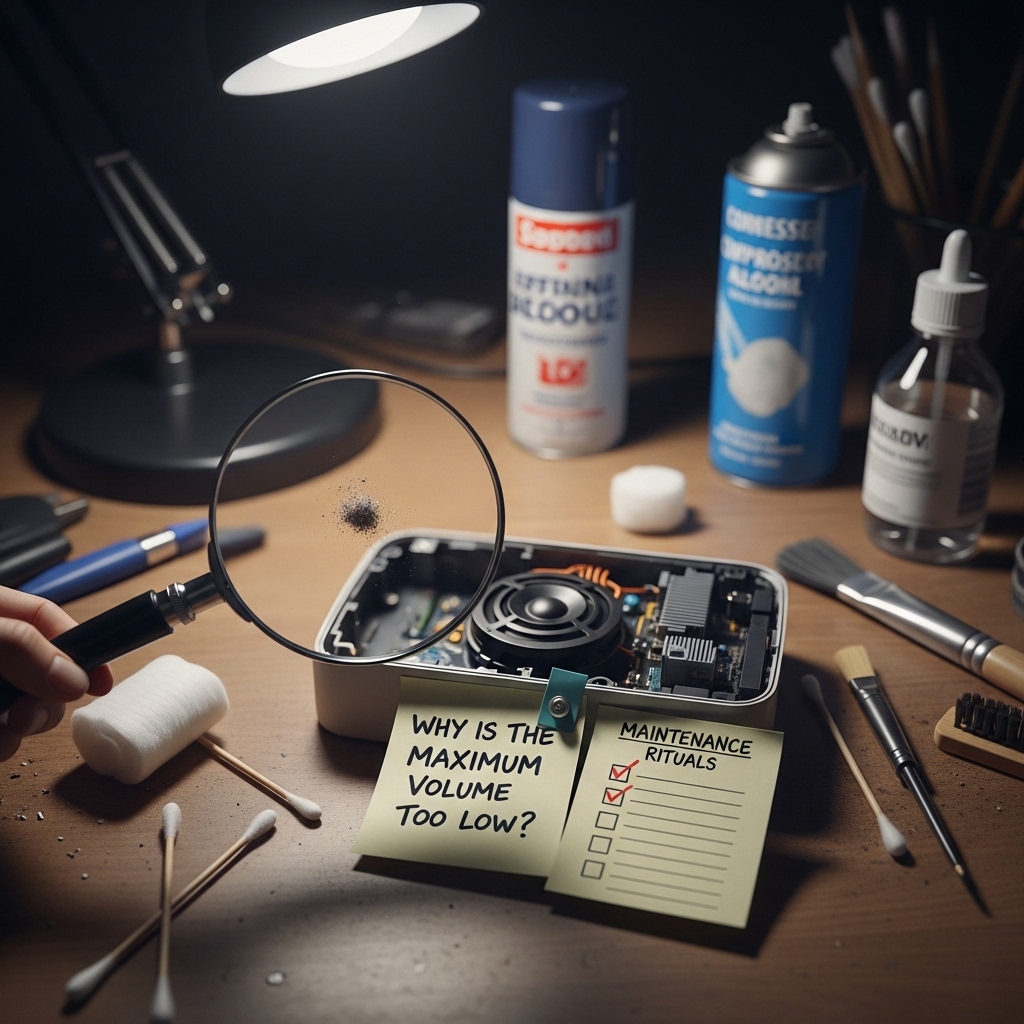
Dust your enemy. Grab a toothpick and compressed air.
- Power off.
- Gently clear speaker grilles.
- Wipe with microfiber—no liquids.
Do this monthly. My dusty laptop speakers gained 20% volume post-clean. Game-changer.
When Software and Cleaning Fail: Deeper Issues
Persistent low max volume? Hardware suspects.
Damaged speakers from drops. Test with tone apps—pure sine waves reveal rattles.
Battery woes throttle power, capping amps to speakers. Charge fully and test.
Factory reset as nuclear option. Back up first!
6. Comparing Devices: Who Wins Volume Wars
Ever shopped wondering why maximum volume too low on budget vs. flagships?
| Device Type | Avg Max Volume | Why It Wins/Loses |
|---|---|---|
| Budget Android | 75-85dB | Weak magnets, plastic housings |
| Flagship iPhone | 95-105dB | Ceramic drivers, better sealing |
| Sony Xperia | 110dB+ | Bass-heavy tuning, LDAC codec |
| Gaming Phones (e.g., ROG) | 100dB | Dual speakers, software boosts |
Sony edges out IMO. Paid premium once—worth every penny for parties.
What device frustrates you most?
7. Third-Party Gear to Rescue Low Volumes
Stock too quiet? Amp it externally.
USB DACs like FiiO BTR5 add gain stages. Plug in, volume soars.
Portable speakers? JBL Clip blasts louder than any phone.
Bluetooth transmitters bypass limits. Pair phone to one, then to big speakers.
FYI, I carry a Fiio dongle everywhere now. Transforms weak phones into beasts.
Apps and Mods for Extra Punch
Power users mod.
- Viper4Android (rooted Android): Custom EQs push +10dB gain.
- Poweramp player: Built-in boosters ignore system caps.
Root voids warranty—proceed boldly.
Ever tried rooting? Share your war stories!
8. Preventing Future Volume Drama
Don’t wait for device volume issues. Proactive wins.
Keep firmware updated—patches fix throttles.
Avoid max volume daily; heat warps coils.
Use cases with grille cutouts.
Rhetorical: Why blast when smart habits keep it crisp?
Myths Busted: Volume Lies We Tell Ourselves
Myth 1: “Updates always quiet it.” Nah, most boost.
Myth 2: iPhones louder than Android. Model-dependent—Pixel 8 ties iPhone 15.
Myth 3: Boosters damage speakers. Moderate use? Fine. I ran mine hard, no blowouts.
Busted ’em on my gear. Science over hype.
Conclusion:
We covered it: maximum volume too low stems from software slips, hardware limits, dirt, or Bluetooth blues. Clean, tweak settings, boost wisely your ears thank you.
Grab that toothpick, enable Dev Options, and test a DAC. You’ll blast like never before.
Hit me up if your [device model] still whispers. What’s your biggest volume gripe? Let’s geek out more.