Plug a premium pair of headphones into a shiny new laptop. Press play on a favorite high-resolution track.
Sometimes the music sounds like a private concert, and other times it sounds like a garage band playing through a tin can.
What gives? Listeners constantly debate the ultimate audio question: do headphones sound better on a Mac vs PC? We need to settle this score once and for all.
Grab a coffee, put on your favorite playlist, and let’s figure out why your operating system changes the way your music sounds. We will break down the hardware, the software, and the little quirks that make each platform unique.
1. The Heart of the Matter: Hardware and DACs
Let’s talk about the physical guts of these machines. The audio quality always starts with the Digital-to-Analog Converter (DAC).
This tiny chip translates digital files into physical sound waves. The quality of this single component dictates everything you hear.
Apple’s Hidden Audio Weapon
Apple treats audio like a first-class citizen. Engineers at Apple pack surprisingly robust audio hardware inside those sleek aluminum chassis. They slap high-quality custom DACs directly onto their logic boards.
Because Apple controls the entire manufacturing process, they guarantee a consistent audio experience across their entire lineup.
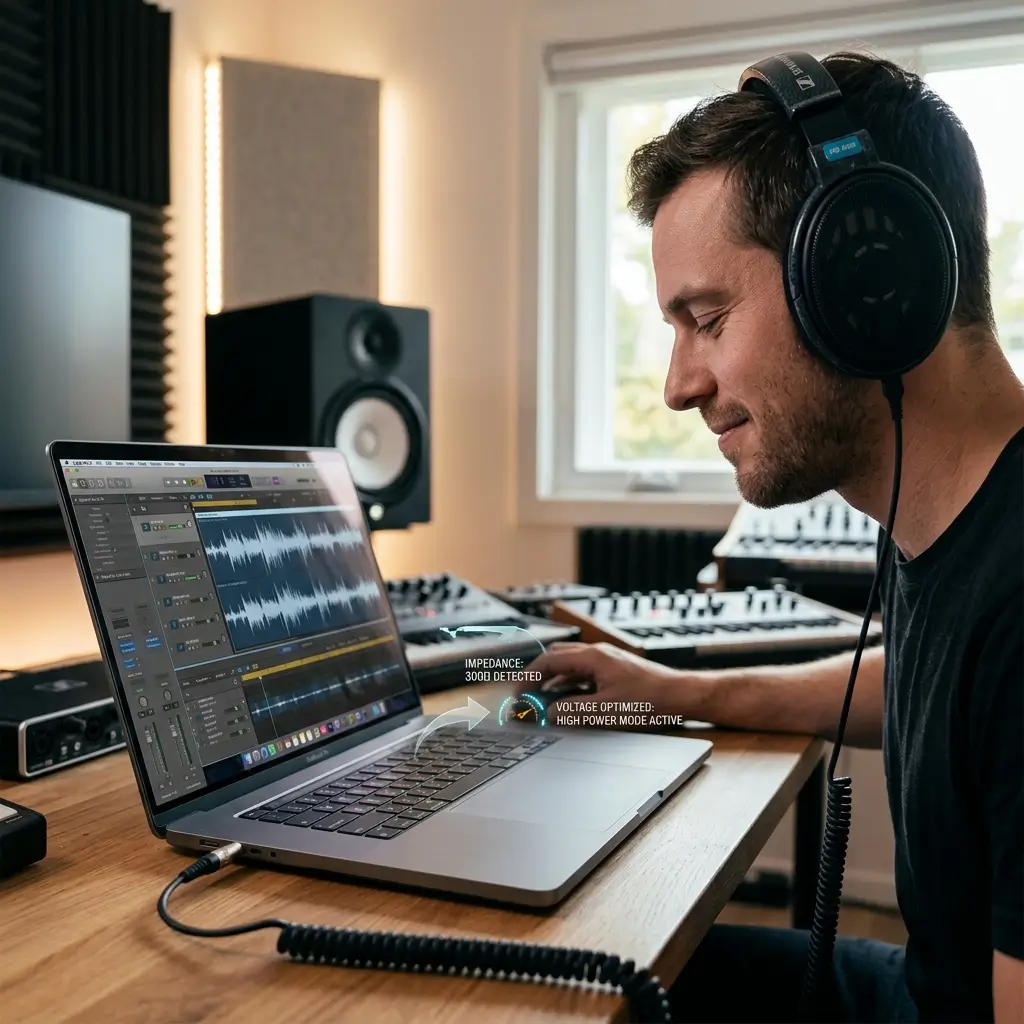
Recent MacBook Pro models take things a step further. Apple quietly added high-impedance headphone support to their newer laptops.
These machines actively detect the power requirements of your headphones and adjust the output voltage automatically.
You can plug massive, power-hungry studio headphones directly into a Mac and they sound fantastic. PC manufacturers rarely offer this level of plug-and-play convenience.
The PC Hardware Wildcard
The PC ecosystem resembles the wild west. Motherboard manufacturers choose from hundreds of different audio components to build their systems.
Some premium gaming motherboards feature fantastic Realtek chips, dedicated audio capacitors, and built-in amplifiers. If you buy a high-end board, you get incredible sound.
However, budget laptops and mid-range desktops often use bottom-of-the-barrel audio parts. PC builders constantly prioritize graphics cards and processors, leaving audio as a total afterthought. Nothing screams luxury quite like pairing a $4,000 custom gaming PC with a fifty-cent audio chip that makes symphonies sound like dial-up internet. :/
Electromagnetic interference also ruins PC audio. Giant graphics cards and power supplies leak electrical noise inside the computer case.
This noise bleeds directly into cheap, unshielded audio components. Ever heard a weird buzzing noise in your headphones when moving a computer mouse? That annoying static comes from poor electrical shielding.
2. Software and Operating Systems: macOS vs. Windows
Hardware only tells half the story. The operating system controls how the computer routes the audio data from your music app to the headphone jack. The way these two operating systems handle sound data differs wildly.
CoreAudio: The Mac Advantage
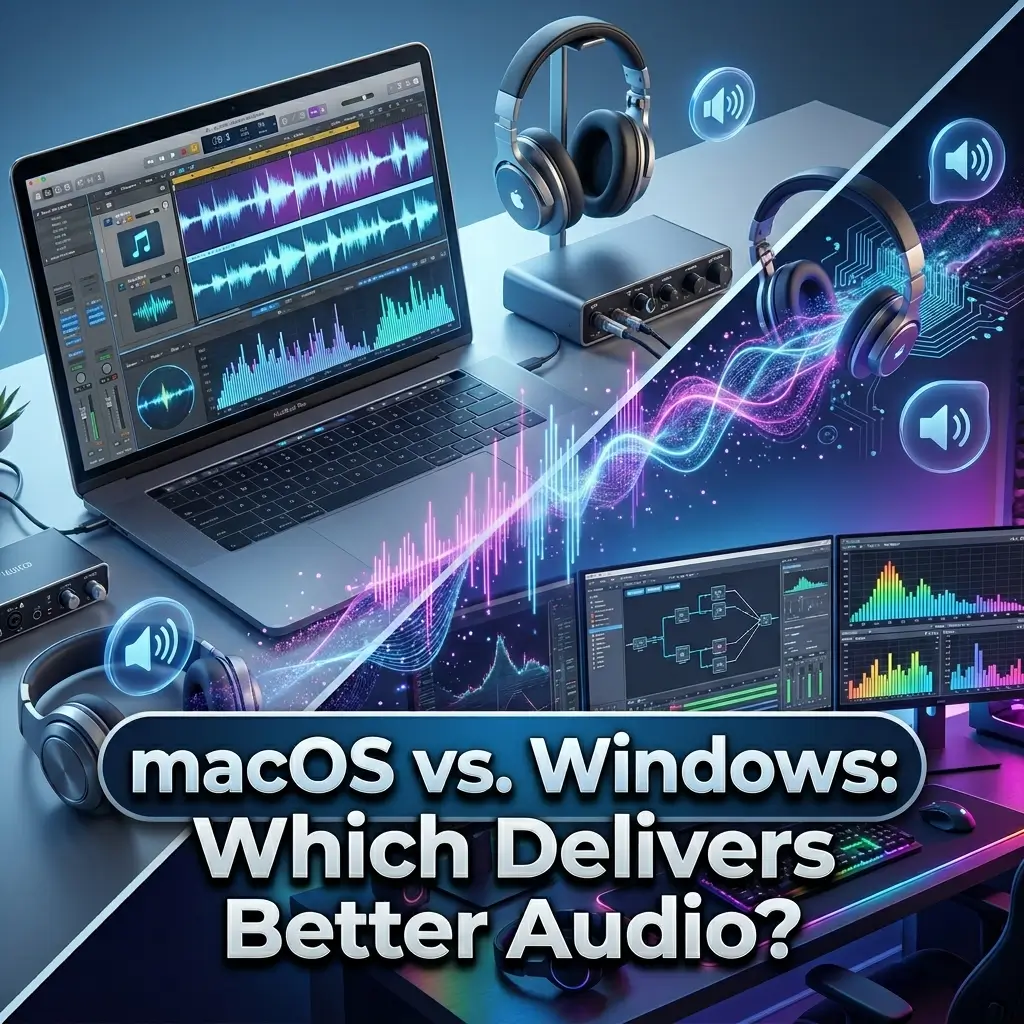
macOS relies on a powerful framework called CoreAudio. Apple built this system to handle sound flawlessly without altering the original file. It automatically matches the sample rate of your playing track. If you play a high-resolution 96kHz audio file, CoreAudio sends exactly 96kHz to your headphones.
Music producers flock to Macs purely because of CoreAudio. It provides bit-perfect playback straight out of the box with zero tweaking required. You also get incredibly low latency. You can plug a MIDI keyboard into a MacBook, hit a key, and hear the sound instantly.
Windows Audio: A Resampling Nightmare
Windows takes a completely different, slightly chaotic approach. The Windows Audio System constantly intercepts and resamples audio streams. Windows forcibly mixes your Spotify music, game sounds, and system notification pings into one shared sample rate.
This forced resampling process degrades the sound quality of high-resolution tracks. You literally lose data before the sound even reaches the headphone jack. Audiophiles absolutely despise this behavior. To fix Windows, users must bypass the system mixer entirely.
Here is what Windows users must do to get pure sound:
- Install specialized drivers: Users must download ASIO or WASAPI drivers to bypass the Windows mixer.
- Enable Exclusive Mode: You have to force music applications to take exclusive control of the audio device.
- Deal with lockouts: When an app uses Exclusive Mode, no other program can make a sound. You miss out on message notifications while listening to music.
3. Bluetooth and Wireless Listening
Wireless headphones dominate the streets today. Does the operating system actually matter when you ditch the cables? Absolutely, because of Bluetooth codecs. A codec dictates how the computer compresses the audio for wireless travel through the air.
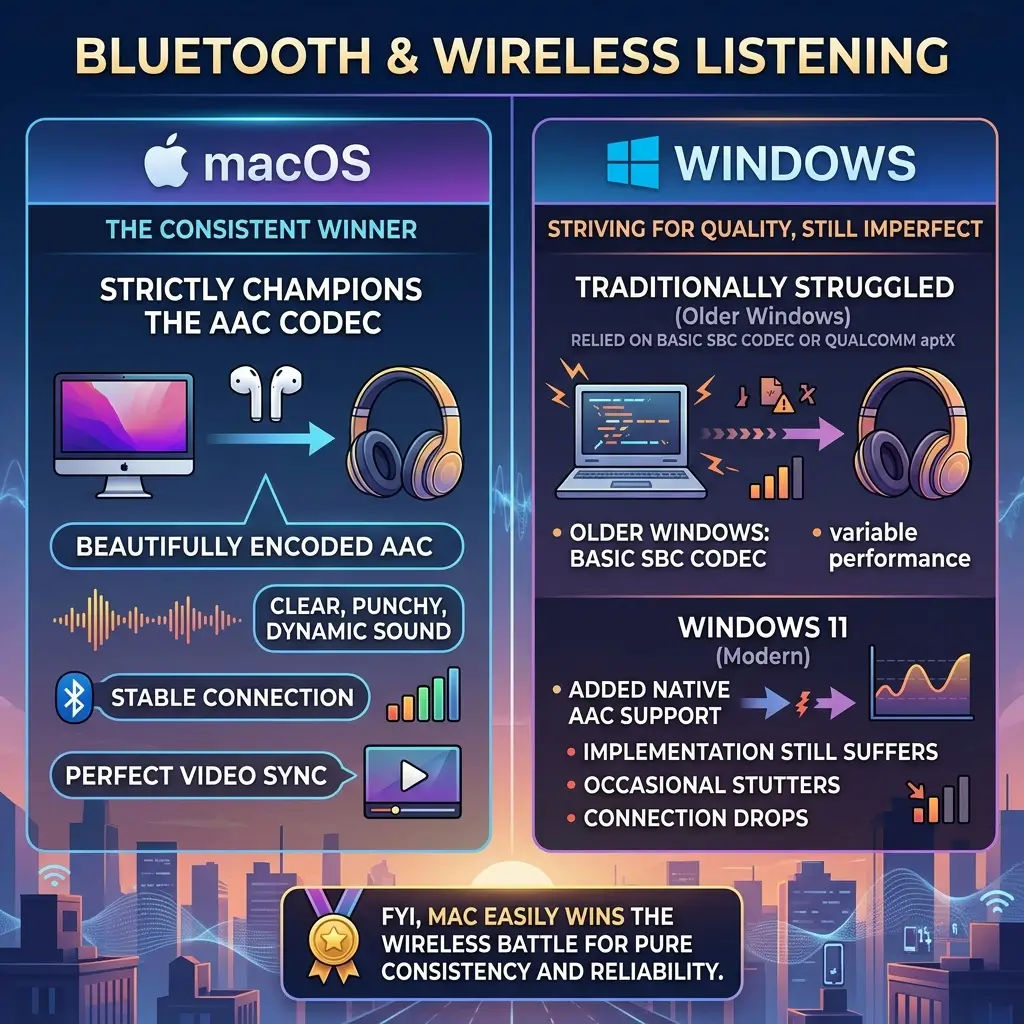
Apple strictly champions the AAC codec. macOS encodes AAC beautifully, making AirPods and premium wireless headphones sound clear, punchy, and dynamic. The connection remains stable, and the audio syncs perfectly with video.
Windows traditionally struggled with Bluetooth audio quality. Older Windows machines relied on the basic SBC codec or Qualcomm’s aptX. While Windows 11 finally added native AAC support, the implementation still suffers from occasional stutters and connection drops. FYI, Mac easily wins the wireless battle for pure consistency and reliability.
4. Gamers vs. Audiophiles: Different Priorities
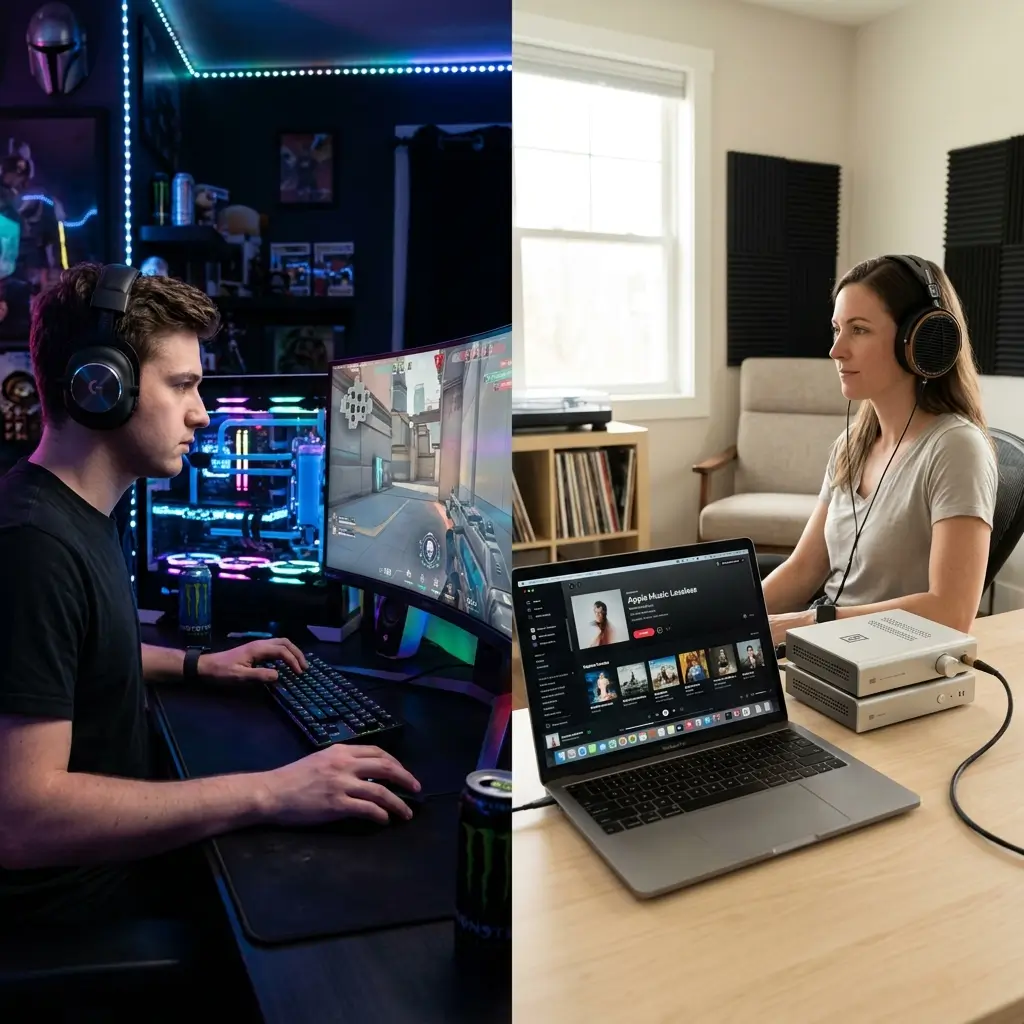
Different users need completely different things from their computer audio. We need to look at how each platform serves its specific audience.
Gamers live almost entirely in the PC realm. PC audio software focuses heavily on spatial surround sound for gaming environments.
Programs like Dolby Atmos for Headphones or Windows Sonic create virtual 3D soundscapes. This technology helps players hear footsteps sneaking up behind them in competitive shooters.
Hearing an angry teenager yell at you in 3D surround sound truly represents the pinnacle of modern audio engineering.
Audiophiles prioritize purity over virtual effects. They want to hear the music exactly as the artist recorded it in the studio.
Mac provides this pure, uncolored sound effortlessly. PC requires massive amounts of software tweaking to disable all the “audio enhancement” bloatware that comes pre-installed on modern motherboards.
5. Upgrading the Experience: The External Equalizer
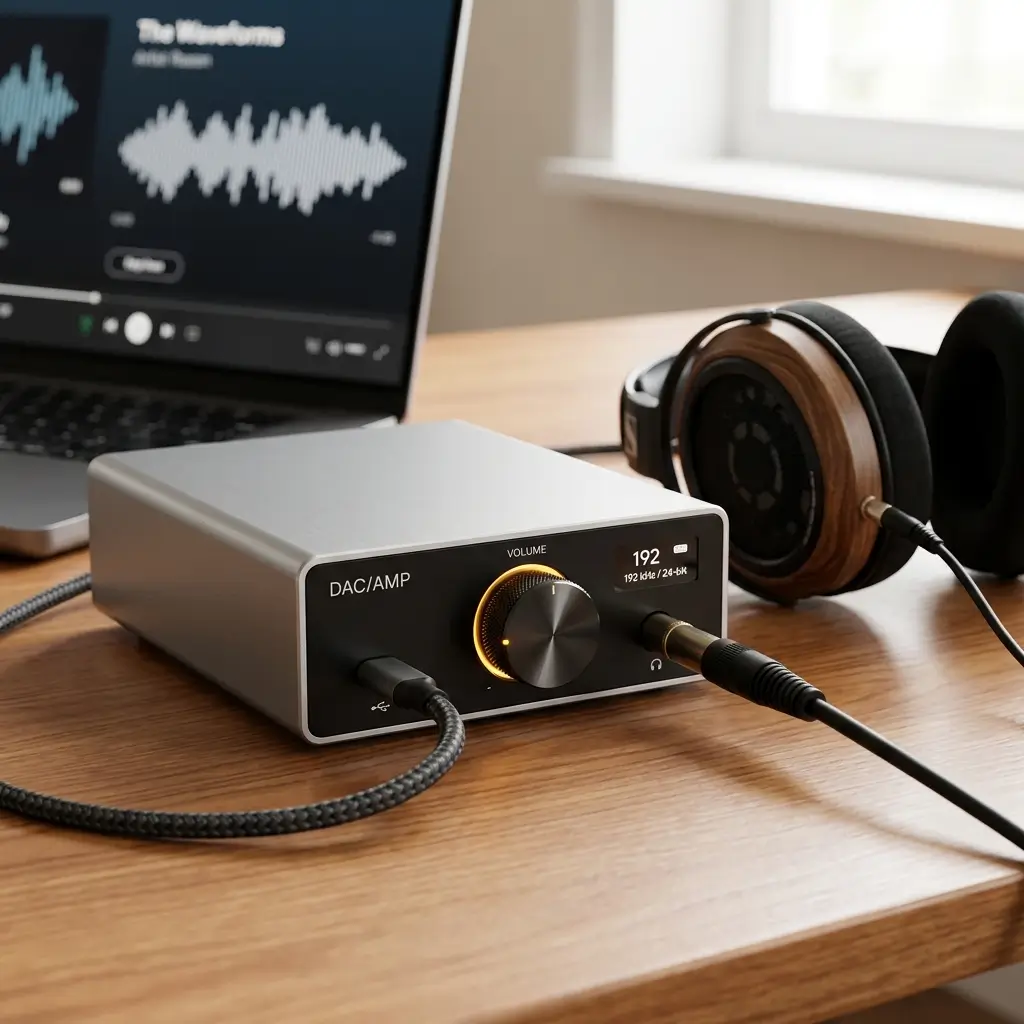
Want to completely level the playing field? You just need to bypass the computer hardware altogether. Buying an external DAC and Amplifier combination solves every audio problem instantly.
This magic box completely replaces the internal audio hardware of the computer. You plug the device into a USB port, connect your headphones, and let the external gear handle all the heavy lifting.
Here are the benefits of using external audio gear:
- Zero interference: Moving the audio processing outside the computer case eliminates electrical buzzing and static.
- Massive power: Dedicated amplifiers easily drive massive studio headphones that laptops struggle to power.
- Platform equality: The external box handles all the audio math. The computer simply acts as a digital storage drive.
Once you route the sound through an external DAC, the eternal question of “do headphones sound better on a Mac vs PC” becomes completely irrelevant.
The external gear dictates the sound quality entirely. Audiophiles almost always choose this route to guarantee perfect sound regardless of the machine they use. IMO, grabbing a good external DAC saves endless headaches.
6. Final Verdict: Do headphones sound better on a Mac vs PC?
We finally have a clear answer to the debate. Out of the box, Mac wins the audio battle handily. Apple provides superior internal hardware, excellent high-impedance headphone support, and a software framework that treats audio with absolute respect. You plug in your headphones, press play, and enjoy perfect sound without touching a single setting.
PC requires work. A custom-built PC can sound incredible, but only if the builder carefully selects a premium motherboard or installs an internal sound card. Windows also demands frustrating software tweaks to stop the operating system from compressing and ruining high-resolution audio files.
If you want absolute perfection on either platform, buy an external DAC and amplifier. Bypassing the internal hardware ensures your favorite headphones always sound their absolute best.
Have you checked your own computer’s audio settings lately? Grab your best pair of headphones, plug them into your machine, and see if you notice the difference. You might just realize you have been listening to compressed audio this entire time!